 Scribba
Undergraduate notes have a short life. You take them for a course, study them for the final, and rarely look at them again. Graduate school is different. The paper you read in your first semester might be the one you cite in your dissertation, and the comment your advisor made in a meeting two years ago might be the reason your project changed direction.
So the goal shifts. You're not just taking notes to pass a class. You're building a record you'll search and reuse for years. Here's how to set that up across the four places grad school notes come from: readings, seminars, research meetings and qualifying exams.
Readings: read strategically, note consistently
You'll be assigned more than you can read closely. That's normal, and most graduate students learn to triage:
- Skim first. Read the abstract, the introduction and the conclusion. Look at the figures. Decide whether this is a paper you need to understand in depth or one you need to know about.
- Read closely only what matters. For key papers, read the methods and results carefully, and annotate as you go.
- Write a short reading note for every paper, even the skimmed ones.
Use the same structure for every reading note, so they're easy to compare later:
- Full citation
- The main question and the main claim, in a sentence each
- Method or approach, and the evidence
- Limits or weaknesses you noticed
- How it connects to other work you've read
- How it connects to your own research, if it does
- Questions you'd ask the author
That last line is useful in seminar, and the connections are what you'll want when writing a literature review. Keep quotes, paraphrases and your own ideas visibly apart, with page numbers on everything. Research paper notes on iPad explains that system in detail.
Tip: keep your reading notes in one long-running notebook, not inside each course's notebook. The course ends, but the reading stays relevant.
Seminars: prepare, then listen for the moves
In a graduate seminar, the professor isn't delivering content. The discussion is the content, and you're expected to contribute. Your notes need to do two jobs.
Before the seminar, write two or three discussion points: a question, a critique or a connection between readings. Having something prepared makes it easier to speak early, which tends to make the rest of the session easier.
During the seminar, don't try to transcribe. Note the main questions the group took up, the strongest arguments on each side, readings or ideas people mentioned that you hadn't heard of, and anything that changed your mind. Mark your own ideas so you can find them later.
Afterwards, spend five minutes writing what you think now that you didn't before. Those notes are often the start of a paper. Our guide to taking notes in a seminar has more.
Research meetings: decisions and action items
Meetings with your advisor or lab are where your project gets steered, and they're easy to forget. A simple structure helps:
- Before: write a short agenda. What have you done since last time, what's blocking you, and what do you need a decision on?
- During: write down decisions, suggestions and references your advisor mentions. Note who's doing what.
- After: read through it the same day, and turn every action item into a task with a date.
Date every page. Months later, "my advisor suggested dropping the second study" is much more useful with a date attached.
If you'd like to record a meeting, ask first, every time. Some people are glad to be recorded, and others aren't, especially in group meetings.
Qualifying exams: synthesize, don't reread
Quals, comps or prelims test whether you know a field, usually through a long reading list. Rereading everything isn't practical, and it isn't the skill being tested. The exam asks you to connect, compare and argue.
- Group your reading list by theme or debate, not by author.
- For each theme, write a one-page synthesis by hand: the main positions, who holds them, the key evidence, and where you stand.
- Make flashcards for the facts you must recall: key authors and their arguments, definitions, landmark studies.
- Practice answering questions out loud or by hand under time, especially if your exam has an oral part.
Grad school notes in Scribba
Scribba is an iPad notes app built for class. A few features matter more in grad school than they did before.
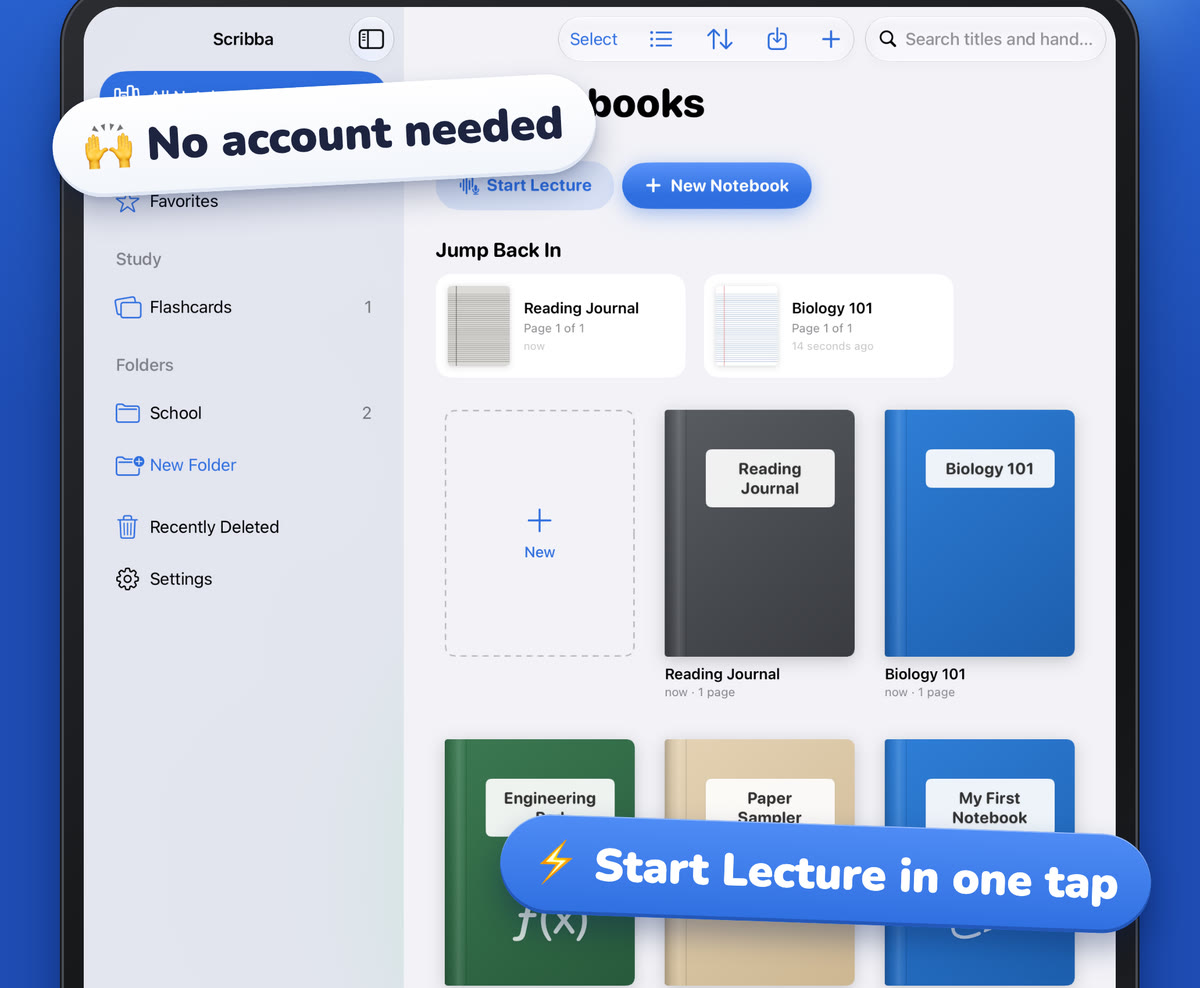
Organize by area, not just by course. Folders and notebooks are unlimited. Many grad students keep folders like Courses, Readings, Research and Quals, with one notebook per project.
Read papers in the same app. Import PDFs as a new notebook or into an existing one, write on them, and search their text. Split View opens a notebook in its own window, so the paper sits beside your reading note. See annotating lecture slides on iPad for working with PDFs.
Use the paper that fits. Meeting Notes paper has DATE, TIME, LOCATION and ATTENDEES fields, a numbered AGENDA, NOTES, and ACTION ITEMS with an OWNER column, which suits advisor meetings. Lab Notebook paper has TITLE, BOOK NO., PROJECT and PAGE fields, a grid, and SIGNATURE, DATE and WITNESSED & UNDERSTOOD BY fields at the bottom. If your lab or institution requires a specific official notebook, follow its rules.
Find anything, years later. Scribba searches handwriting, typed text, PDF text and lecture transcripts, from the library or inside a notebook. Results open on the matching page.
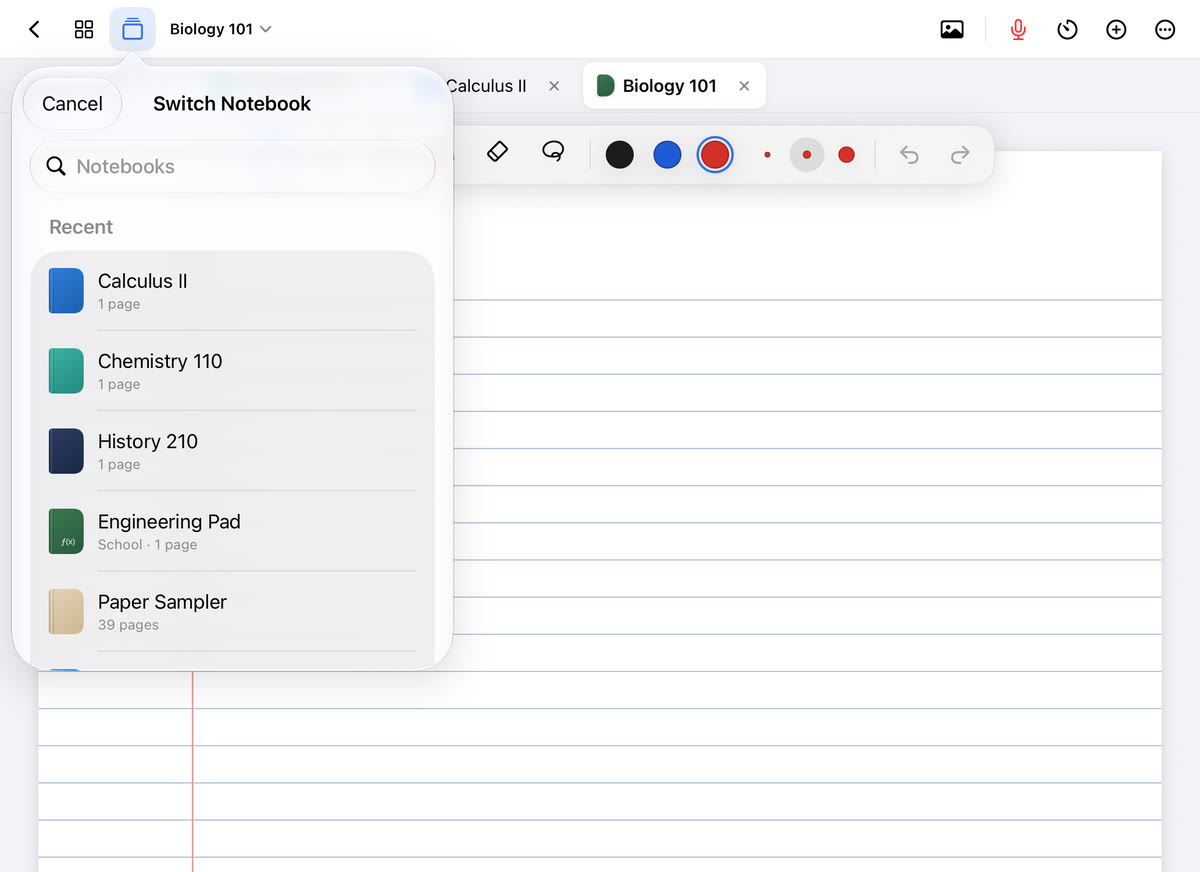
Jump between projects. Keep up to six notebooks open as tabs, and press ⌘O for the quick switcher.
Study for quals with spaced repetition. On Vocabulary and Cornell Notes pages, Scribba turns your handwritten rows and cues into flashcards, which come back on a spaced repetition schedule.
Protect years of work. Turn on iCloud Sync in Settings › iCloud, and set up Auto Backup in Settings › Backups for a daily backup zip in a folder you choose in Files. Lock notebooks with unpublished data or sensitive notes using Face ID, Touch ID or passcode. See backing up your iPad notes.
Frequently asked questions
Should I keep reading notes in each course notebook?
Keep them in a separate long-running reading notebook. Courses end, but you'll cite those readings for years.
Can I record seminars and advisor meetings?
Only with permission. Ask the people in the room every time, and check your school's policy.
How do I make sure I don't lose my notes?
Use iCloud Sync and Auto Backup together, and keep backups somewhere other than your iPad.