 Scribba
Your professor didn't post a practice exam, or posted one and you've already done it. You still want to know how you'd do on the real thing before you sit down to it. The answer is to write the test yourself.
Writing a practice exam is extra work, but it studies twice. Deciding what to ask makes you think like the person writing the exam, and taking it later shows you what you can actually do without your notes. This guide walks through how to build one that's close to the real thing, then how to take it and use the results.
Step 1: find out what the real exam looks like
A practice test is only useful if it tests the way the exam will. Before you write a single question, find out:
- The format. Multiple choice, short answer, problems, essays or a mix. Check the syllabus or ask.
- What it covers. Which lectures, chapters and readings. A review sheet, if there is one, is the best map you have.
- How long you get. You'll want to time your practice test the same way.
- What the professor stresses. Topics repeated across lectures, things written on the board twice, anything flagged as "you should know this."
Homework and quizzes are clues too. Professors tend to ask the kinds of questions they've already asked.
Step 2: collect questions as you go through your notes
Go through your notes one lecture at a time with a running list. For each topic, write questions that need different kinds of thinking:
- Recall questions. "What are the three stages of cellular respiration?" These check that you know the facts.
- Explain questions. "Why does the demand curve slope down?" These check that you understand the fact, not just the words.
- Apply questions. A problem with new numbers, a case you haven't seen, a passage to analyze. These are usually where exams get hard.
- Connect questions. "How does the idea from Week 3 change the result from Week 6?" Exams love questions that cross lectures.
Aim for more apply and connect questions than feels comfortable. A test made only of recall questions will flatter you.
Where questions hide in your notes
- Cornell cue columns. If you take Cornell notes, the cue column is already a list of questions. See how to take Cornell notes on iPad.
- Worked examples. Copy the problem, change the numbers or one condition, and you have a new question.
- Margins and question marks. Anything you flagged as confusing in class is worth a question now.
- Lists and comparisons. "Compare X and Y" is a classic exam prompt.
Step 3: write it in the exam's format
Now turn your list into an actual test. Match the real format as closely as you can.
For multiple choice, write wrong answers that are tempting: the common mistake, the term that sounds similar, the answer that's true but doesn't answer the question. Easy-to-dismiss wrong answers teach you nothing.
For problems, write them out fully, with every given and the units, the way they'd appear on the exam page.
For essays, write the prompt and decide what a strong answer must include before you try it.
Then write the answer key separately, from your notes and textbook, not from memory. A key with mistakes in it is worse than no key.
Tip: write more questions than you need, then wait a day before taking the test. By then you'll have forgotten which ones were easy, and the test will feel more like the real thing.
Step 4: take it under exam conditions
- Set a timer for the real exam length, or a bit less if you'll want time to check answers.
- Close your notes and put your phone in another room.
- Answer everything, including the ones you're unsure about. Guess, then mark the guesses.
- Don't stop to look things up. Mark the question and move on, like you would in the exam.
Testing yourself this way is active recall at full strength. If you want more ways to practice it on smaller pieces of material, see the active recall study method.
Step 5: grade it honestly and use the misses
Grade against your key. Then sort every miss and every lucky guess:
- Didn't know it. Back to the notes, then into flashcards.
- Knew it, couldn't use it. You need more practice problems of that type, not more reading.
- Careless. Note the pattern: dropped signs, misread questions, skipped units.
- Ran out of time. Practice faster, or plan the order you answer in.
Your list of misses is your next study session. A few days later, retake the questions you got wrong, ideally mixed in with a few you got right.
Trade tests with a classmate
If you study with someone, each write a test and swap. You'll get questions you'd never have asked yourself, which is closer to the real exam. Our guide to studying with a group has more ideas.
Building a practice test in Scribba
Scribba is an iPad notebook for class, and a few of its tools fit this process well.
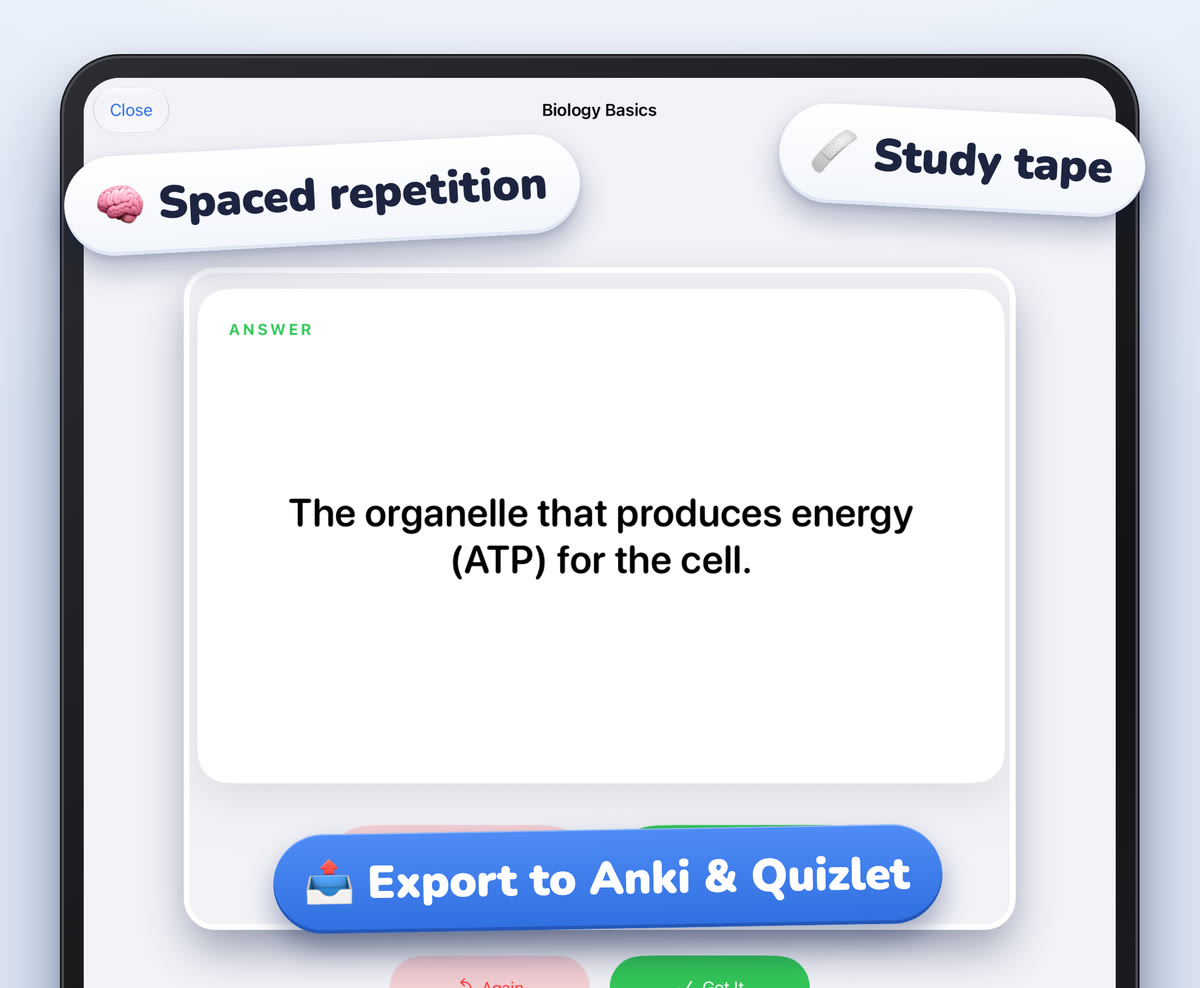
Cornell Notes paper is a question bank. Its CUES & QUESTIONS column sits beside the NOTES column, with a SUMMARY box at the bottom. Write your questions in the cue column as you review, and Scribba can read your handwriting and turn each cue into a flashcard, no Apple Intelligence needed. Check the words it read and fix any it got wrong. Those cards come back on a spaced schedule after 1, 3, 7, 14 and 30 days, which is a good way to retake your misses.
Write the test on its own page. Pull past the last page of the class notebook to add a new one. For problem-heavy classes, the Problem Set paper has NAME, COURSE, DUE and ASSIGNMENT fields over a grid split into four numbered problem areas, which works well as a practice exam page. You can change any page's paper from the page sidebar.
Hide the answers with study tape. If you'd rather keep questions and answers on the same page, write the answers in, then drag study tape over them. Tap the tape to peek when you grade. More in study tape on iPad.
Time it. Scribba's focus timer can time your test, and it keeps running if you switch notebooks.
Find what the professor stressed. If you recorded the lectures, search the transcripts from the library for words like "exam" or a key term. On iPads that support Apple Intelligence, with it turned on, you can also ask a lecture a question, like what the professor said about the midterm, and get an answer with a button that plays that moment. Apple Intelligence can also write flashcards from any page. Treat those as a draft and check them against your notes.
Share it with a study partner. Select the pages in the page sidebar and export them as a PDF to send.
Frequently asked questions
How many questions should my practice test have?
About as many as the real exam, so the timing is realistic. If you've written more, split them into two tests and take the second one a few days later.
Isn't it easier to just use flashcards?
Flashcards are great for facts. A practice test adds what flashcards can't: problems, longer answers, mixed topics and time pressure, which is what the exam will actually ask of you.
What if I write questions that are too easy?
That's common. Push yourself to write apply and connect questions, and trade tests with a classmate. Other people's questions are rarely the ones you expect.