 Scribba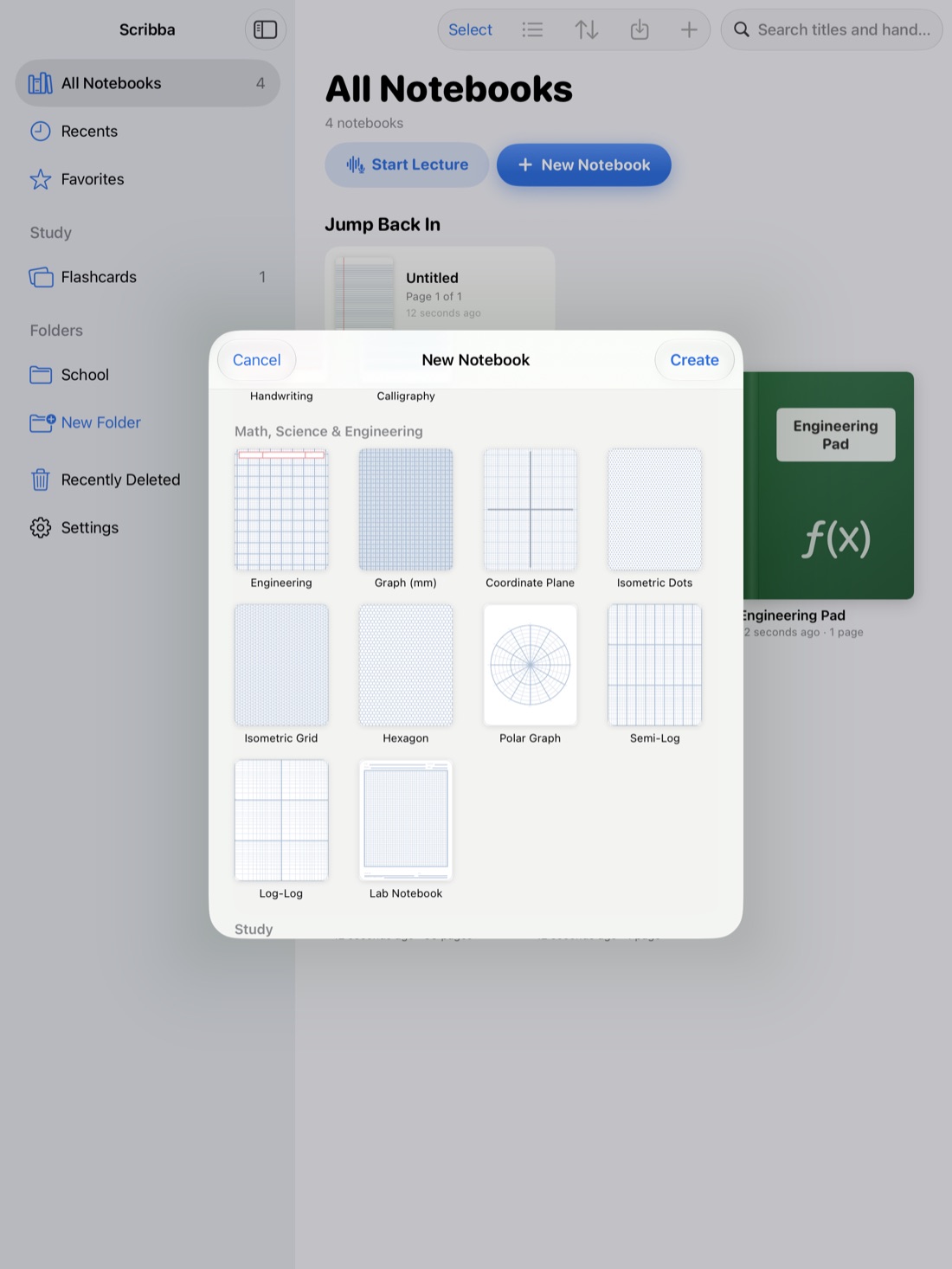
Most class notes are written once and read once, the night before the exam. The Cornell method is built to change that. It splits each page into three parts so that taking notes, reviewing them and quizzing yourself all happen on the same page.
It was developed at Cornell University decades ago and is still one of the most widely taught note-taking systems, because it's simple and works for almost any lecture class. Here's how to do it, why it works, and how to set it up on an iPad.
The three parts of a Cornell page
A Cornell page has three areas:
- The notes column. The wide column on the right. This is where you write during class.
- The cue column. A narrow column on the left. You fill this in after class with questions and key words that point to the notes beside them.
- The summary. A strip across the bottom of the page. After class, you sum up the whole page in a few sentences.
On paper, you draw the lines yourself. On an iPad, you can use paper that already has them.
How to take Cornell notes, step by step
- Set up the page before class. Write the course, the date and the topic at the top. If the professor posts slides or an outline, skim it so you know what's coming.
- Take notes in the notes column only. Write the main ideas, examples, definitions and anything the professor repeats or writes on the board. Use short phrases, abbreviations and bullet points. Leave space between topics so you can add to them later.
- Leave the cue column and summary empty during class. It's tempting to fill them in as you go, but they work best when you come back to them later.
- Write cues after class, the same day. Reread your notes and, for each chunk, write a question or a few key words in the cue column. "What are the three stages of cellular respiration?" is a better cue than "respiration," because it's something you can answer.
- Write the summary. At the bottom of the page, explain the page in your own words in a few sentences. If you can't, that's a sign there's something you didn't understand yet, so look it up or ask.
- Review by covering the notes. Cover the notes column, read each cue, and answer it out loud. Then uncover and check. Do this again a few days later, and before each exam.
Tip: if you can't keep up during a fast lecture, don't try to write full sentences. Get the key words down, leave a gap, and fill it in when you write your cues.
Why the Cornell method works
The method builds good study habits into the page itself.
- It makes you review soon. Writing cues and a summary means going back over your notes the same day, while the lecture is fresh enough to fill in gaps.
- It turns notes into questions. The cue column is a list of questions about your own notes. Answering them with the notes covered is active recall, one of the most reliable ways to remember something.
- The summary checks your understanding. Explaining a page in your own words shows you quickly whether you understood it or only copied it.
- It's quick to study from later. Before an exam, you can read only the cues and summaries to see what a whole unit covered, then dig into the notes where you're unsure.
Common mistakes
- Writing cues during class. Cues are part of the review. Writing them later is what makes you reread and think.
- Cues that are just headings. A cue should be something you can answer. Turn "Treaty of Versailles" into "What did the Treaty of Versailles require of Germany?"
- Skipping the summary. It's the step most people drop, and it's the one that shows you what you don't understand.
- Never covering the notes. If you only reread the page, you lose most of the benefit. The point is to answer the cues from memory.
Cornell notes on iPad with Scribba
Scribba has Cornell notes paper built in, so the cue column, notes column and summary area are already on every page.
- In the paper picker, choose Cornell notes. You can also pick a paper color there, including dark paper.
- To switch a page you've already started, open the page sidebar and change its paper.
- Take notes in the right column during class, then come back later for the cues and summary.
A few Scribba features fit the method well:
- Zoom Window lets you write big in a magnified strip, and your writing lands small and neat on the page. That's handy for the narrow cue column.
- Recording helps with step 4. If your notes have a gap, tap the words you wrote around it and the recording plays from that moment, so you can fill the gap while writing your cues. See how to record a lecture on iPad.
- Study tape replaces the sheet of paper you'd use to cover the notes column. Drag tape over the notes, read the cues, and tap to peek. More in study tape on iPad.
Turn your cues into flashcards
This is where Cornell notes on an iPad go further than paper. Scribba reads the handwriting on a Cornell Notes page and turns each cue into a flashcard. You review the cards first and fix any word it misread, then study them like any other deck, with spaced repetition bringing cards back over the following weeks.
This doesn't need Apple Intelligence, so it works on any iPad that runs Scribba. Because good cues are already questions, they make good cards. It's one more reason to write "What does the Golgi apparatus do?" instead of "Golgi." For more, see how to make flashcards from handwritten notes.
Frequently asked questions
Does the Cornell method work for every class?
It works best for lecture classes with lots of concepts and terms, like biology, history or psychology. For math-heavy classes, many students keep worked problems on grid paper and use Cornell pages for the concepts and definitions.
Can I mix Cornell pages with other paper in one notebook?
Yes. In Scribba, each page can have its own paper, so you can change a page to Cornell notes from the page sidebar and keep other pages as they are.
How long should the summary be?
Short. A few sentences in your own words is enough. If it takes a paragraph, try to find the one or two ideas that matter most.