 Scribba
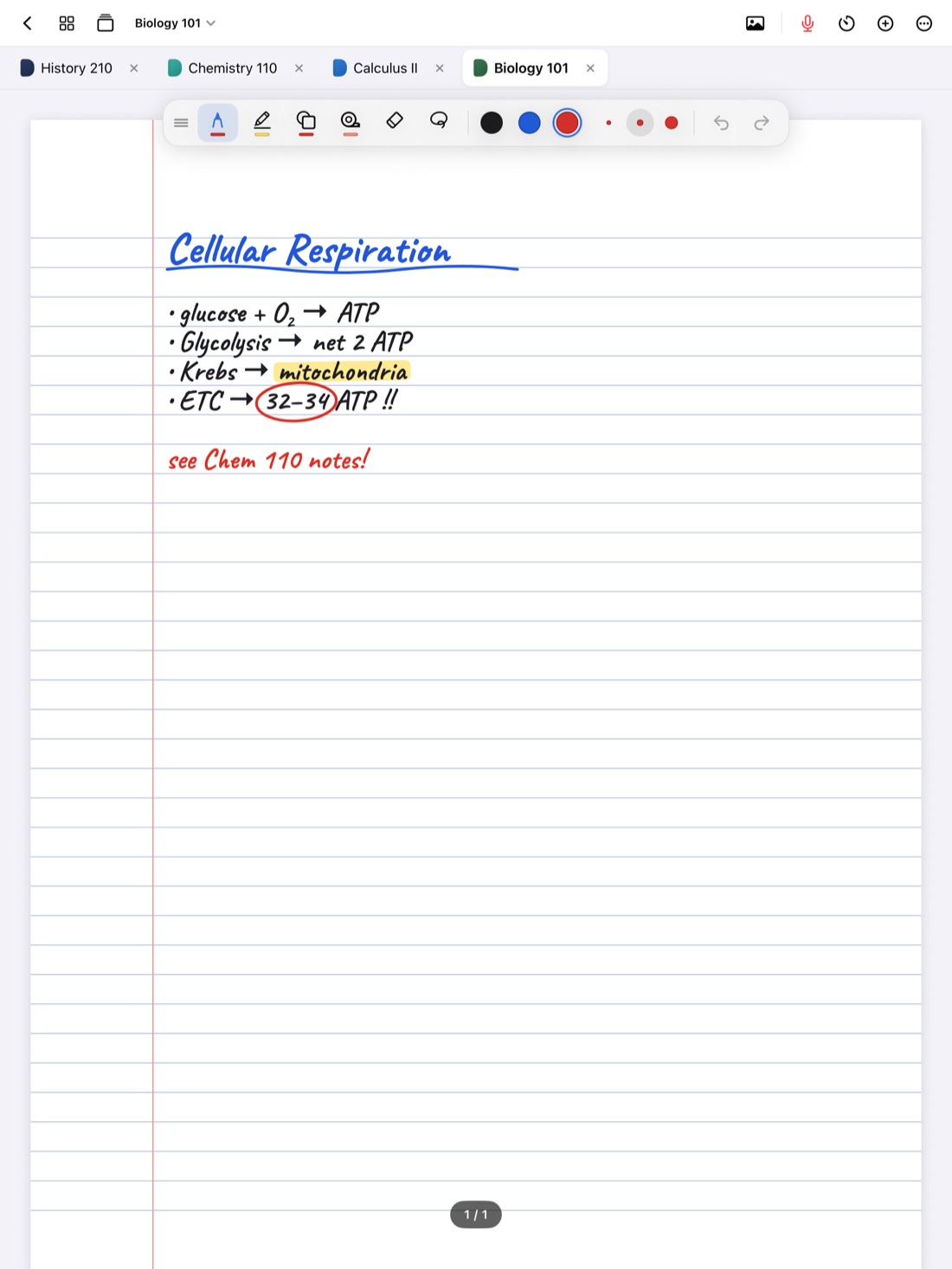
Anatomy and physiology is really two courses sharing one syllabus. Anatomy asks where things are and what they're called: the bones, muscles, vessels and nerves, and their exact positions. Physiology asks how they work: why blood pressure rises, how the kidney concentrates urine, what happens when calcium drops. Exams mix both, and the lab practical tests a third skill, recognizing structures on a model or specimen you've never seen from that angle.
Notes that work for A&P keep those three jobs separate enough to study, but connected enough that structure always leads you to function. Here's how to set that up.
Two notebooks: lecture and lab
Most A&P courses have a lecture and a lab that move at slightly different speeds. Keep a notebook for each. The lecture notebook holds mechanisms, explanations and diagrams. The lab notebook holds the structure lists you'll be tested on, photos or sketches of the models, and anything your lab manual asks you to identify.
Within each, go system by system, in the order your course follows: integumentary, skeletal, muscular, nervous and so on. Start each system on a new page with a bookmark so you can jump there later.
In Scribba, named bookmarks in the page sidebar become a table of contents for the notebook. Open both notebooks as tabs, and you can flip between today's lecture on the heart and the lab list of heart structures in one tap. On a keyboard, ⌘⇧[ and ⌘⇧] move between tabs.
Anatomy: learn the map
Anatomy is a language of position. Before you memorize anything else, get comfortable with directional terms (superior, inferior, anterior, posterior, medial, lateral, proximal, distal) and the planes of section. Nearly every exam question uses them.
A few habits make structures stick:
- Draw from more than one view. A bone looks different from the front and the back. Sketch both, side by side, and label what's visible from each.
- Use leader lines. Write labels off to the side with a short line to the structure. Labels crowded on top of a drawing are hard to cover and quiz later.
- Trace a route. For blood through the heart, air through the respiratory tree or filtrate through the nephron, write the path as a numbered list, then draw it as arrows on your diagram. Routes are common exam questions, and a list is easy to test yourself on.
- Pair each structure with its job. Next to the label, add three or four words about function. That one habit links your anatomy to your physiology.
Drawing and labeling in Scribba
Hold the Apple Pencil still at the end of a stroke and it snaps into a straight line, arrow, circle or ellipse, which keeps leader lines and flow arrows neat. When the labels are small, the Zoom Window lets you write large in a magnified strip; it lands small and tidy on the page. If you need to make room, the lasso moves a group of labels without redrawing them.
Physiology: learn the mechanism
Physiology rewards understanding over memorizing. Many exam questions are predictions: "If X increases, what happens to Y?" You can't answer those from a list of facts. You need the chain.
- Write cause and effect as arrow chains. For example: blood pressure drops, baroreceptors fire less, sympathetic output rises, heart rate rises. Use up and down arrows next to each item to show the direction of change.
- Draw every feedback loop the same way. Stimulus, receptor, control center, effector, response, and an arrow back to the start. Using one layout for every loop makes them easier to compare. Mark whether each loop is negative or positive feedback.
- Label graphs fully. For any graph, write what each axis means and its units, then annotate the parts of the curve in words.
- Ask "what would break it?" After each mechanism, write one disease or drug example your professor mentioned and which step it affects. This is where A&P meets pathophysiology later.
Lab practicals: practice the way you'll be tested
Lab practicals ask you to name a structure that has a pin or a tag on it, often on a model you've only seen once or twice. Reading a labeled list won't prepare you for that. Practicing recognition will. For a full plan, see how to study for a lab practical.
If your lab allows photos, take pictures of the models and specimens from a few angles. In Scribba, you can add a photo straight from the camera or your photo library onto a page, then label it with your own handwriting and leader lines. Check your lab's rules first; some don't allow photos of specimens.
Then cover the labels. Scribba's study tape goes over any label, term or part of a diagram. When you study, point at the structure, say its name, and tap the tape to peek. Because the tape sits on your own diagrams and photos, you're practicing exactly the recognition the practical asks for. More in study tape on iPad.
Tip: tape over the structure names but leave the function notes visible, then do the reverse. Naming a structure from its job is a common question style.
Make flashcards that cover both halves
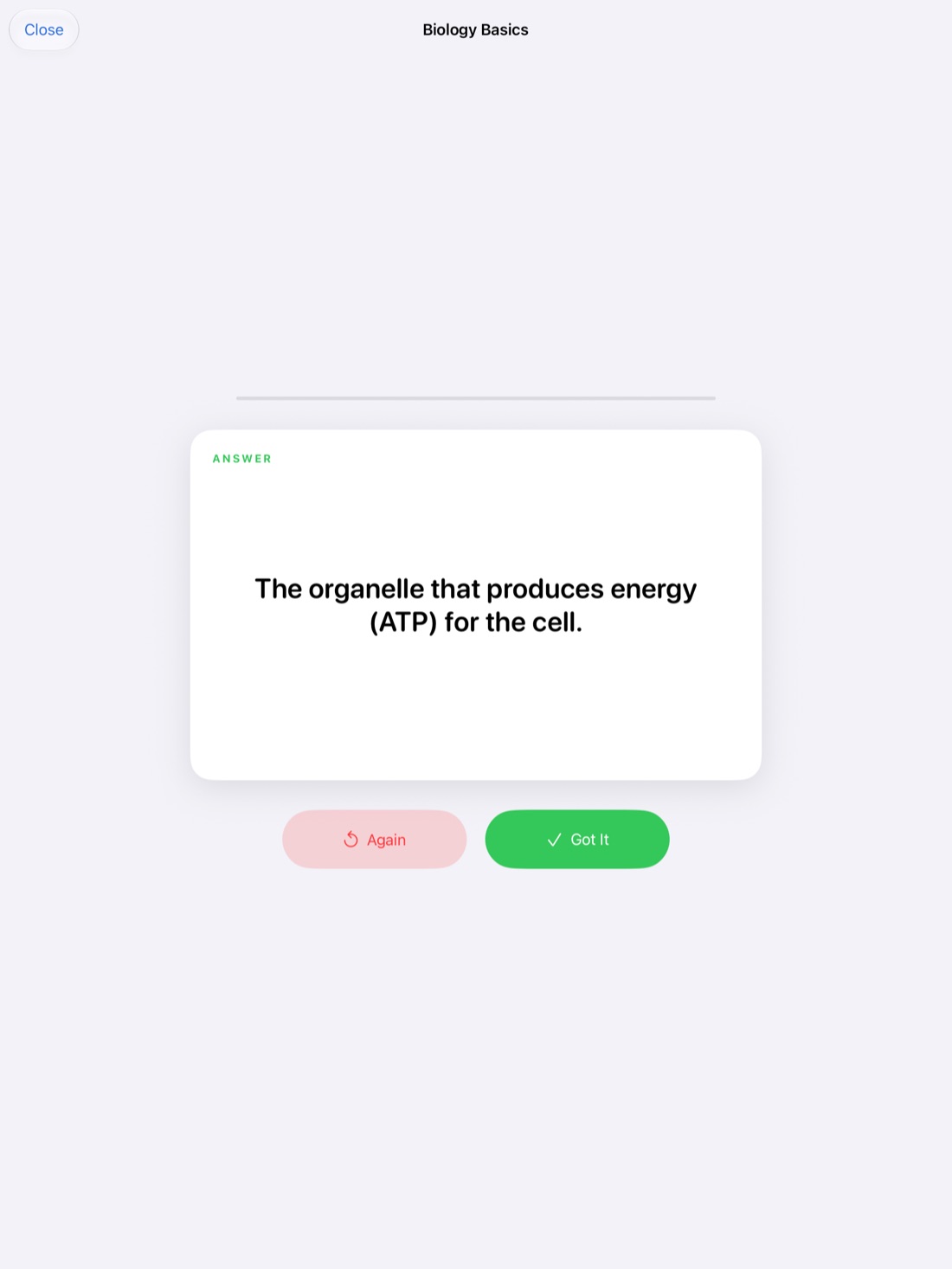
A&P is cumulative. A&P II leans on A&P I, and if you're heading into nursing, physical therapy or another health program, you'll use this material for years. That makes spaced repetition worth the effort.
Write two kinds of cards. Structure cards ask for a name, location or the bones of a joint. Mechanism cards ask for a chain: "What happens to heart rate when baroreceptors detect low pressure?" The second kind is harder to write, but it's the kind that matches prediction questions.
In Scribba, a Cornell Notes page works well for mechanisms: write your notes on the right, a question for each idea in the CUES & QUESTIONS column, and Scribba reads your handwriting and turns each cue into a flashcard. A Vocabulary page does the same for structure lists, one term per row. Review and fix any words it misread, since long anatomical terms are easy to misread. Neither needs Apple Intelligence. Decks use spaced repetition, with cards coming back after 1, 3, 7, 14 and 30 days. See flashcards from handwritten notes.
Record the explanations
Physiology lectures often turn on one explanation you half-heard. If your professor allows recording, tap the mic in Scribba and take notes as usual. Every stroke is linked to that moment, so you can tap a half-finished arrow chain and hear the explanation again. Recordings are also transcribed, so you can search for a term like "aldosterone" across the semester. Ask before you record; is it OK to record lectures? covers what to consider.
Frequently asked questions
What paper is best for anatomy and physiology notes?
Dot grid or blank paper for diagrams, Cornell Notes for physiology lectures, and Vocabulary paper for structure lists. You can change the paper on any page from the page sidebar, so one notebook can hold all three.
How do I memorize so many structures?
Learn them by region and in routes, pair each name with its function, and test yourself on recognition, not just recall of a list. Short daily flashcard reviews keep earlier systems from fading.
Can I study for the lab practical on my iPad?
Yes. Label photos or sketches of the models, cover the labels with study tape and quiz yourself. If photos aren't allowed in your lab, sketch the models from memory and check them against your lab manual.