 Scribba
Index cards are small on purpose. A 3 by 5 card can't hold a paragraph, so it forces you to boil an idea down to its core. That limit is what makes cards useful for three very different jobs: quizzing yourself, outlining a paper and giving a talk.
On an iPad, you get a page of card outlines instead of a stack of loose cards. You lose the shuffling, but you gain cards you can't drop, rewrite without wasting paper, and carry for a whole semester. Here's how to use them well for each job, and when a real flashcard deck is the better tool.
Study cards: one question per card
The rule for good study cards is simple: one idea per card. A card that asks for three things at once is hard to answer and easy to fool yourself on.
- Write a question, not a topic. "What does the Golgi apparatus do?" beats "Golgi." A question makes you retrieve the answer instead of recognizing it.
- Keep answers short. If the answer takes more than a line or two, split it into more cards.
- Use your own words. Copying the textbook sentence lets you skip the thinking.
- Add a quick sketch when a picture is the answer, like a graph shape or a structure.
On a page of cards, put the question in one card and the answer in the next one. Then cover the answers and test yourself. Pulling an answer from memory is far more effective than rereading it, which is the whole idea behind active recall.
Essay outlines: one point per card
Writers have long used cards to plan papers, and it still works. Put each argument, piece of evidence or quotation on its own card. For a source, add the author and page number at the bottom, so your citations are done before you start drafting.
Then sort. Look at all your cards and group the ones that belong together. Each group is usually a paragraph or a section. A card that doesn't fit anywhere is a sign that a point is off-topic, or that you've found a section you didn't plan. Number the cards in the order you'll use them, and you have an outline.
Speech notes: cues, not a script
Cards keep a speaker from reading aloud, which is why they're the standard for presentations.
- Write keywords, not sentences. A card should remind you what to say next, not say it for you.
- Write big. You'll glance at the card from arm's length while nervous.
- One section per card, numbered, so you always know where you are.
- Add delivery cues in a different color: "slow down," "pause," "show slide 4."
- Rehearse with the cards you'll actually use, out loud and timed.
Index cards in Scribba
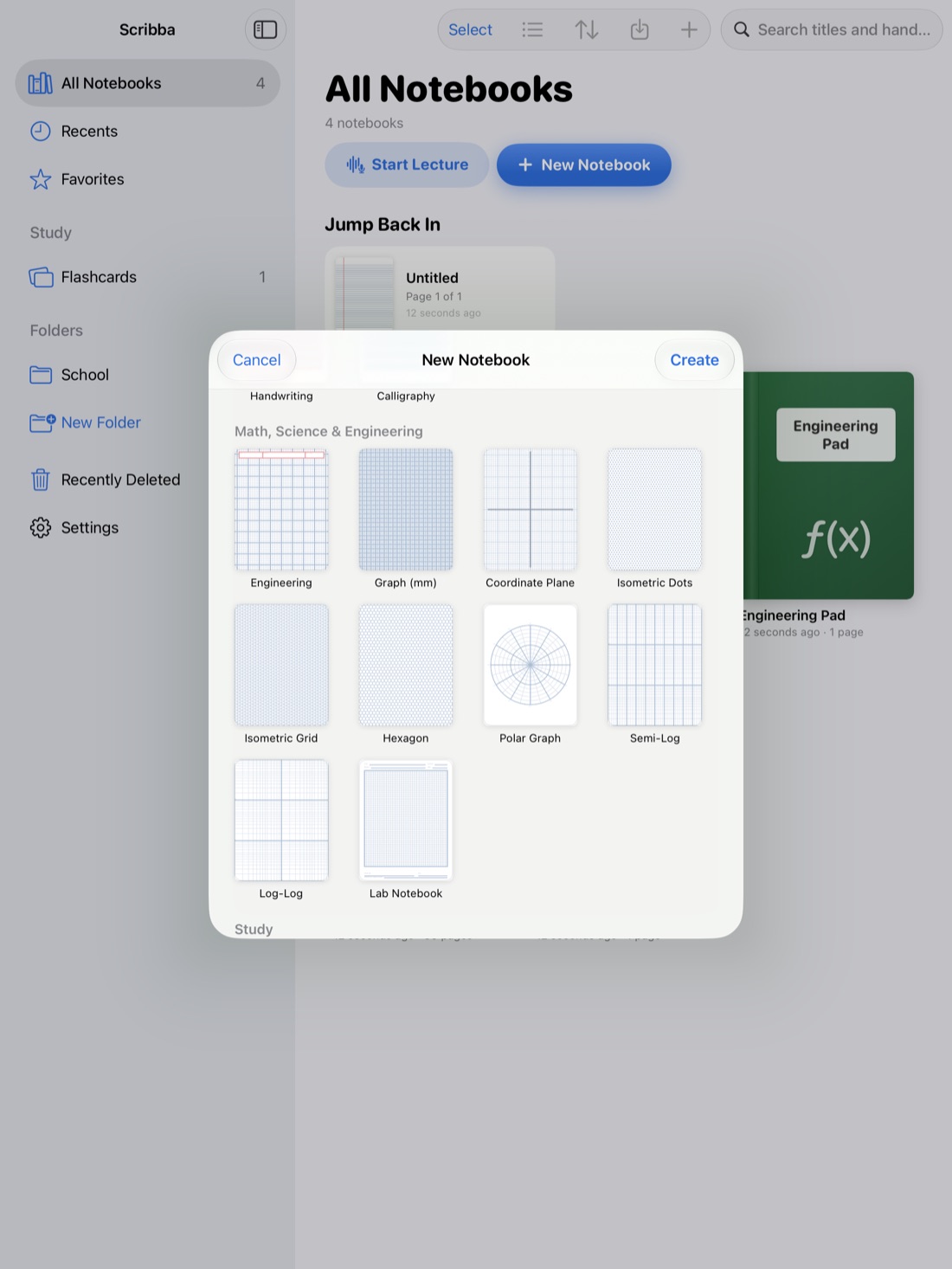
Scribba's Index Cards paper, in the Study section of the paper picker, is a page of card outlines. You write in them like any other paper, with any pen and color. Some ways to use it:
- Hide answers with study tape. Drag study tape over the answer cards, then tap to peek once you've said the answer out loud. See study tape on iPad.
- Rearrange an outline with the lasso. Circle the writing in one card with the lasso and move it to another, so you can reorder points without rewriting them.
- Switch a page to cards mid-notebook. Change any page's paper from the page sidebar, so a set of cards can sit right after the lecture notes it came from.
- Use the Zoom Window if your cards get crowded. Write big in the magnified strip, and it lands small and neat inside the card.
For a speech, keep the notebook open on the iPad at the lectern. Scribba hides the iPad's status bar so notes get the whole screen; if you want a clock while you talk, turn on Settings › Screen › Show Time and Battery. If you'd rather hold paper, export the pages as a PDF and print them.
Index cards vs. flashcard decks
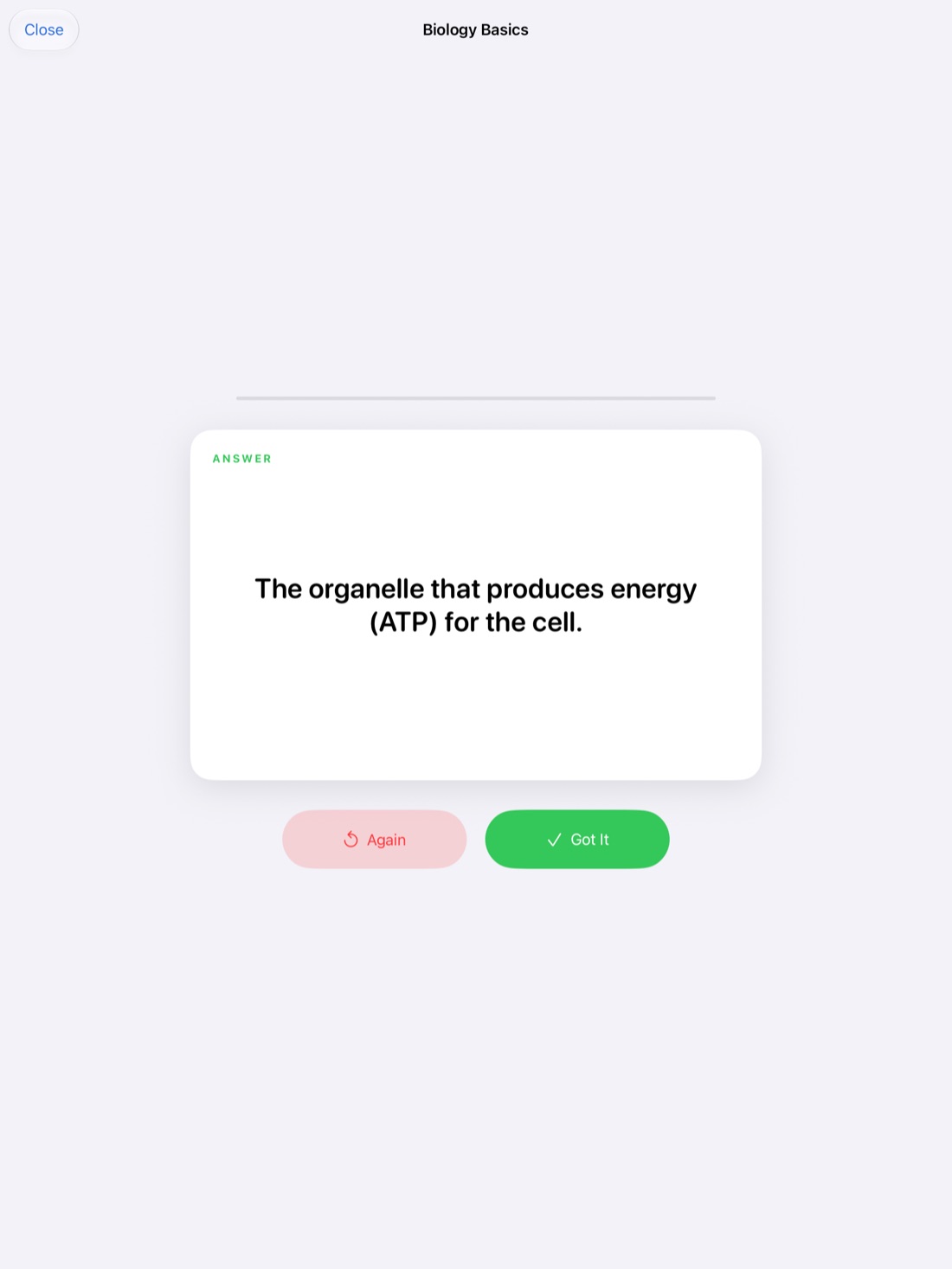
Scribba also has real flashcard decks, and they're a different thing. An Index Cards page is paper: what you see is what you wrote, and you decide when to look at it again. A flashcard deck is a study tool: cards flip, you grade yourself, and spaced repetition brings each card back after 1, 3, 7, 14 and 30 days. Decks can also be exported to Quizlet or Anki.
So which should you use?
- For memorizing lots of terms, use a deck. The easiest route is to write terms on Vocabulary paper or questions on Cornell Notes paper. Scribba reads your handwriting and turns each row or cue into a card, on any iPad, no Apple Intelligence needed. See flashcards from handwritten notes.
- For outlines, speech notes and cards you want to arrange or glance at, use the Index Cards page.
- For a small set of quick self-quiz cards, either works. The page is faster to write; the deck remembers what's due.
On iPads that support Apple Intelligence, with it turned on, Scribba can also make flashcards from any page, so a page of cards can become a deck too. Check the cards it suggests before you study them.
Frequently asked questions
Will Scribba turn my index cards page into flashcards automatically?
Not by itself. The pages that turn into flashcards on any iPad are Vocabulary and Cornell Notes. On iPads with Apple Intelligence turned on, you can make flashcards from any page, including a page of index cards.
What if an idea doesn't fit on one card?
That's usually a sign it's more than one idea. Split it across two or three cards, each with its own question or point. If it really is one long piece, like a quotation, give it a ruled page instead.
Are index cards good for studying?
Yes, as long as each card asks a real question and you test yourself instead of rereading. For large sets, a flashcard deck with spaced repetition will time your reviews for you.