 Scribba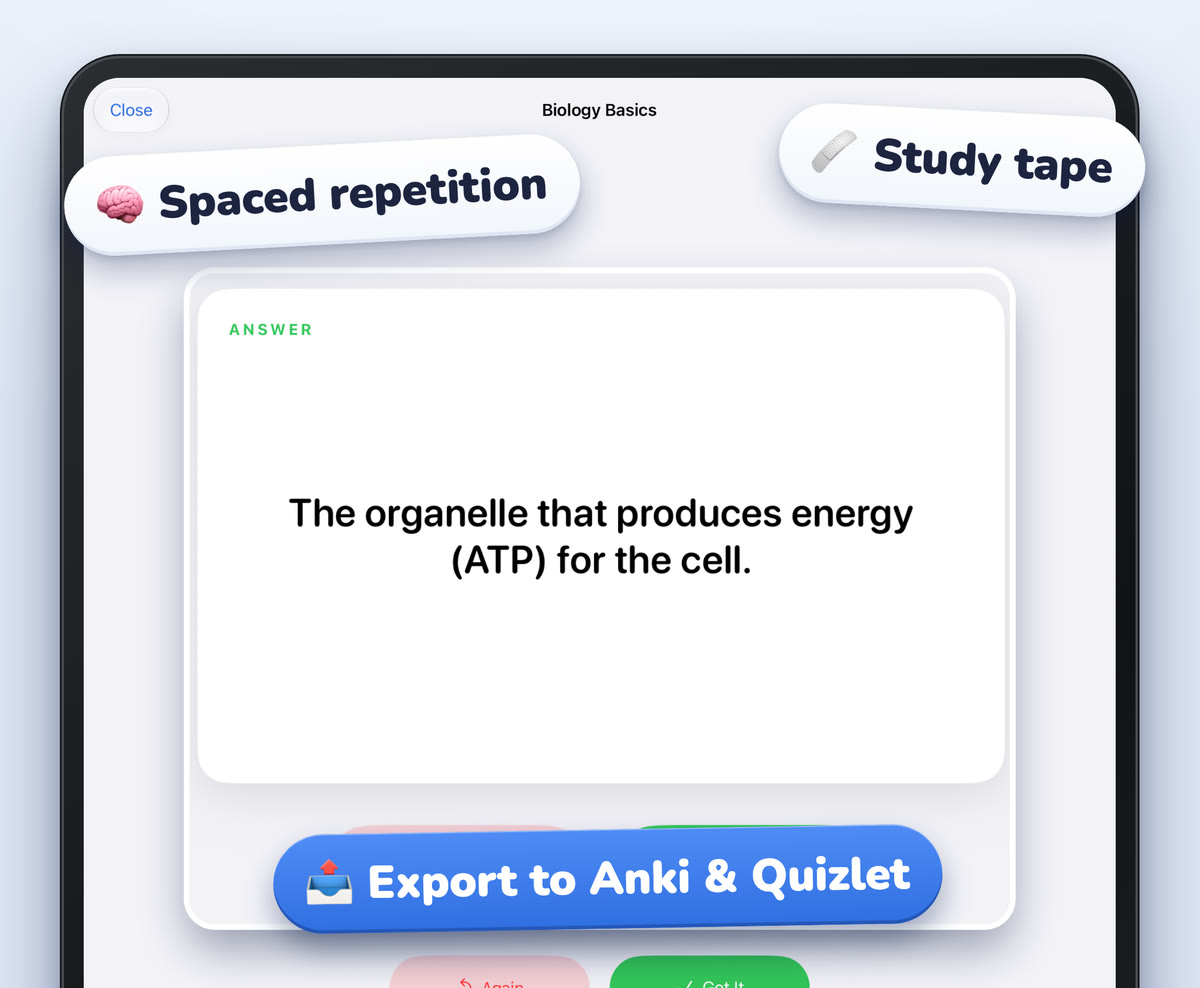
Your notes live on your iPad, but your iPad doesn't come everywhere. It stays in your bag on the bus, in the line for coffee, and in the ten minutes before a lab starts. Your phone is always in your pocket, and those small gaps in the day add up to a lot of review time.
That's the main reason to export a flashcard deck: you make the cards from your notes on the iPad, then study them wherever you are. This guide covers when exporting makes sense, how to get a deck ready first, and how exporting works in Scribba.
Why export a deck
A few good reasons:
- Study on your phone. Short review sessions fit into gaps in the day, and spaced repetition works best with a little review every day rather than a lot once a week.
- Use an app you already know. If you've used Quizlet or Anki for years, you may want all your decks in one place.
- Keep your decks together across classes. If some of your cards come from your iPad notes and others from somewhere else, exporting puts them side by side.
- Keep a copy. An exported deck is one more place your cards exist, in case you want them after the semester ends.
If you study with friends, exporting is also an easy way to pass a deck along. We cover that in studying with a group using iPad notes.
When to export, and when to wait
Exporting is easiest when a deck is finished. Every card you fix after exporting is a card you have to fix twice, or export again.
- Export at a natural stopping point, like the end of a unit or the week before an exam, rather than after every lecture.
- Check every card first. A typo or a vague question travels with the deck.
- Pick one place for daily reviews. If you review a deck in two apps, neither one has the full picture of which cards you know. Decide where you'll do the scheduled reviews for each deck and stick with it.
Tip: name decks by class and unit, like "PSYC 101: Memory," before you export. A list of decks called "Deck 1" and "Deck 2" is hard to sort through on a small phone screen.
Step 1: make the deck from your notes
The best flashcards come from notes that are already shaped like cards: a prompt on one side, an answer on the other. In Scribba, two kinds of paper do this, and neither needs Apple Intelligence.
- Vocabulary paper. Write a term in one column and its meaning in the next. Scribba reads your handwriting and turns each row into a card.
- Cornell Notes paper. Write questions or key words in the cue column. Scribba turns each cue into a card.
Pick either paper in the paper picker, or change an existing page's paper from the page sidebar. Then ask Scribba to make flashcards from the page.
On iPads that support Apple Intelligence, with it turned on, you have more options. Scribba can make flashcards from any page of notes or from a lecture transcript, and a lecture's key points have a Make Flashcards button. A notebook's Study Guide, which gathers the key points of every lecture, can become a deck too. These run on the iPad, so nothing is uploaded. For the full walkthrough, see how to make flashcards from handwritten notes.
Step 2: review and fix the cards
This step matters more than usual when you're about to export, because mistakes are easier to fix in one place than in two.
- Check the words Scribba read. Handwriting recognition is good but not perfect. Abbreviations, chemical formulas and anything written in a rush at the end of class are the usual suspects.
- Spell out abbreviations. "Mito" might mean something to you today and nothing in three weeks.
- Split cards that ask two things. One idea per card makes each review a clear yes or no.
- Read generated cards carefully. Cards written with Apple Intelligence are a first draft. Check them against your notes before you trust them for an exam.
Step 3: study it once in Scribba
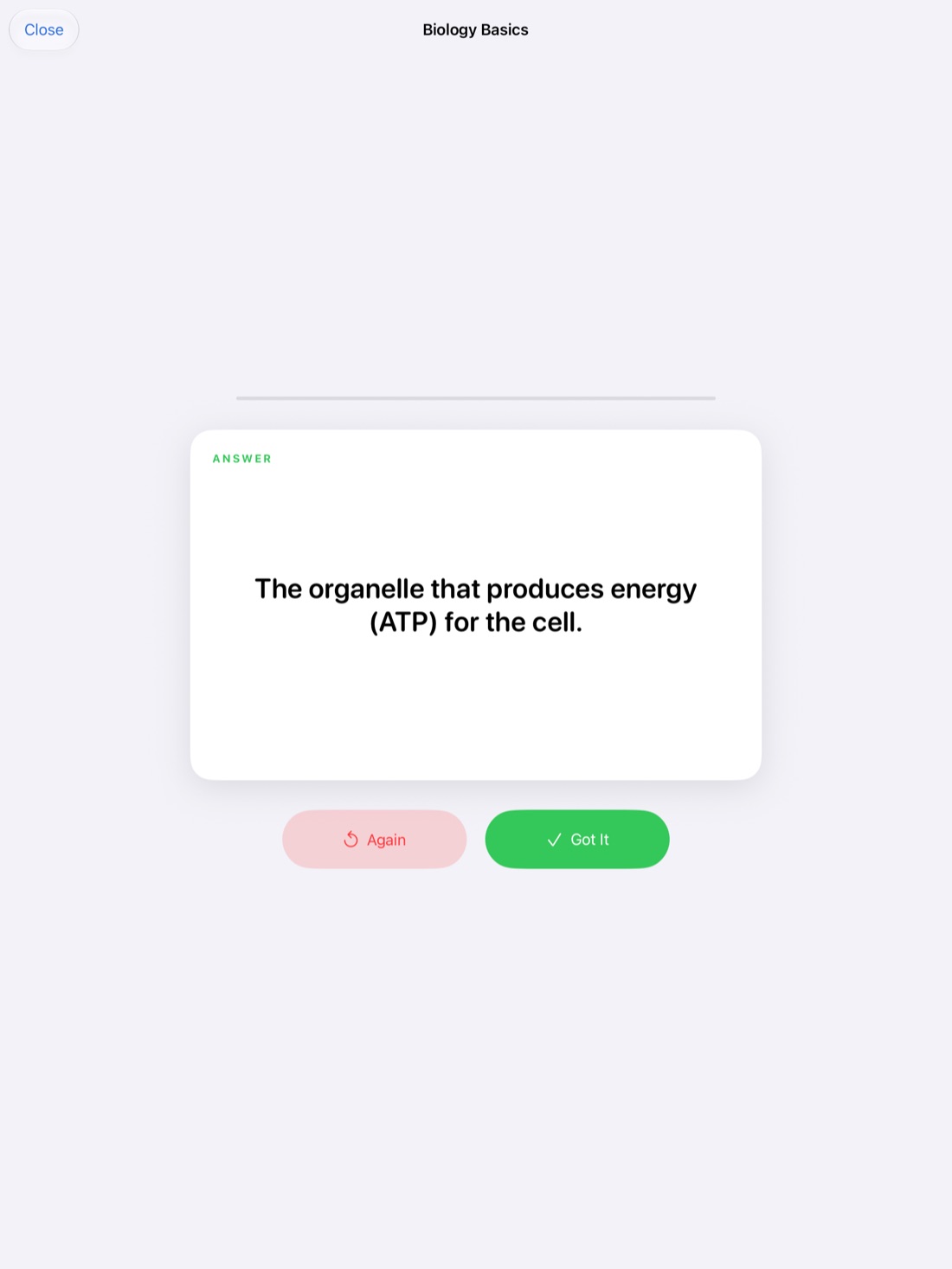
Before exporting, run through the deck once. Flip each card, grade yourself, and notice which cards feel off. A card you can't answer because the question is unclear needs rewriting, not more review.
Scribba's decks use spaced repetition: cards come back after 1, 3, 7, 14 and 30 days. If you stay on the iPad for a deck, you can study all your due cards at once across every deck. Our guide to spaced repetition flashcards explains why that schedule works.
Step 4: export to Quizlet or Anki
When the deck is ready, export it from Scribba to Quizlet or Anki. Then open Quizlet or Anki and use its import option to bring the deck in.
Import steps differ between the two apps and can change between versions, so if you're not sure where to find import, check that app's help pages. Once the cards are in, flip through a few to make sure they look right before your first study session.
Export goes one way, from Scribba to Quizlet or Anki. An exported deck is a copy of the deck at that moment. If you fix or add cards in Scribba later, export again.
Keeping things simple
Two simple habits work well:
- Make on iPad, study on phone. Write notes and build decks in Scribba during the week, export at the end of each unit, and do daily reviews on your phone.
- Study on iPad, export for the busy weeks. Keep reviewing in Scribba, and export a deck before a week when you won't have your iPad with you much, like a trip home or a heavy lab schedule.
Either works. What matters is that the cards come from your own notes, that you check them once, and that you review a little every day.
Frequently asked questions
Do I need Apple Intelligence to export a deck?
No. Flashcards from Vocabulary and Cornell Notes pages, and exporting decks to Quizlet or Anki, work on any iPad that runs Scribba. Only cards made from any page or from a lecture transcript need Apple Intelligence.
Is there a Scribba app for iPhone?
No. Scribba runs on iPad only. Exporting a deck to Quizlet or Anki is how you review your Scribba cards on your phone.
Will changes I make in Quizlet or Anki show up in Scribba?
No. Exporting copies the deck out of Scribba. Make your fixes in Scribba and export again if you want both to match.