 Scribba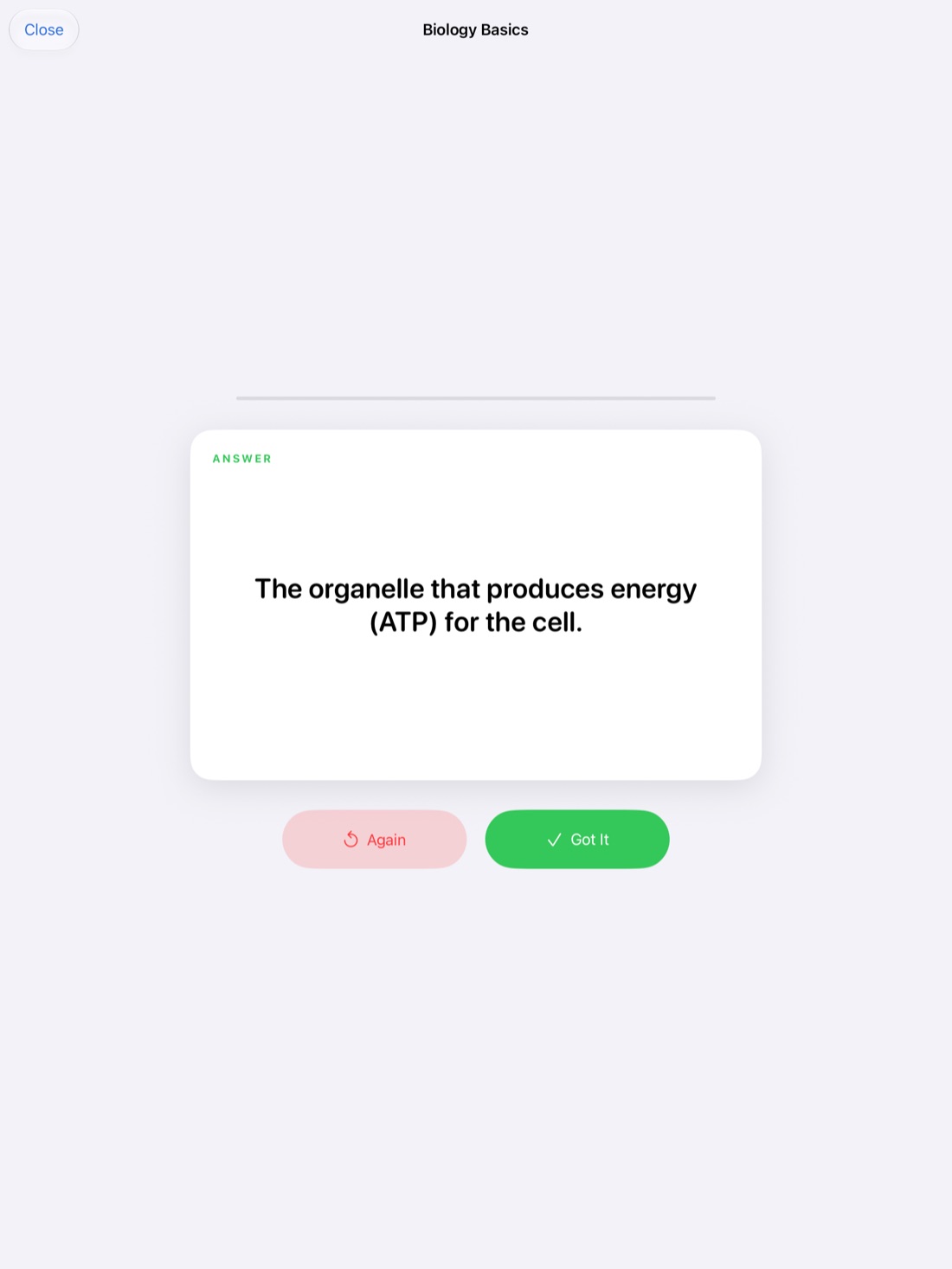
Finals week has a way of arriving all at once. You have a semester of notes for four or five classes, a handful of exam dates, and a feeling that you should have started last week. The good news: you already have most of what you need. Your notes are the raw material. The job now is to turn them into something you can actually remember on exam day.
This guide is a practical plan for that, built around study methods that are well established to work: testing yourself, spacing out your review, doing practice problems and sleeping. Then it shows how Scribba's study tools fit in if your notes are on an iPad.
Step 1: make a schedule
A plan beats willpower. Spend half an hour on this before you study anything:
- List every exam with its date, time and what it covers. Check each syllabus for the format: multiple choice, essays, problems or a mix.
- Work backward from each date. Mark the days you can study for each class. Classes with earlier exams get more of the early days.
- Break each class into topics. Use the notebook's lecture pages or the syllabus schedule. A topic should be small enough to review in one sitting.
- Spread topics across days. Studying a little of each class most days works better than a single marathon per subject, because you come back to each topic more than once.
- Put the hardest topics early. You want time to revisit them, ask questions and still have a review day before the exam.
- Leave slack. Something will take longer than planned. A buffer day saves the schedule.
Step 2: find your weak spots
Before you review everything equally, figure out what you don't know. Flip through each notebook and sort topics into three piles: solid, shaky and lost. Spend most of your time on shaky and lost.
Look for gaps too: lectures you missed, pages that trail off, diagrams you can't explain anymore. Fill those first, from a classmate's notes, the textbook or the lecture recording if you have one.
Step 3: test yourself instead of rereading
Rereading notes feels productive because the material looks familiar. But familiar isn't the same as remembered. Active recall, pulling information out of your memory without looking, is one of the most reliable ways to make it stick.
Ways to do it with notes you already have:
- Cover and explain. Cover a page, then explain its main ideas out loud or on scrap paper. Uncover and check.
- Turn headings into questions. "Glycolysis" becomes "What happens in glycolysis, and where?"
- Make flashcards for terms, dates, formulas and definitions.
- Teach it. Explaining a topic to a friend shows you exactly where your understanding runs out.
Step 4: space it out
Reviewing a topic several times over several days beats reviewing it once for a long time. This is spaced repetition, and it's one of the best-supported findings about memory. In practice: review a topic, move on, and come back to it a day or two later, then again closer to the exam. Our guide to spaced repetition flashcards goes deeper.
Step 5: do practice problems
For math, science, economics and anything else with problems, practice is the studying. Rework homework problems without looking at your old answers, then do past exams or textbook problems you haven't seen. Do some under exam conditions: timed, closed notes, no phone.
When you get one wrong, don't just read the solution. Figure out which step you missed and write that down.
Step 6: protect your sleep
All-nighters are tempting and they don't work well. Sleep is when your brain consolidates what you learned that day, and a tired brain recalls less in the exam room. Keep a regular bedtime during finals, stop studying a little before it, and get a full night before each exam. Short breaks during the day help too.
Using Scribba for finals
Scribba is an iPad notebook for class. If your notes are in it, these tools map directly onto the plan above.
Study Guide: every lecture on one sheet
Study Guide puts the key points of every lecture in a notebook onto one sheet, drawn from your handwriting, typed notes and recordings. It's split at each Start Lecture page, so the guide follows the course one class at a time. You can add the guide to the notebook as pages, or turn it into flashcards.
It's a fast way to see a whole course at a glance and sort topics into solid, shaky and lost. Treat it as an outline to check against your notes, not as the thing you memorize.
Study Guide, and flashcards from a transcript or any page, need an iPad that supports Apple Intelligence, with it turned on, running iPadOS 26. They run on the iPad, so nothing is uploaded.
Flashcards with spaced repetition
Scribba can turn Vocabulary and Cornell Notes pages into flashcards by reading your handwriting, with no Apple Intelligence needed. Review the words it read and fix any it got wrong first. See flashcards from handwritten notes.
Decks use spaced repetition: cards come back after 1, 3, 7, 14 and 30 days. During finals, you can study all your due cards at once. You can also export a deck to Quizlet or Anki.
Study tape
Drag study tape over answers, terms or diagrams on your notes, then tap to peek. It turns any page into a self-test, which is the cover-and-explain method from Step 3 without the scrap paper. More in our study tape guide.
Focus timer
Scribba's focus timer is a Pomodoro timer for focused study blocks. It follows you between notebooks, so it keeps running when you switch from Chemistry to History.
Frequently asked questions
How early should I start studying for finals?
As early as your schedule allows. The plan above works best when you have time to come back to each topic more than once, so starting before finals week itself helps a lot.
Can I use these tools without Apple Intelligence?
Yes, most of them. Vocabulary and Cornell flashcards, spaced repetition, study tape and the focus timer all work without it. Study Guide and flashcards from a transcript or any page need Apple Intelligence.
Can I review my flashcards on my phone?
Scribba is iPad only. If you want to review on another device, export the deck to Quizlet or Anki.