 Scribba
Lecture notes run top to bottom, but ideas don't. A cause in week two explains an event in week six. A term from one chapter turns up inside a process in another. A mind map puts the topic in the middle of the page and lets everything branch out from it, so you can see those connections instead of hunting for them across twenty pages.
What a mind map is
A mind map has a few simple parts:
- A central topic in the middle of the page, usually circled or boxed.
- Main branches coming out of the center, one for each big idea.
- Sub-branches coming off each main branch, with details, examples and facts.
- Cross-links between branches, showing where one idea affects another.
- Key words, not sentences. Each line holds a word or a short phrase.
Many people add small drawings or a different color for each branch. Those help, but the structure is what makes it a mind map: everything traces back to the center.
When a mind map fits
Mind maps are strongest when relationships matter more than sequence:
- Reviewing a unit. Mapping a week of lectures shows you how the pieces fit, and it's a good test of whether you understood them.
- Connecting readings. Several articles on one topic fit well as branches around a shared question.
- Planning an essay or project. Brainstorm the branches, then pick the strongest ones. See how to plan an essay on iPad.
- Topics with many causes or effects, like the causes of a war, the factors in a disease or the forces in an economy.
They're harder during a fast, detailed lecture, because you have to decide where each idea goes before you know where the lecture is heading. Steps in a process, long derivations and lists of definitions also tend to read better in order. Many students take linear notes in class, maybe as an outline, and draw the map afterward as review.
A worked example
Say your History class just finished a unit on the causes of World War I. Here's the map in words:
- Center: "Causes of WWI," boxed, in the middle of a landscape page.
- Five main branches, spaced around it like the hours on a clock: Militarism, Alliances, Imperialism, Nationalism, and The Spark.
- Sub-branches. Under Alliances: Triple Entente (France, Russia, Britain) and Triple Alliance (Germany, Austria-Hungary, Italy). Under Militarism: arms race, the naval race between Britain and Germany. Under Imperialism: competition for colonies. Under Nationalism: tensions in the Balkans, Serbian nationalism. Under The Spark: assassination of Archduke Franz Ferdinand, Sarajevo, 1914.
- Cross-links. Draw an arrow from Serbian nationalism to The Spark, labeled "motive." Draw another from Alliances to The Spark, labeled "turned a regional crisis into a wider war."
Those labeled arrows are the most valuable part of the page. They're exactly what an essay question on this unit will ask you to explain.
How to make a mind map, step by step
- Turn the page sideways. Landscape gives branches room to spread.
- Start in the center. Write the topic small enough to leave space all around it.
- Draw all the main branches first. Before any detail, lay out the big ideas evenly around the center. This keeps one branch from eating the whole page.
- Add detail outward. Work one branch at a time, a few words per line.
- Add cross-links last, in a different color, and label each arrow with a short verb or phrase that says how the ideas connect.
- Test yourself. A day or two later, redraw the map from memory on a blank page, then compare. Recalling it from scratch is far better practice than looking at it, as our guide to active recall explains.
Common mistakes
- Starting near the edge. Begin in the true center, or one side runs out of room.
- Writing sentences on branches. If a line needs a sentence, split it into a sub-branch and a detail.
- No cross-links. A map with no links between branches is just an outline drawn in a circle. The links are the point.
- Branching forever. Three levels out from the center is usually enough. Beyond that, the detail belongs in your regular notes.
- Copying someone else's map. Building the map is where the learning happens. Reading a finished one feels clear but sticks less.
- Decorating before the content is right. Get the structure down, then add color.
Mind maps on iPad with Scribba
An iPad is a good place for mind maps because you can zoom in to write small details and zoom out to see the whole thing.
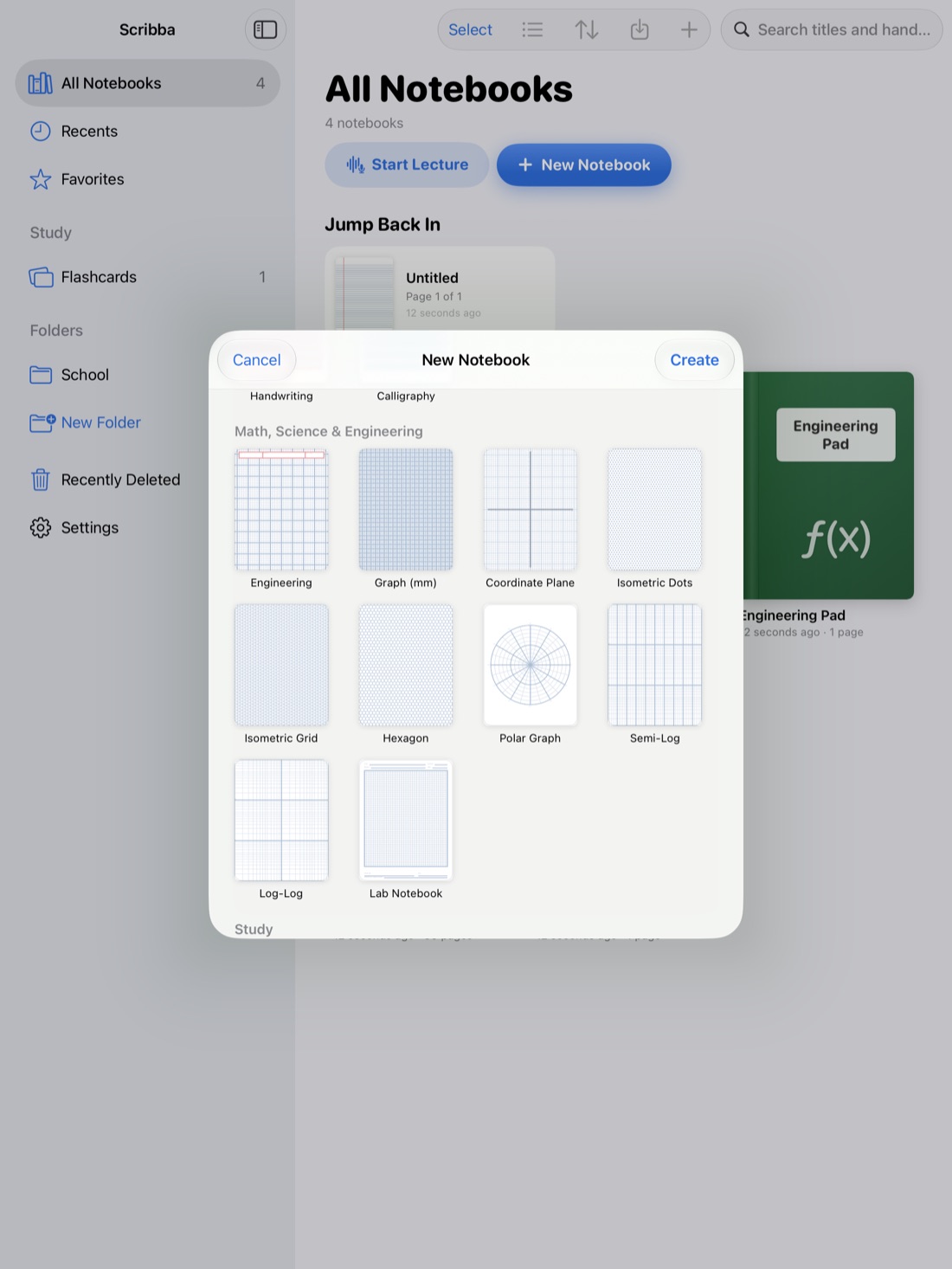
Set up the page. Orientation and page size are chosen per notebook when you create it, so make a landscape notebook for maps. The Widescreen page size gives branches more room than Letter. For paper, Blank is the cleanest, and Dot Grid gives you faint guides for spacing branches evenly. You can change any page's paper from the page sidebar, so a map can also sit inside a regular class notebook.
Draw clean shapes. Hold the Apple Pencil still at the end of a stroke and it snaps into a line, arrow, circle, ellipse, rectangle or polygon. Draw a rough oval around your center topic, pause, and it becomes a neat ellipse. Arrows for cross-links work the same way.
Give each branch a color. Each tool keeps three saved colors, so you can keep three branch colors on your pen and switch with a tap. To pick a different one for a fourth or fifth branch, tap the selected color.
Zoom freely. Pages zoom smoothly and the paper stays sharp at any zoom, so you can write tiny labels on sub-branches. Double-tap the paper with a finger to fit the page back on screen. If a branch ends up in the wrong spot, move it with the lasso.
Add more than ink. Sticky notes and text boxes work well for a branch you want to rearrange later, and you can drop in a photo of a textbook diagram from the camera or your library.
Tip: to quiz yourself on a finished map, drag Scribba's study tape over one branch, try to recall what's under it, then tap to peek.
Frequently asked questions
Can I make a mind map during a lecture?
You can, if the lecture is about one topic with clear parts. Write the center and leave space, then add branches as the professor introduces them. For fast or detailed lectures, take regular notes and map afterward.
Is a mind map better than an outline?
They show different things. An outline shows hierarchy and order. A mind map shows connections. Many students outline in class and map the unit before an exam.
How big should a mind map be?
One page per topic is a good limit. If a map needs more, make a separate map for the biggest branch.