 Scribba
The hardest part of an essay is usually the first hour, staring at a blank document with a cursor blinking at you. Typing makes everything look finished too early, so you end up polishing an opening sentence before you know what you're arguing.
Planning by hand avoids that. On paper, or on an iPad with a pencil, you can scribble, circle, draw arrows and cross things out without pretending it's a draft. This guide walks through planning an essay from the prompt to a full outline. Then you draft it in your word processor.
Step 1: Take the prompt apart
Copy the prompt by hand at the top of a fresh page. Then mark it up:
- Circle the task words. "Compare," "evaluate," "explain," "argue" and "analyze" ask for different essays. An essay that summarizes when the prompt says "evaluate" will lose points no matter how well it's written.
- Underline the topic. What, exactly, are you writing about? A whole novel, or one character's choices in the last three chapters?
- Box the limits. Word count, number of sources, required texts, due date, citation style.
Then rewrite the prompt as a question in your own words. "Did the Treaty of Versailles cause the Second World War?" is easier to answer than a paragraph of instructions. If you can't turn the prompt into a question, ask your instructor before you start.
Step 2: Brainstorm without judging
Give yourself ten or fifteen minutes to get everything out of your head. Don't organize yet. Pick whichever of these suits you:
- Free-writing. Write about the question nonstop. Don't stop to fix anything.
- A mind map. Put the question in the middle and branch out with every idea, example and piece of evidence you can think of. See mind map notes on iPad.
- A list of questions. Write every question the prompt raises for you. Good essays often grow out of the question that bothers you most.
Pull in your notes from class and your reading. If you kept a list of quotes or a set of theme pages, now's the time to use them. Research paper notes on iPad explains how to collect evidence so it's ready for this step.
Step 3: Find your thesis
Look over the brainstorm and look for tension: two things that don't fit together, an obvious answer that turns out to be wrong, or a pattern nobody's pointed out. That's where an argument lives.
Write a working thesis in one or two sentences. A good thesis usually passes three tests:
- Someone could disagree. "Climate change is important" isn't arguable. "City bus fares should be free because they cut more emissions than they cost" is.
- It answers the prompt's question, using the prompt's task word.
- It's specific enough to prove in the length you have.
Write a few versions and pick the strongest. It's a working thesis: you're allowed to change it once you start drafting and find out what you really think.
Step 4: Build the outline
Now give the essay a shape. A simple outline has four levels:
- Thesis at the top.
- Main points. Each one becomes a body paragraph or section and supports the thesis. Write each as a full sentence: that's your topic sentence.
- Evidence under each point: quotes, data, examples, with page numbers or source numbers.
- Analysis under each piece of evidence: one line on how it supports the point. This is the part students most often leave out, and it's what separates an argument from a summary.
Then check the order. Should the strongest point come last? Does point two depend on point one? Where does the best counterargument fit, and how will you answer it?
Tip: read only your topic sentences, in order. If they make a convincing short argument on their own, the outline works. If they don't, fix the outline now, while it's cheap.
Step 5: Move to a word processor to draft
Once the outline is done, open your word processor and draft from it. Keep the handwritten plan open beside the document so you can follow it paragraph by paragraph. You'll probably change things as you write, and that's fine. Update the outline when you do, so you can still see the shape of the whole essay.
Planning an essay in Scribba
Scribba is a handwritten notes app for class, not a word processor. There's no editor built for writing long typed documents, so you'll draft your essay somewhere else. What Scribba is good for is the messy thinking before the draft.
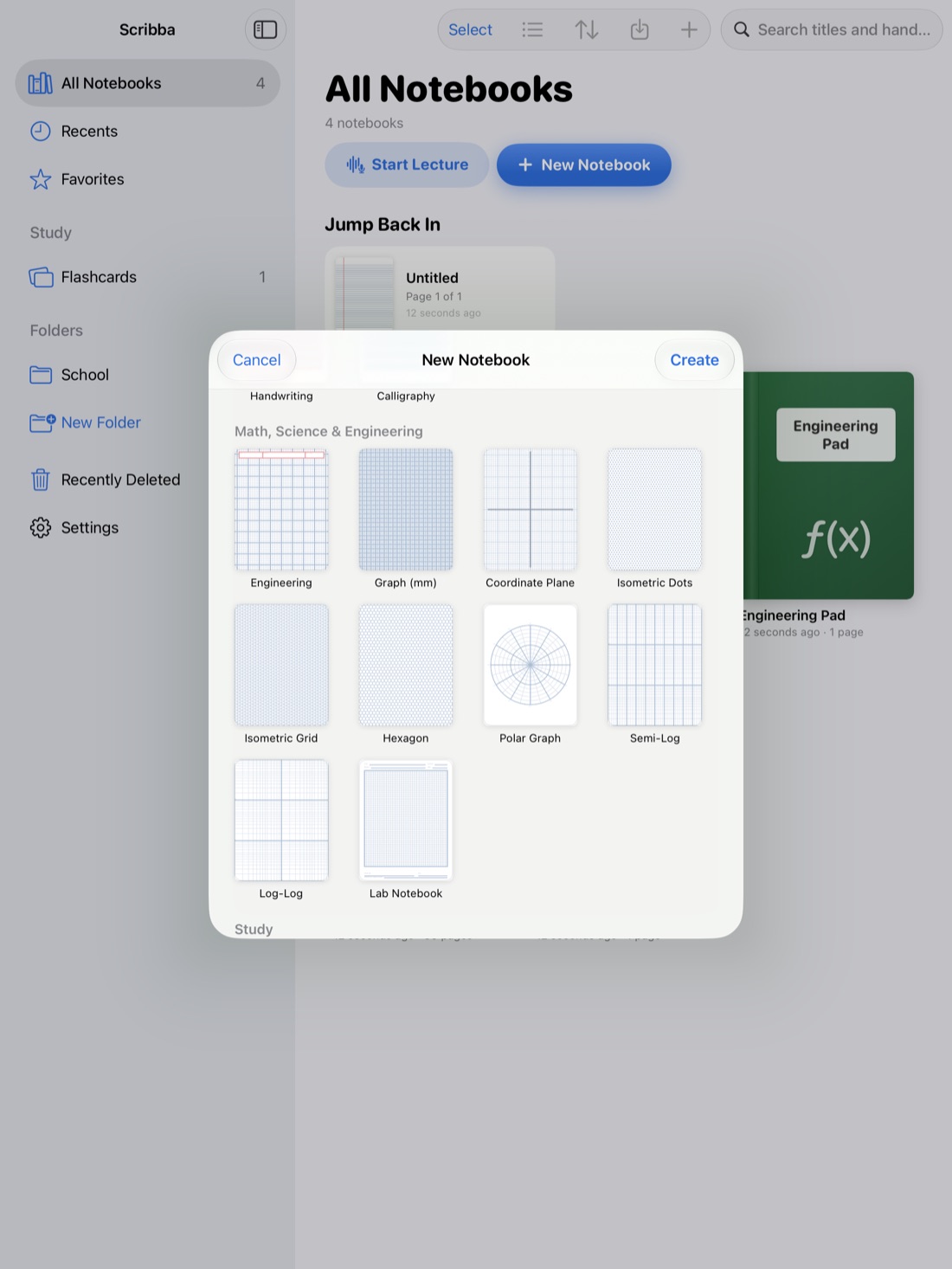
Pick the right paper. Blank or Dot Grid paper works well for brainstorming and mind maps. Ruled paper suits outlines. Paper type changes per page from the page sidebar, so you can brainstorm on dot grid and outline on ruled paper in the same notebook. More in our guide to paper templates.
Rearrange freely. Use the lasso to select a cluster of ideas and move it. Sticky notes and text boxes can be moved, resized and recolored, so some students write each main point on its own sticky note and drag them into order. In the page sidebar you can reorder, duplicate or copy pages, which is handy for trying a second outline without losing the first.
Draw connections. Hold the Pencil still at the end of a stroke to snap a line, arrow or circle, so a brainstorm full of arrows stays readable.
Keep sources open beside you. Import readings as PDFs and open a notebook in Split View to see a source and your plan side by side. Search finds words in your handwriting and in PDF text, which helps when you remember a quote but not where it was.
Hand off to your word processor. When the outline is ready, Scribba can copy or share a page's handwriting as typed text. Paste it into your document as the skeleton of your draft, then check it for misread words.
Frequently asked questions
Can I write my whole essay in Scribba?
You can type in text boxes on a page, but Scribba isn't a word processor. Plan by hand in Scribba, then draft in a word processor.
How long should planning take?
For a short essay, under an hour can be enough. For a long research paper, planning can take as long as drafting. Time spent on the outline usually saves time in revision.
What if my thesis changes while I'm drafting?
That's normal. Update the thesis and the outline to match, then check that every paragraph still supports the new version.