 Scribba
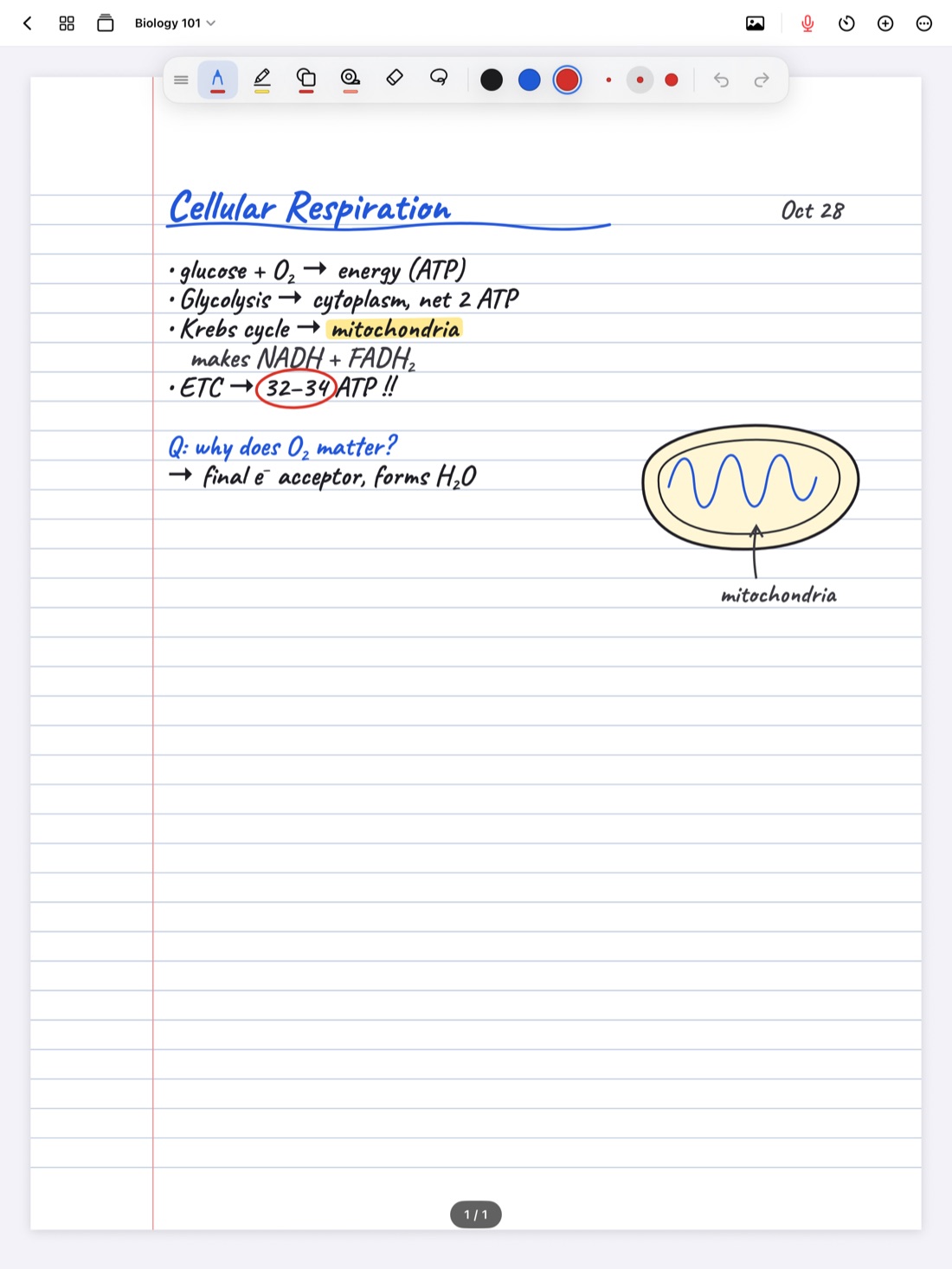
Your notes app probably knows more about you than any other app on your iPad. It has four years of lectures, but also the journal page from a rough week, the draft of a financial aid appeal, notes from a doctor's appointment, and a recording with your classmates' voices on it. Where all of that lives, and who can see it, is worth a few minutes of thought.
This guide explains what an account means for a notes app, how to read the privacy claims any app makes, and what "no account, no data collected" means in Scribba.
What an account usually means
When a notes app asks you to sign up, it's usually because your notes will live on the company's servers, tied to your email address. That has real benefits: you can sign in from a web browser, share notebooks, and get your notes back on a new device by logging in.
It also has costs that are easy to overlook:
- Another password to protect. If it's reused or leaked, someone else can sign in to your notes.
- Another company holding your data. Its servers can be breached, its policies can change, and it can be bought by a different company.
- Your notes depend on the service. If it shuts down, changes its pricing or locks your account, getting your notes out can be hard.
- Your notes may be read by software. Some services analyze what you store, for features, ads or other purposes. Their privacy policy says which.
None of this means accounts are bad. It means an account is a tradeoff, and for a notebook full of personal material, it's fair to ask whether you need one.
How to check any app's privacy claims
You don't have to take an app's word for it. A few places to look:
- The App Store privacy label. Every app's App Store page has an App Privacy section. It sorts data into groups like Data Used to Track You, Data Linked to You, Data Not Linked to You, or Data Not Collected. The label is filled in by the developer, so treat it as their stated practice.
- The privacy policy. Look for what's collected, where it's stored, who it's shared with, and whether it's used to train or improve AI.
- Where the AI runs. If an app summarizes lectures or answers questions, find out whether your notes and audio are sent to a server to do it, or processed on the device.
- What the sign-up asks for. An app that wants your email, contacts or location before you've written a word is telling you something.
- How you get your notes out. Check that you can export everything in a common format like PDF.
Tip: if you're using an iPad issued by your school, it may be managed by the school and come with its own rules. Check your school's technology policy before you keep personal notes on it.
Why it matters more for students
Class notes sound harmless, but a student's notebook is rarely only class notes:
- Personal pages end up next to lectures. Journals, health notes, budgets, applications and drafts of hard emails live in the same app.
- Recordings capture other people. A lecture recording includes your professor and your classmates. Keeping it private is part of recording responsibly. See is it OK to record lectures?
- Notes last for years. You might keep a notebook from first year until graduate school. That's a long time to trust any one service.
- Shared devices are common. iPads get lent to roommates, propped up in study groups and mirrored to screens.
What "no account, no data collected" means in Scribba
Scribba is an iPad notebook for class, built so your notes stay yours:
- No account. There's no sign-up, no email and no password. Scribba opens straight to your library.
- Data Not Collected. That's Scribba's App Store privacy label. There are no ads and no tracking.
- Your notebooks stay on your iPad. If you turn on iCloud Sync in Settings › iCloud, they also go to your own private iCloud. Scribba doesn't run servers that hold your notes.
Purchases go through the App Store with your Apple Account, so there's nothing extra to sign up for there either.
What runs on the iPad
Privacy isn't just about storage. It's also about where your notes go when the app does something clever with them.
- Handwriting recognition runs on the iPad. That's what makes your handwriting searchable, and your pages aren't sent anywhere for it.
- Transcription of lecture recordings runs on the iPad on models that support on-device speech recognition. On other iPads, Apple's speech service processes it. Scribba doesn't upload your audio to servers of its own. More in how lecture transcripts work.
- Apple Intelligence study tools run on the iPad. On iPads that support Apple Intelligence, with it turned on, key points, study guides and flashcards are written on the device. Nothing is uploaded and there's no per-use cost. Scribba doesn't use cloud AI services. You can turn these tools off in Settings › Apple Intelligence.
The tradeoffs, honestly
No account means a few things you won't get:
- No web version and no other devices. Scribba runs only on iPad.
- No shared notebooks. There's no collaboration. To share notes, export pages as a PDF or a deck to Quizlet or Anki.
- Backups are up to you. Nobody holds a copy for you, so turn on iCloud Sync and Auto Backup. Our guide to backing up iPad notes takes five minutes.
For most students, those are good trades. Your notes are on your iPad, in your iCloud, and in a backup folder you chose.
Keep things private on your end
The app can only do so much. The rest is up to you:
- Lock private notebooks with Face ID, Touch ID or your passcode. See how to lock notebooks with Face ID.
- Keep personal pages in their own notebook, so one lock covers them.
- Leave recordings out of iCloud Sync if you'd rather they stay on the iPad that made them.
- Set a passcode on the iPad itself and turn on Find My.
Frequently asked questions
Can the developer see my notes?
No. Scribba collects no data and has no servers holding your notebooks. Your notes live on your iPad and, if you choose, your private iCloud.
How do I get my notes back on a new iPad without an account?
Turn on iCloud Sync in Settings › iCloud, or restore a backup with Restore a Backup in Settings › Backups. Both use storage you control.
Are my notes used to train AI?
Scribba collects no data, so your notes never reach Scribba. Its Apple Intelligence tools run on the iPad, and nothing is uploaded for them.
Can I still export everything?
Yes. You can export any notebook as a PDF. If your plan ever ends, your notes stay readable and exportable.