 Scribba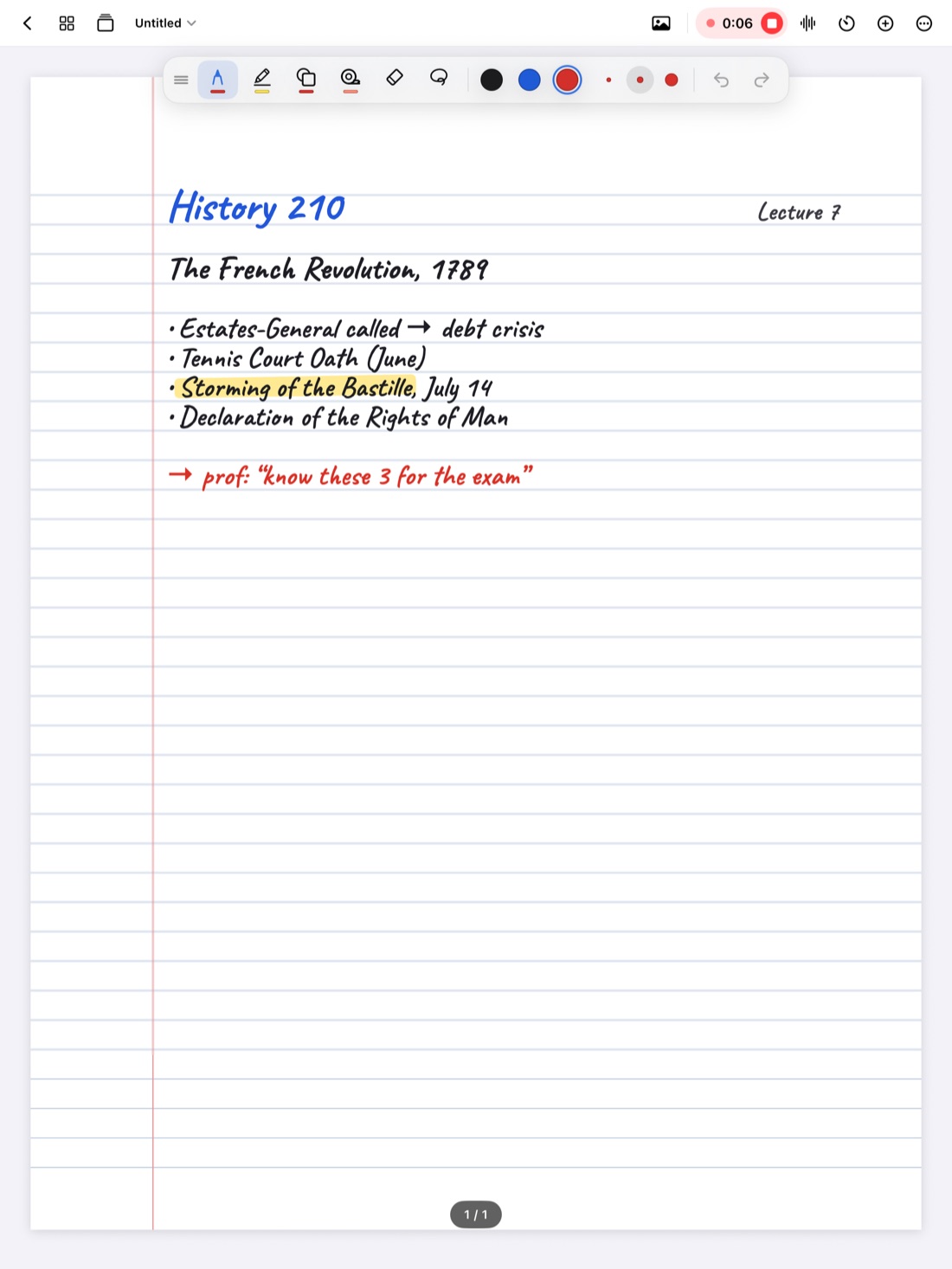
A lecture recording is useful, but it's slow. If you want the one sentence where your professor defined "opportunity cost," you either listen to the whole hour again or scrub around and hope. A transcript fixes that. Once the lecture is text, you can skim it in a few minutes, search it for a word, and read the exact phrasing instead of trusting your memory.
This guide covers why transcripts are worth having, how to get good ones, and how Scribba turns your lecture recordings into transcripts you can read, search and jump around in.
Why a lecture transcript helps
- Reviewing is faster. Reading is quicker than listening. You can skim a transcript, slow down at the parts that matter, and skip the tangents.
- You can search it. Looking for every time the professor said "photosynthesis" or "Treaty of Versailles"? Search finds it in seconds, even if you never wrote the word down.
- You get the exact wording. Definitions, formulas said out loud, and essay prompts are easy to paraphrase wrong. The transcript has what was actually said.
- It helps with accessibility. If you're deaf or hard of hearing, have an auditory processing difference, or just struggle to listen and write at the same time, a transcript gives you a second way into the lecture.
- It helps if English isn't your first language. Fast speech, accents and idioms are hard to follow live. Reading the transcript afterward, at your own pace, lets you look up words and catch what you missed.
Get a transcript you can trust
Speech recognition is good, but a lecture hall is a hard place for it. A few habits make transcripts much more accurate:
- Record clear audio. Sit near the front, keep your device facing the room, and stay away from air vents and projectors. Recognition can only be as good as the sound it hears. Our guide to recording lectures on iPad has more on this.
- Expect errors on names and jargon. Technical terms, foreign words and people's names are the most likely to come out wrong. Check them against the slides or textbook.
- Keep your own notes too. A transcript is everything that was said, in order. Your notes are what mattered, organized. You want both.
- Ask before you record. Rules on recording vary by school, professor and location, so check your syllabus or ask. If you need transcripts as an accommodation, your school's disability services office is the place to start. See is it OK to record lectures?
Tip: if your school offers captioning or transcripts as an accommodation, use it. Live captioning during class does something a transcript made afterward can't.
How Scribba transcribes your lectures
Scribba is an iPad notebook that records the lecture while you write. Every stroke you make is linked to the moment in the recording, and each recording is transcribed after you stop recording. There's no extra step: record the lecture as usual, and the transcript is made afterward.
Transcription happens after class, not live. You won't see words appear on screen while the professor talks, so it isn't a substitute for real-time captioning. It's for reviewing.
Once a lecture is transcribed, there are three main things you can do with it.
Read along as it plays
Play the recording and read the transcript along with it. This is the best way to review a part of the lecture you found confusing: you hear the tone and emphasis while seeing the words. It's also a good way to catch transcription mistakes, since you can hear what was really said.
As the recording plays, the ink you wrote at that moment lights up and the page follows along, so you can see your notes, the audio and the text together.
Tap a line to jump there
Tap any line of the transcript and playback jumps to that moment. This works the other way too: tap a word you wrote in your notes, and you hear what the professor was saying when you wrote it.
Search what was said from the library
Scribba's search covers lecture transcripts along with your handwriting, typed text and PDF text. Search from the library to look across every notebook, or inside one notebook to stay in a single class. Results open on the matching page.
This is where transcripts pay off at exam time. If you remember the professor mentioning a concept but can't remember which week, search for it. Our guide to searching handwriting on iPad covers search in more detail.
On-device or Apple's speech service
Where the transcription happens depends on your iPad. On iPads that support on-device speech recognition, Scribba transcribes on the iPad itself. On iPads that don't, Apple's speech service processes the recording instead.
Either way, Scribba doesn't upload your recordings to servers of its own. It collects no data, and your notebooks stay on your iPad and, if you turn on iCloud Sync, your private iCloud.
How to study with a transcript
Rereading a full transcript is about as effective as rereading your notes, which is to say, not very. Use it as a reference instead:
- Fill specific gaps. When your notes trail off or say "???", find that spot and read what you missed.
- Check definitions and wording. Before you make flashcards, confirm the exact definition the professor gave.
- Find quotes for essays. In discussion-heavy classes, search the transcript for the point you want to cite.
- Let it feed other tools. On iPads that support Apple Intelligence, with it turned on, Scribba uses the transcript to write the key points of the lecture, show what your notes missed, and answer questions about the lecture.
Frequently asked questions
Does Scribba transcribe live during class?
No. Scribba transcribes each recording after you stop recording. You can read along with the transcript during playback, but there's no live transcript while the lecture is happening.
Do I need Apple Intelligence for transcripts?
No. Transcripts work without Apple Intelligence. Apple Intelligence is only needed for the study tools built on top of them, like key points and asking the lecture questions.
Can I transcribe a recording I made in another app?
No. Scribba transcribes lectures you record in Scribba. Imported files like PDFs don't carry audio.
How accurate are the transcripts?
It depends mostly on the audio. Clear recordings from near the front of the room transcribe well. Names and technical terms are the most common mistakes, so check those against your slides.