 Scribba
A grader working through a stack of problem sets won't hunt for your answer. If your work is easy to follow, you're more likely to get partial credit for a right method with a slip in the arithmetic. If it's a tangle of arrows and crossed-out lines, you may get nothing for the same thinking.
Neat homework isn't about pretty handwriting. It's about layout. This guide covers how to set up and work a problem so it reads clearly, then how to do it on iPad with problem set paper and turn it in as a PDF.
Before you start writing
Read the whole assignment first. Problems often build on each other, and part (c) sometimes tells you what part (a) was getting at. Note the due date and how it's submitted, so you aren't figuring out the upload at 11:58 p.m.
For each problem, take a moment before you write anything to decide what's being asked and which ideas from class apply. A minute of planning saves a page of false starts.
Lay out every problem the same way
A consistent layout makes your work easy to grade and easy to study from later. For most math, physics, chemistry and engineering problems, this order works:
- Problem number and part, clearly at the top.
- Given. List the known values with units.
- Find. What you're solving for.
- Diagram, if there's anything physical or geometric. Label it.
- Equations. Write the general equation before you plug in numbers.
- Solution. Work it out, one step per line.
- Answer, boxed, with units.
Not every class wants Given and Find written out, but doing it anyway catches a surprising number of mistakes before they happen.
Show your work so it can be followed
- One step per line. Don't do three algebra moves in your head and write only the result.
- Line up equals signs down the page, so each line reads as a change from the one above.
- Carry units through every line, not just the answer. Units that don't cancel are an early warning.
- Add a few words where the reasoning isn't obvious: "by conservation of energy," "since the block doesn't slide."
- Cross out cleanly. One line through a wrong step is fine. Then keep going below it.
- Leave room. Crowded work is hard to read and hard to fix.
Check before you call it done
Before you move on, run three quick checks. Do the units of the answer make sense? Is the size reasonable (a car isn't going 4,000 m/s)? If you can, plug the answer back into the original equation. These catch a lot of careless errors, and you'll want the habit on exams anyway.
Problem set paper in Scribba
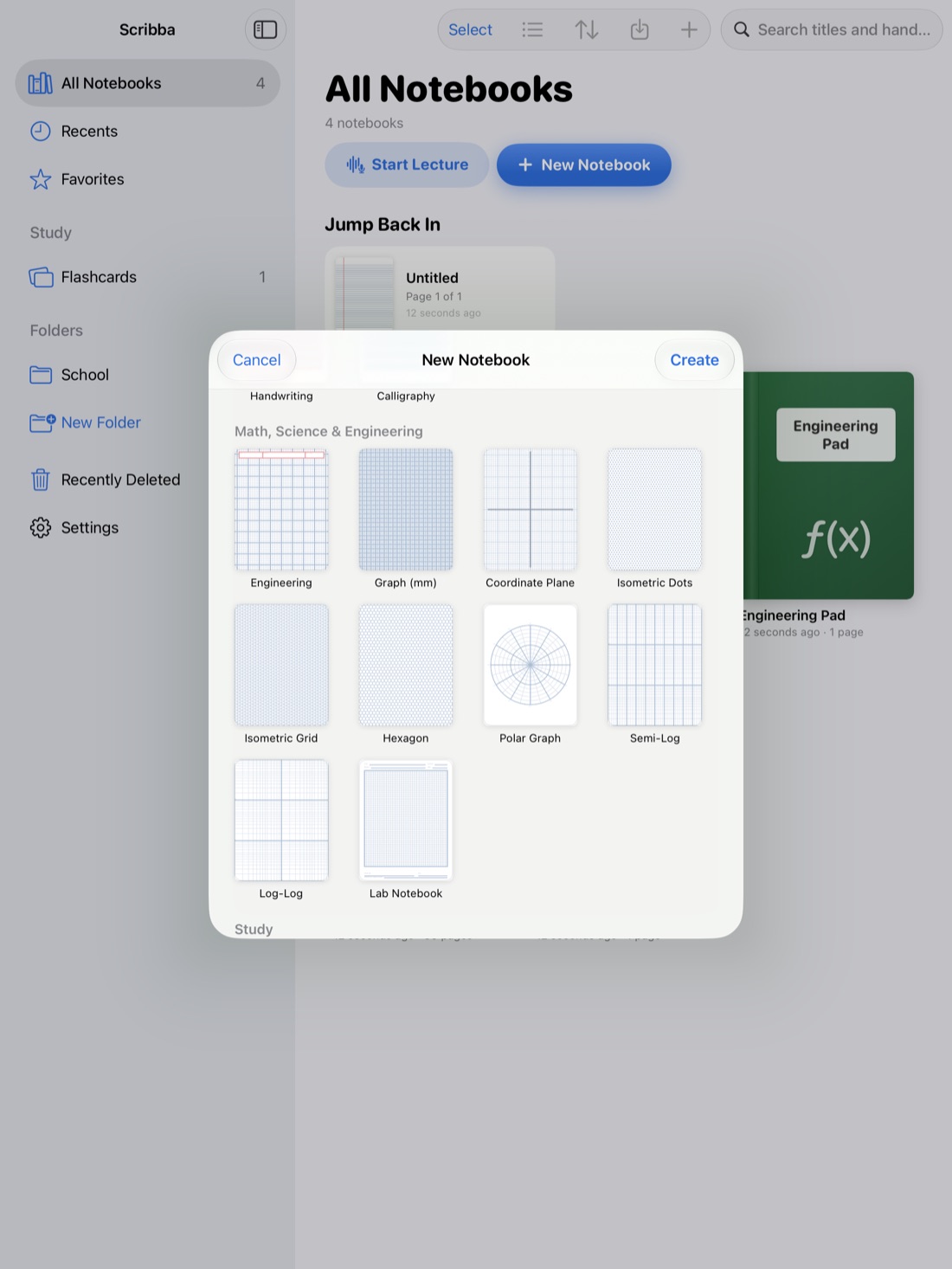
Scribba's Problem Set paper is in the Study section of the paper picker. It has NAME, COURSE, DUE and ASSIGNMENT fields at the top, over a grid split into four numbered problem areas. The fields are blank, so fill them in at the start. The grid keeps equations and columns lined up, and the numbered areas give each problem its own space.
Four areas per page suits short problems. For a longer problem, let it run across two areas or onto the next page; pull past the last page to add one. You can also mix paper in the same notebook, so a long derivation can go on a plain grid page from the page sidebar.
A few tools that keep the work neat:
- Zoom Window. Write big in the magnified strip, and it lands small and neat on the page. It's ideal for subscripts, exponents and fractions.
- Snapped lines and shapes. Hold the Pencil still at the end of a stroke to snap a straight line, arrow or rectangle. Use it for free-body diagrams, axes and boxing your final answer.
- Lasso. If a step ran out of room, circle it and move it instead of rewriting it.
- Keyboard shortcuts. With a keyboard attached, ⌘Z and ⇧⌘Z undo and redo, and ⇧⌘N adds a new page.
If your homework arrives as a PDF, you can import it and write right on it instead. Math and chemistry notes on iPad covers that setup.
One thing to know: Scribba doesn't solve equations or check your math. It keeps your work tidy; the thinking is yours.
Export and submit
When the set is done, open the page sidebar, select the pages you want, and export them as a PDF. You can also export the whole notebook. Then submit the file however your class collects work. Scribba doesn't connect to Canvas or other course sites, so you'll upload the PDF yourself. See export iPad notes as PDF for more.
Before you upload, open the PDF and check it:
- Every page is there, in order. If not, reorder pages in the page sidebar and export again.
- Your name and the assignment are on the first page.
- Small writing is readable at normal zoom.
Tip: keep one notebook per class with your lecture notes and problem sets together. When you study for the exam, the worked homework sits right next to the lecture it came from.
Frequently asked questions
Can Scribba check my answers?
No. Scribba doesn't solve or check math. Use the unit and plug-back checks above, and compare with the answers your course provides.
Can I submit straight to Canvas?
No. Export the pages as a PDF, then upload the file to your course site yourself.
What if one problem needs more than one box?
Let it run into the next area or onto a new page. Write the problem number at the top of each continuation, so the grader can follow it.