 Scribba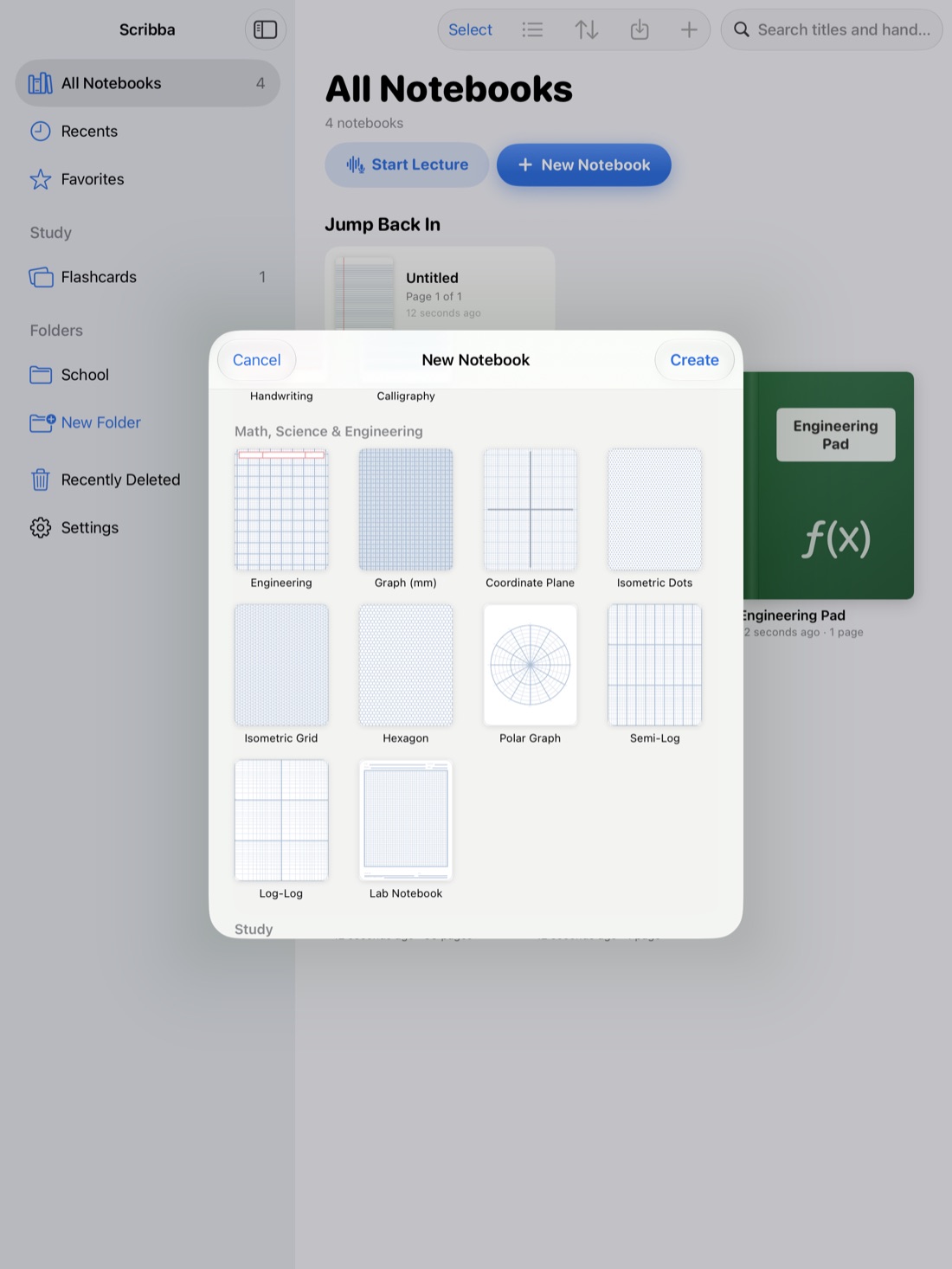
Physics notes have a job that most class notes don't. They need to teach you how to solve problems you haven't seen yet. Memorizing a page of equations won't get you through an exam. Knowing which idea applies, drawing the situation, and carrying units through to a sensible answer will.
That means your notes should be built around three things: diagrams, worked problems and the reasoning behind each formula. Here's how to set that up on an iPad.
If you also take calculus or chemistry, our guide to math and chemistry notes on iPad covers general habits for writing out steps. This one is about the parts that are specific to physics.
Start every problem with a picture
Most physics mistakes happen before any math: a force left out, a sign flipped, an axis pointing the wrong way. A quick diagram catches those. Make it a rule to draw something for every problem, even simple ones.
Free-body diagrams that are easy to read
A free-body diagram shows one object and every force acting on it. A few habits keep them clear:
- Draw the object as a simple box or dot. No need for a realistic car or block.
- Start each force arrow on the object and point it the way the force acts.
- Label every arrow with a symbol, like F_g, N, T or f, and write what it is if the symbol is new.
- Make arrow length roughly match size. If friction is smaller than the push, draw it shorter.
- Choose your axes and draw them in a corner. On an incline, tilt them to match the slope and note that you did.
In Scribba, hold the Apple Pencil still at the end of a stroke and it snaps into a straight line, arrow, circle, ellipse, triangle, rectangle or polygon. That's most of a free-body diagram: a rectangle for the block, a triangle for the ramp, an arrow for each force. If you're drawing several diagrams in a row, switch to the Shape tool and every stroke snaps. For a line at an exact spot, like the surface of an incline, open the ruler from the + menu in the notebook's top bar.
Tip: draw forces in one color and velocity or acceleration in another. Mixing them up on the same diagram is a common mistake in intro mechanics.
Use paper that keeps your work lined up
Physics pages mix sketches, equations and graphs, so paper with structure helps.
- Engineering paper is a classic choice for physics problem sets. Work runs down the page in a neat column.
- Graph (mm) paper for plotting lab data and position, velocity and acceleration graphs.
- Coordinate plane when you sketch functions with labeled axes.
- Polar paper for circular motion and fields.
- Semi-log and log-log paper for data that spans large ranges, like decay.
- Problem set paper for homework, one problem per space.
Scribba has all of these, and you can change the paper of any page from the page sidebar. A lecture page can stay ruled while the next one becomes graph paper for a kinematics plot. See iPad note paper templates for the full list.
Write worked problems the same way every time
A consistent layout makes worked problems easier to study and easier to check. Try this order for every problem, in lecture and on homework:
- Given. List each known quantity with its units.
- Find. Write what you're solving for.
- Diagram. Sketch the setup or the free-body diagram.
- Principle. Name the idea you're using: Newton's second law, conservation of energy, conservation of momentum.
- Solve with symbols first. Rearrange the equation before plugging in numbers. It's easier to spot errors, and you can reuse the result.
- Plug in and carry units. Write units on every number all the way through.
- Check. Do the units come out right? Is the size reasonable? Does the sign make sense?
Step 4 is the one students skip, and it's the one exams test. Writing the principle by name trains you to recognize which idea fits which kind of problem.
Let the units check your work
Units are free error detection. If you're solving for a speed and your answer comes out in meters per second squared, something went wrong earlier. Before plugging in, check that both sides of your equation have the same units. It takes a few seconds and catches a lot.
For small subscripts and exponents, Scribba's Zoom Window helps. You write large in a magnified strip, and it lands small and neat on the page, so v₀ and m/s² stay readable.
Record derivations so you can replay them
Physics professors love derivations. They start from a principle and build up to an equation over two whiteboards, and it's easy to copy every line and still not see why one step follows from the last.
If your professor allows recording, it helps most here. In Scribba, tap the mic (or press ⌘R) and write as usual. Every stroke is linked to that moment in the recording. After class, tap the line where you got lost, and you'll hear the explanation that went with it. Mark confusing steps with a question mark as you go, then tap each one later. See how to record a lecture on iPad for setup, and check your class's policy first.
Scribba also transcribes recordings, so you can search for a phrase the professor said, like "small angle approximation," and find that part of the lecture again.
Build a formula sheet as you go
Whether or not your exams allow one, a formula sheet is a great study tool. The point isn't the list of equations. It's knowing when each one applies.
- One page per unit, bookmarked so you can find it fast. In Scribba, named bookmarks in the page sidebar act as a table of contents.
- Write the conditions next to each formula. For example, the constant-acceleration equations only work when acceleration really is constant.
- Define every symbol and its units.
- Add a tiny sketch where it helps, like the angle in a projectile formula.
- Group by idea, not by chapter order: energy together, momentum together.
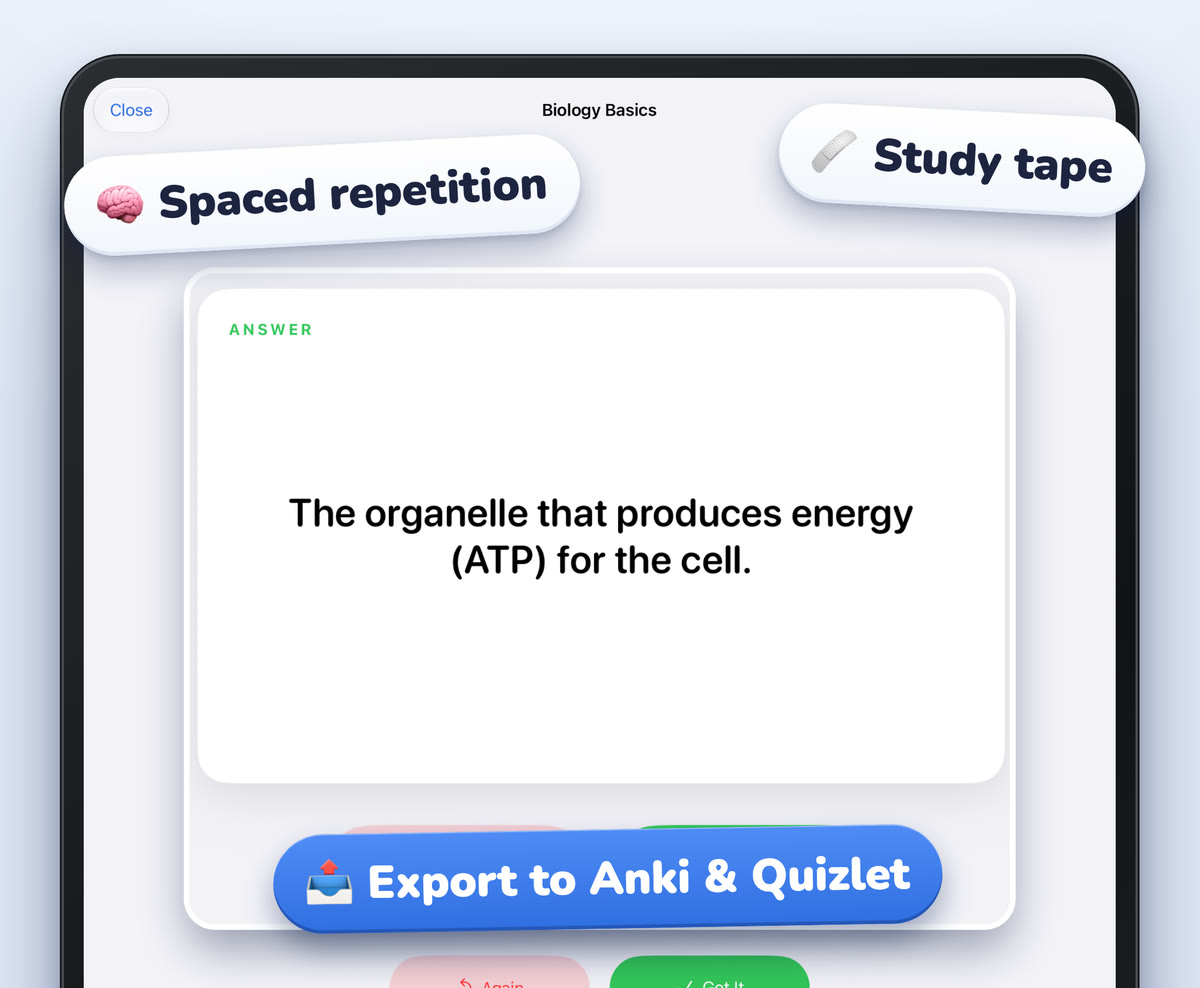
Then quiz yourself. In Scribba, drag study tape over each formula, look at the conditions and the sketch, and try to write the formula from memory. Tap the tape to peek. More on this in study tape on iPad.
Practice by re-solving, not rereading
Reading a solved problem feels productive, but solving it again is what builds the skill. Cover the solution to a worked example from lecture, solve it on a fresh page, then compare. When you get stuck, go back to your notes and find the principle you missed.
Frequently asked questions
Can Scribba solve physics problems or recognize equations?
No. Scribba doesn't recognize equations or solve problems. It's a place to write your work clearly, link it to the lecture and study it later.
What's the best paper for physics notes?
Engineering paper or grid paper for problems, graph paper for plotting data, and ruled or dot grid for lecture-heavy days. You can mix them in one notebook.
Can I draw free-body diagrams with my finger?
Yes. Turn on Settings › Draw with Finger. An Apple Pencil gives you finer control for small labels and subscripts, though.