 Scribba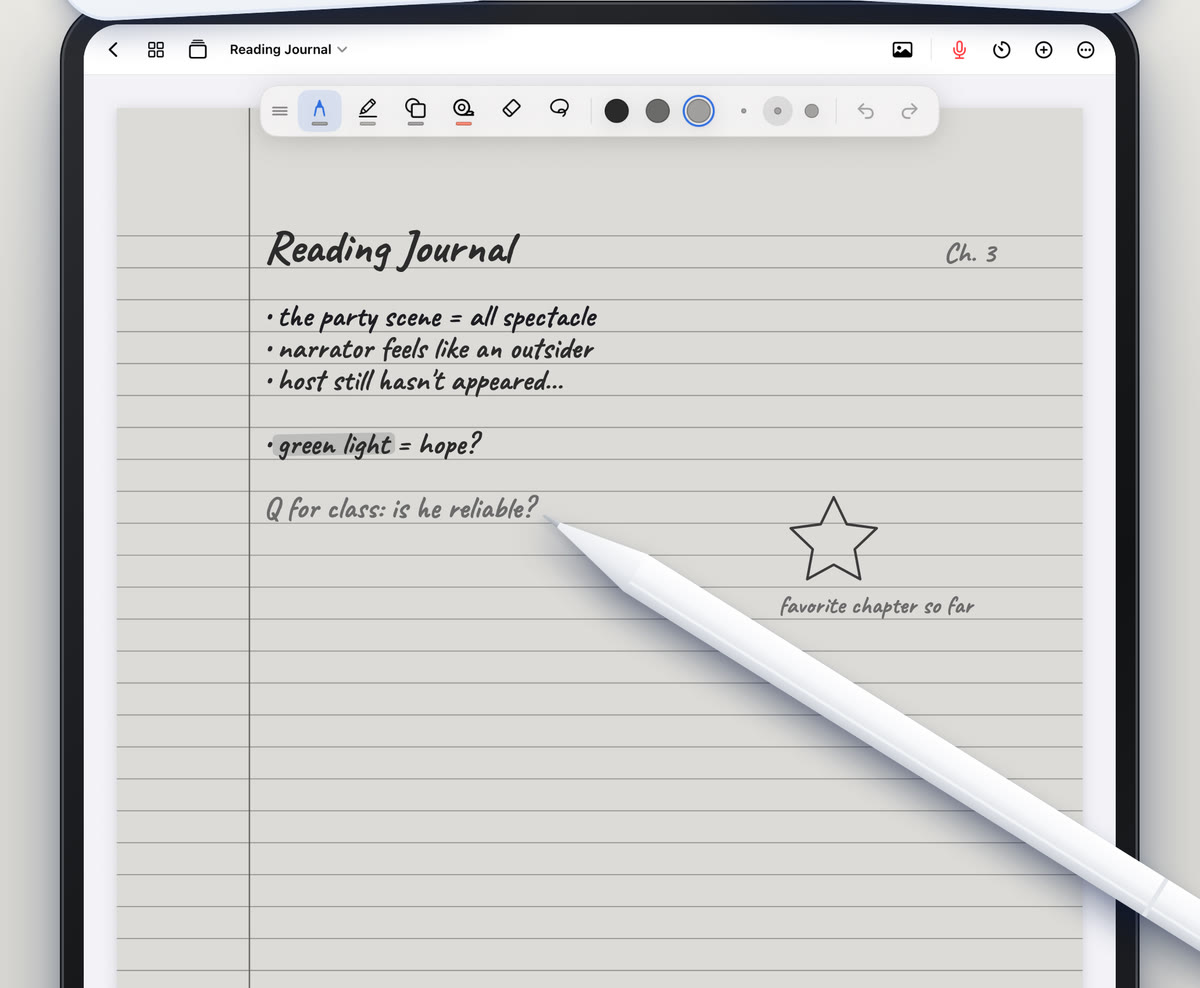
College schedules don't always leave room for studying in daylight. Between classes, work and everything else, a lot of reviewing happens at 11 p.m. on a bed or in a dim dorm room. That's when a bright white page on an iPad can feel like staring into a flashlight.
This guide covers how to make late-night study sessions more comfortable: paper that's easier to look at in the dark, the iPad settings that help, and a few habits for studying late without wrecking the next day. Then we'll come back to one of the most important study tools of all, which is sleep.
Why a white page feels harsh at night
During the day, a bright screen matches the room around it. At night, your eyes have adjusted to the dark, and a full-brightness white page is by far the brightest thing you can see. Many people find that uncomfortable, and it can make it harder to keep going.
There are two ways to fix that, and they work best together: change what's on the page, and change how bright and warm the whole screen is.
Dark paper in Scribba
Scribba has 9 paper colors, and one of them is dark paper. Instead of dark ink on a bright page, you get light ink on a dark page, so most of the screen gives off much less light.
To use it:
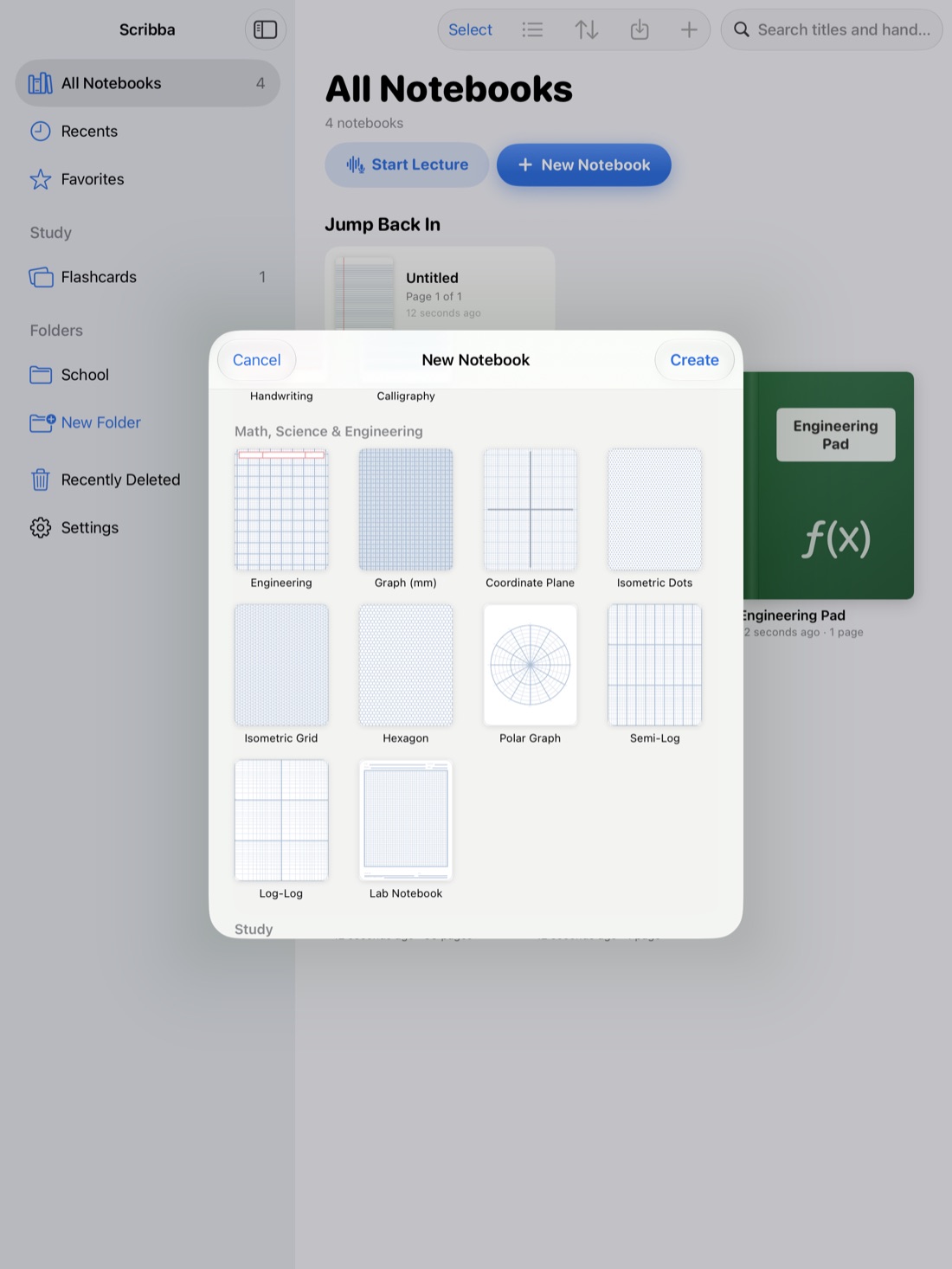
- For a new page or notebook, choose dark paper in the paper picker, which shows paper types and colors side by side.
- For a page you've already written on, change its paper from the page sidebar.
- Switch to a light ink color. Black ink disappears on dark paper. Tap the selected color to pick a new one, like white, pale yellow or light blue.
Each tool keeps its own saved colors and widths, and you can keep three to six favorite colors within reach. It's worth saving a light "night" color or two, so you aren't hunting for one at midnight.
Tip: test your highlighter colors on dark paper before a long session. A color that pops on white paper can look very different on a dark page.
Paper color and paper type are picked in the same place, so choose the layout your class needs too. See iPad note paper templates for which type suits which class.
E-Ink paper: a softer middle ground
If dark paper feels too stark, try E-Ink Books. It gives any template a soft gray e-ink paper, with pens and highlighters that write in e-ink grays. The page is less bright than white and has lower contrast than dark paper, closer to the look of an e-reader.
Some students like it for long reading and review sessions, when there's a lot of page to look at and nothing to color-code. For more, see E-Ink paper on iPad.
iPad settings that help at night
These are part of iPadOS, so they work in every app, not just your notes.
- Turn the brightness down. Swipe down from the top-right corner to open Control Center and drag the brightness slider. At night, you often need much less than you think.
- Night Shift. In Settings › Display & Brightness › Night Shift, you can schedule the screen to shift to warmer colors in the evening. Many people find a warmer screen easier to look at in a dim room.
- Dark Mode. In Settings › Display & Brightness, choose Dark, or set Automatic so it switches in the evening. This darkens menus and system screens.
- Reduce White Point. In Settings › Accessibility › Display & Text Size, Reduce White Point lowers the intensity of bright colors. It's useful when even the lowest brightness feels too much.
- Silence notifications. A Focus such as Do Not Disturb, in Settings › Focus, keeps messages from lighting up the screen while you study.
Night Shift and Reduce White Point change how the screen looks, not your notes. Your pages look the same in the morning.
Habits for studying late
Comfortable paper helps. These habits matter more.
- Set a stop time before you start. Late sessions tend to drift. Scribba hides the iPad's status bar by default, so turn on Settings › Screen › Show Time and Battery if you want the clock in view.
- Work in blocks with breaks. Scribba's focus timer is a Pomodoro timer, and it follows you between notebooks, so it keeps running when you switch from Chemistry to History. See a Pomodoro timer for studying.
- Do the hardest work earlier. Save late hours for lighter tasks, like reviewing flashcards or tidying notes, rather than a new problem set.
- Test yourself instead of rereading. When you're tired, rereading turns into staring at the page. Quizzing yourself keeps you engaged. Scribba's flashcards come back on a spaced repetition schedule, so a short late session can just be the cards that are due. Spaced repetition flashcards explains how.
- Turn on a lamp. A soft light in the room means the screen isn't the only bright thing in your view, which many people find more comfortable.
Sleep is part of studying
The most useful thing you can do the night before an exam is often to stop studying and go to bed.
Sleep plays a big part in how well you remember what you studied, and a tired brain can be slower to recall it in the exam room. An all-nighter can cost more on test day than the extra hours add. Plan your review so the last night is light: a quick pass through the topics you're least sure of, then sleep.
If late nights keep happening because everything piles up at the end, the fix is earlier in the week. How to study for finals with your iPad notes shows how to build a schedule that spreads the work out.
Frequently asked questions
Does Scribba have dark paper?
Yes. Dark paper is one of Scribba's 9 paper colors. Pick it in the paper picker.
Can I switch a page I already wrote on to dark paper?
Yes. Change the paper of any page from the page sidebar. If your ink is dark, pick a lighter color for anything you add.
Is E-Ink paper the same as dark paper?
No. E-Ink Books uses a soft gray paper with pens and highlighters in e-ink grays. Dark paper is a dark page you write on in lighter colors.
Does Night Shift change my notes?
No. Night Shift only changes how warm the whole screen looks while it's on. Your notes and their colors stay the same.