 Scribba
Most journaling advice assumes you have twenty quiet minutes and a candle. Students have a bus ride, a gap between classes, and maybe five minutes before bed. A daily journal that works in college fits into that: a few short prompts, filled in the same way every day, so you never stare at a blank page.
This guide sets up that kind of habit around three parts: gratitude, focus and reflection. It follows the layout of the Daily Journal paper in Scribba, but you can copy the structure onto any page.
Why a structured page beats a blank one
A blank page asks you to decide what to write before you write it. That's a decision you're least able to make at 7:45 a.m. or after a long lab. Prompts remove the decision. You answer a few small questions, and on the days you have more to say, there's room for it.
Structure also makes old entries useful. When every page has the same sections, you can flip back through a month and compare like with like: what you focused on, what went well, how you felt.
The Daily Journal page, section by section
Scribba's Daily Journal paper has a DAILY JOURNAL header and these printed sections, all blank for you to fill in:
- DATE
- MOOD: a row of 5 circles
- WATER: a row of 8 circles
- GRATEFUL FOR: a numbered list
- TODAY'S FOCUS
- NOTES
- HIGHLIGHT OF THE DAY
Here's one way to use each.
Mood and water: a ten-second check-in
The circles are for filling in, not writing. For mood, decide once what the five circles mean, for example left is rough and right is great, and fill in one each day. For water, fill a circle each time you finish a glass. These take seconds, and after a few weeks they give you a quick picture of how you've been doing. If a run of low-mood days lines up with exam week or short sleep, that's worth knowing.
Grateful for: specific beats general
Gratitude journaling is a well-known habit, and its main pitfall is repetition. Writing "friends, family, coffee" every day turns it into a chore. Aim for small and specific: the TA who stayed late, the lab partner who brought extra goggles, finally understanding recursion. Specific entries take a moment of real noticing, which is the point.
Today's focus: one thing
This is the most practical line on the page. Write the one thing that would make today a success if nothing else got done. Not a to-do list, just one: "finish the methods section" or "read chapter 6 before section." If you keep a planner, glance at it before you write this. When the day gets chaotic, this line tells you what to protect.
Notes: whatever doesn't fit
Use NOTES for anything that needs more room: a worry you want out of your head, a decision you're weighing, an idea for a paper. Keep it loose. This is the one section with no rules.
Highlight of the day: the evening reflection
Fill this in at night. Pick one moment, even on a bad day. Then look back at TODAY'S FOCUS. Did it happen? If not, what got in the way? Don't grade yourself, just notice. Over time, patterns show up: the kind of days your focus slips, and the kind of focus you actually finish.
Making the habit stick
- Split it in two. Do the morning half (date, mood, grateful for, focus) with breakfast or on the way to class. Do the evening half (water, notes, highlight) before bed. Two three-minute sittings are easier to keep than one ten-minute one.
- Attach it to something you already do. Coffee, the bus, the minutes before your first lecture starts. A new habit holds better when it hangs on an old one.
- Never skip twice. Missing a day is fine. Missing two in a row is how a new habit quietly ends. If you miss, fill in today's page, not the backlog.
- Allow short entries. A page with only a focus line and a highlight still counts.
Tip: keep your journal on the same iPad you take notes on, and open it before your first class. You're already holding the Pencil, so the habit costs almost nothing.
Setting it up in Scribba
- Make a separate notebook for your journal, so it opens fast and stays apart from class notes.
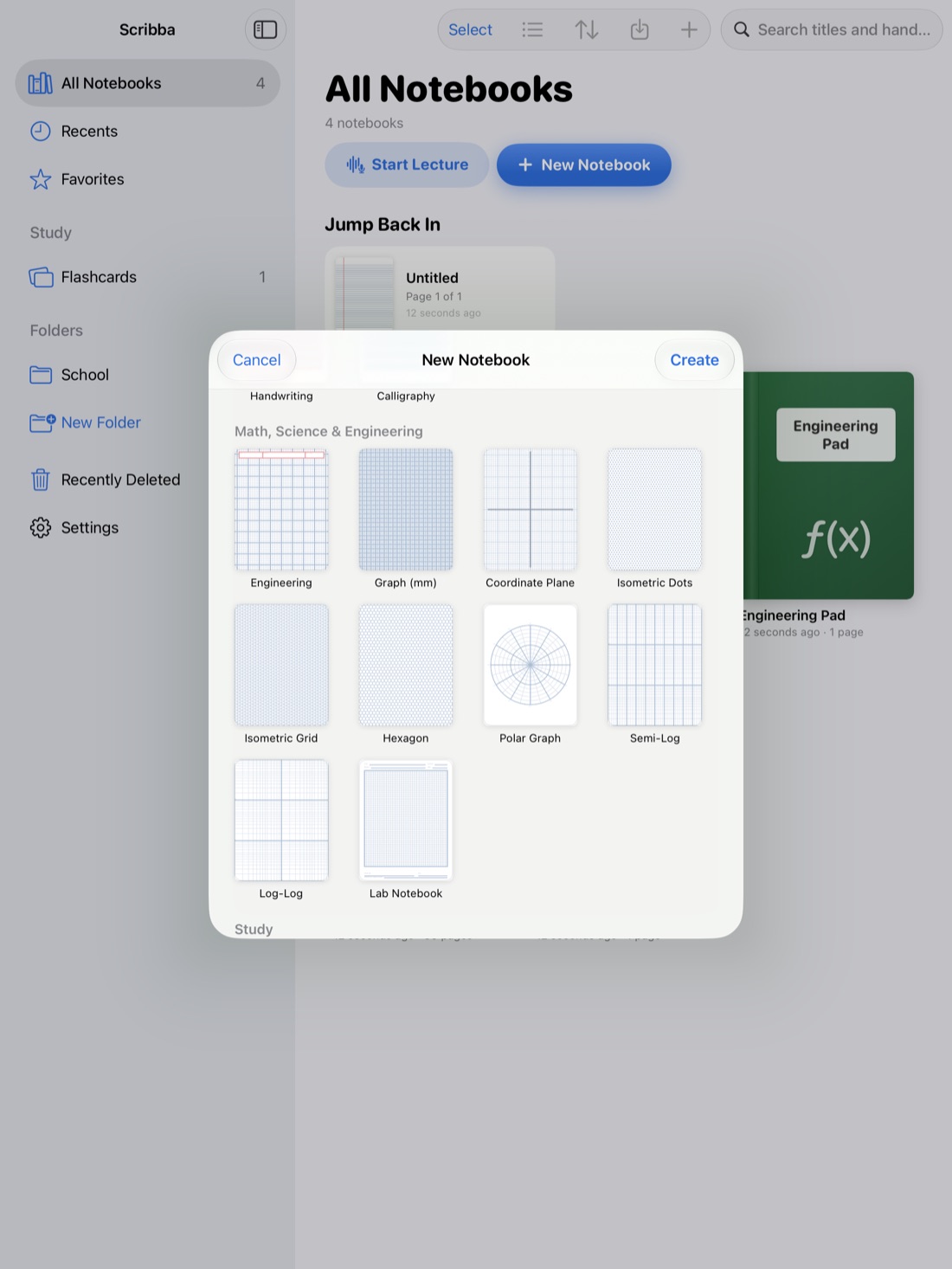
- Pick Daily Journal paper. It's in the Writing & Journaling section of the paper picker, and you can change any page's paper later from the page sidebar.
- Pull past the last page to add the next day's page.
A few details help a journal feel like yours:
- Paper color. There are 9 paper colors. Ivory feels warm and bookish. Charcoal and Black are dark papers that many people find easier on the eyes for late-night entries. See dark paper for studying at night.
- Free-writing days. For a longer entry, switch a page to the plain Journal paper: a DATE line with wide-spaced rules, which opens on ivory.
- Privacy. A journal is personal. You can lock the notebook with Face ID, Touch ID or a passcode, as described in how to lock notebooks with Face ID. Scribba needs no account and collects no data, and your notebooks stay on your iPad and, if you turn on iCloud Sync, your own private iCloud.
- Finding old entries. Search reads your handwriting, so you can find the day you wrote about an internship interview by searching a word you wrote that day.
- Weekly bookmarks. Add a named bookmark in the page sidebar at the start of each week. The notebook's table of contents becomes a list of weeks you can jump between.
A weekly look back
Once a week, maybe Sunday evening, flip through the last seven pages. Read the focus lines and the highlights. Ask what helped and what got in the way, then write one sentence about next week in today's NOTES. If you keep a planner, this pairs well with a weekly review of your deadlines. See how to set up an iPad planner for the school year.
Frequently asked questions
How long should a daily journal entry take?
Five to ten minutes is plenty. Split across morning and evening, each half takes a few minutes.
What if I miss a few days?
Start again with today's page. Don't try to catch up on the missed ones. A journal you restart is more useful than one you abandon because it fell behind.
Is my journal private in Scribba?
Your notebooks stay on your iPad and, optionally, your private iCloud. Scribba has no accounts and collects no data, and you can lock a notebook with Face ID, Touch ID or a passcode.