 Scribba
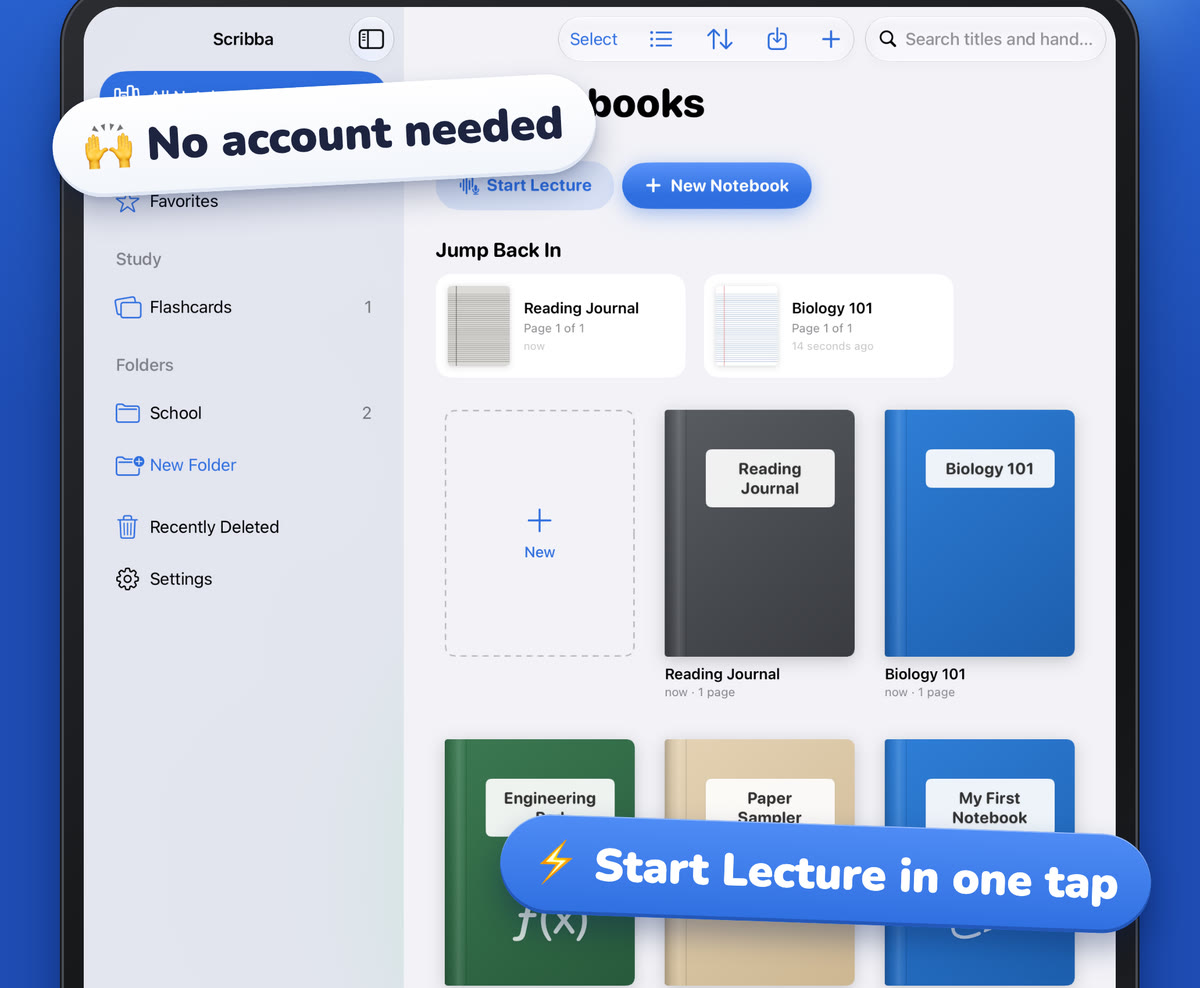
There are two kinds of students who want a notes app in Spanish. Some grew up speaking it and would rather not spend their study time translating menus in their head. Others are learning it and want more Spanish in their day. Both get something out of switching, but they use it differently, and the details matter more than you'd think once your lectures get recorded and transcribed.
This guide covers how language works in Scribba, the one setting that matters most before you record a lecture, and practical habits for each kind of student.
Two ways to set the language
Scribba is available in English and Spanish. It picks a language in one of two ways:
- It follows your iPad's language. If your iPad is set to Spanish, Scribba opens in Spanish.
- Or you choose one just for Scribba. In Settings › Language, pick English or Spanish. It switches right away, without changing anything else on your iPad.
The second option is the useful one for most students. You can keep the rest of your iPad in whatever language you're comfortable with and set only Scribba to the one you want for class.
What changes when Scribba is in Spanish
Switching isn't just the menus. With Scribba in Spanish:
- The whole app is in Spanish, including the printed labels on paper templates like Cornell Notes and the planners, the starter library, Siri phrases and permission prompts.
- Lectures are transcribed in Spanish. Scribba transcribes each recording in the language it's showing.
- Apple Intelligence writes in Spanish. Key points, study guides and flashcards from a page or transcript come out in Spanish.
- Asking the lecture and What Did I Miss? handle Spanish well. They skip Spanish filler words and ignore accents, so a search for "fotosintesis" still finds "fotosíntesis".
The Apple Intelligence tools need an iPad that supports Apple Intelligence, with it turned on, running iPadOS 26. They run on the iPad itself, so nothing is uploaded. Transcripts, recording and everything else work without it.
Match the language to the lecture
This is the setting to get right. Because Scribba transcribes in the language it's showing, the app's language should match the language your professor speaks.
- Class taught in Spanish: set Scribba to Spanish before you record.
- Class taught in English: set it to English before you record, even if you write your notes in Spanish.
- Some classes in each: check Settings › Language before class. It only takes a second, and it switches right away.
Speech recognition expects one language at a time. If a lecture mixes the two, expect the parts in the other language to come out rough in the transcript. Your own handwriting, and the moment you wrote it, are still linked to the recording either way, so you can always tap your notes and listen.
Tip: if you take classes in both languages, start each class notebook's first page with a note to yourself, like "EN" or "ES". It's a small reminder to check the language before you hit record.
For native Spanish speakers studying in English
If Spanish is your first language and your classes are in English, you're doing two jobs in every lecture: understanding the material and following fast academic English. A few habits help:
- Write in whatever language is fastest. Notes are for you. Mixing languages on the page is fine, and often quicker.
- Write key terms in the language of the exam. If the test is in English, the vocabulary on your page should be too, even if the explanation around it is in Spanish.
- Build a bilingual glossary. On a Vocabulary page, write the English term on the left and an explanation in Spanish on the right. Scribba can turn each row into a flashcard, and that doesn't need Apple Intelligence.
- Read the transcript at your own pace. Fast speech and idioms are hard to catch live. Reading what was said afterward, and looking up the words you missed, is often easier than relistening. See how lecture transcripts work.
- Use your school's support. Many colleges have writing centers, tutoring and language support for multilingual students. They exist for exactly this.
Keep Scribba in English for these classes so the transcript matches the lecture. If you'd like the menus in Spanish for everything else, switch for your Spanish-taught classes or personal notebooks.
For students learning Spanish
Using an app in the language you're learning is a small, steady dose of immersion. You see the same words every day in a context where you already know what they mean.
- Switch once you know the basics. If you can read simple instructions, set Scribba to Spanish. You already know what most buttons do, so the Spanish labels teach you words for free.
- Record class in Spanish. In a class taught in Spanish, the transcript gives you the wording of what your professor said, which is great for dictation practice and checking spelling.
- Ask questions in Spanish. On an iPad with Apple Intelligence, type questions to the lecture in Spanish. Since accents are ignored, a quick question typed without them still works.
- Make the study tools work for you. Key points and flashcards written in Spanish are extra reading practice. Check them against your notes and the transcript, as you would in any language.
- Keep vocabulary on its own pages. Vocabulary and Cornell pages become flashcards without Apple Intelligence (fix any accents Scribba misreads in the review step), and spaced repetition brings each word back just before you forget it. See how to memorize vocabulary faster.
For the full notebook setup, with vocabulary pages, conjugation tables and pronunciation practice, read how to take Spanish class notes on iPad.
Frequently asked questions
How do I change Scribba to Spanish?
Open Scribba's Settings › Language and choose Spanish. It switches right away. If you don't pick one, Scribba follows your iPad's language.
Does Scribba support other languages?
No. Scribba is available in English and Spanish only.
Can I record an English lecture with Scribba in Spanish?
You can, but the transcript will be made in Spanish, which won't match the lecture. Set Scribba to the language the class is taught in before you record.
Do I need Apple Intelligence to use Scribba in Spanish?
No. The app, recording and transcripts work in Spanish on any iPad that runs Scribba. Only key points, study guides, What Did I Miss?, asking the lecture and flashcards from a page or transcript need Apple Intelligence.