 Scribba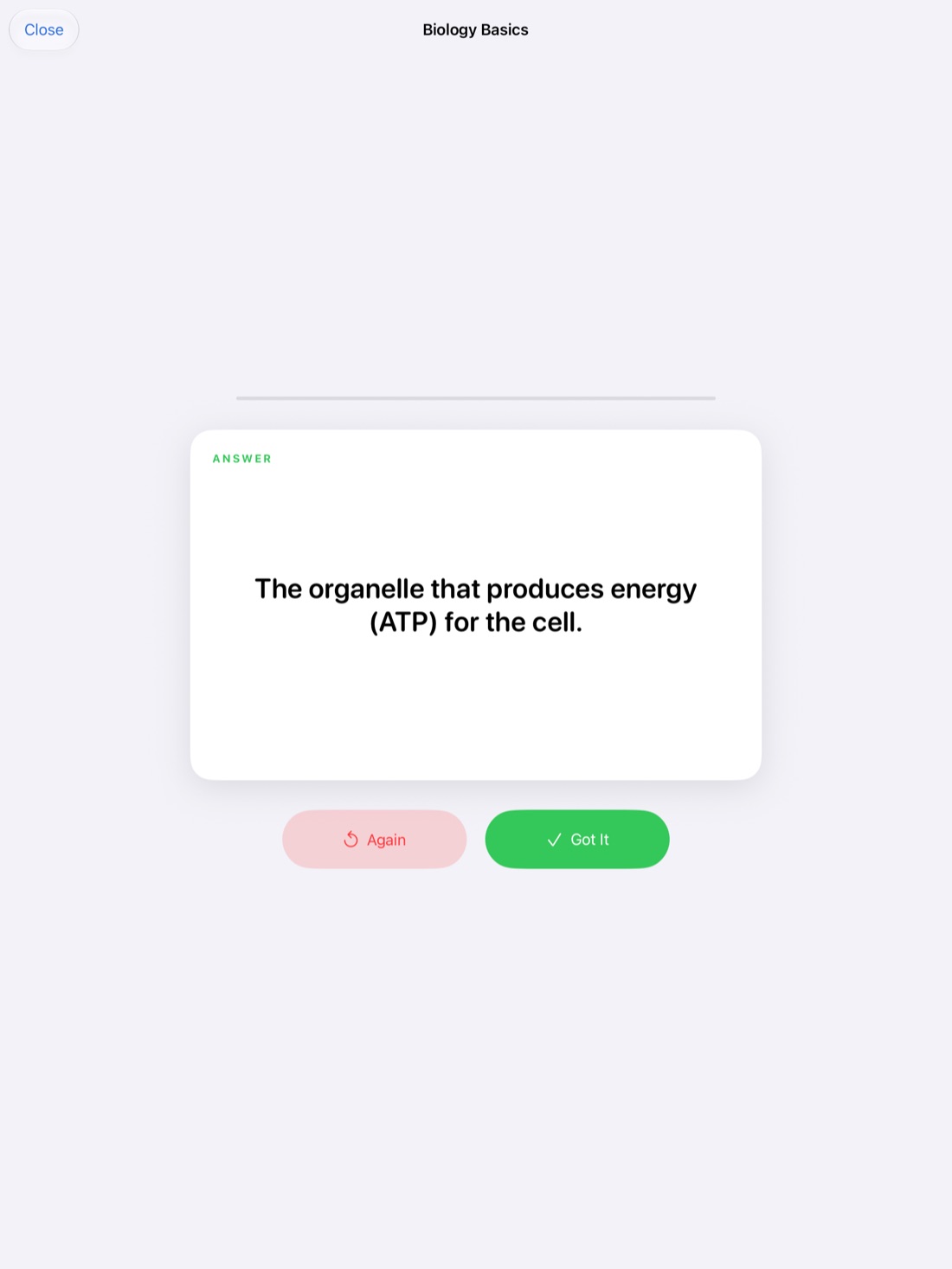
A language class isn't like other classes. There's less lecture and more practice, and what you need to remember isn't a set of ideas but thousands of small things: words, genders, endings, sounds. Good language notes are built for review, because you'll come back to the same material again and again.
This guide uses Spanish as the example, but the same approach works for French, German, Italian or any language with vocabulary to learn and verbs to conjugate.
Set up your notebook in sections
Language notes get messy fast if vocabulary, grammar and class activities are mixed together on the same pages. Split them up:
- Vocabulary: one page or more per chapter or theme.
- Grammar: one page per topic, like the preterite, ser vs. estar, or object pronouns.
- Class notes: everything else, like dialogues, corrections and homework instructions.
In Scribba, you can name pages with bookmarks so the notebook's table of contents works like a set of tabs. Jump straight to "Capítulo 4 vocabulario" or "Subjuntivo" instead of flipping through.
Write vocabulary pages that become flashcards
How you write vocabulary affects how well you learn it. A few habits:
- Group words by theme, like food, travel or the house, not just in the order you met them.
- Always write the article, like el or la, so you learn the gender with the word.
- Write the accent marks every time. They change pronunciation and sometimes meaning, like si and sí.
- Add a short example sentence for words that are easy to confuse.
- Practice both directions, Spanish to English and English to Spanish. Producing a word is harder than recognizing it.
Scribba has a Vocabulary paper type for this. Write the Spanish word and its meaning on each row. When the page is ready, Scribba reads your handwriting and turns each row into a flashcard. Look over the cards before you save them and fix any misread words, especially accents. This works on any iPad that runs Scribba and doesn't need Apple Intelligence. More in making flashcards from handwritten notes.
Review a little every day with spaced repetition
Cramming vocabulary the night before a quiz works for the quiz, then the words fade. Spaced repetition works better for anything you need to keep: you review a word just as you're about to forget it, and each time it sticks a little longer. Combined with active recall, actually trying to produce the answer before you look, it's one of the most reliable ways to build vocabulary.
Scribba's flashcard decks are built around this. Cards come back after 1, 3, 7, 14 and 30 days, and you can study all your due cards at once. A short session each day keeps you on top of a chapter's words. If your class or study group uses Quizlet or Anki, you can export a deck to either. See spaced repetition flashcards.
Write conjugation tables by hand
Writing a conjugation table out by hand is one of the oldest language study methods, and still one of the best. The physical act of writing each ending helps you notice patterns.
- Draw a grid with two columns and three rows: yo, tú, él/ella/usted on the left; nosotros, vosotros, ellos/ellas/ustedes on the right.
- Write the infinitive at the top, like tener.
- Fill in each form, and mark the irregular parts in a different color.
- Under the table, write one sentence that uses one of the forms.
- A few days later, draw an empty grid and fill it in from memory.
Grid or dot grid paper makes the tables quick to draw. In Scribba, hold the Apple Pencil at the end of a stroke to snap it into a straight line or rectangle, so your grid lines come out clean.
To quiz yourself, use study tape. Drag a strip of tape over the endings or a whole column of the table, try to say each form, then tap the tape to peek. See study tape on iPad.
Record class for pronunciation and listening
Reading a word and hearing it are different skills. Your professor's pronunciation, the dialogues you practice and the listening exercises in class are all worth hearing again. If your professor allows recording, it can make a real difference in a language class.
In Scribba, tap record and take notes as usual. Every stroke is linked to that moment in the recording. Later, tap a word you wrote to hear the professor say it. A few ways to use that:
- Pronunciation check. Tap a tricky word, listen, and repeat it out loud.
- Slow it down. Change the playback speed to catch every syllable of a fast sentence.
- Repeat a phrase. Skip back 15 seconds to hear it again.
- Dictation practice. Play a short part of a dialogue and write it down without looking, then compare with your notes.
See how to record a lecture on iPad for the full how-to.
Use Scribba in Spanish
Scribba itself is available in Spanish. It follows your iPad's language, or pick one just for Scribba in its Settings › Language. Using the app in the language you're learning is a small way to add more Spanish to your day.
It also changes the study tools. On an iPad that supports Apple Intelligence, with it turned on, Scribba can write key points, flashcards from a page or transcript, and a Study Guide for a whole notebook. These work in English and Spanish, and they write in the language Scribba shows. So with Scribba set to Spanish, your study materials come out in Spanish too. They run on the iPad itself, so nothing is uploaded.
Frequently asked questions
Can I use Scribba in Spanish?
Yes. Scribba is available in English and Spanish. Switch in Scribba's Settings › Language, and it changes right away.
Do I need Apple Intelligence to make vocabulary flashcards?
No. Flashcards from Vocabulary and Cornell Notes pages work without it. Apple Intelligence is only needed for the AI study tools, like key points, Study Guide, and flashcards made from a transcript or any other page.
Can I export my Spanish flashcards?
Yes. You can export any deck to Quizlet or Anki.