 Scribba
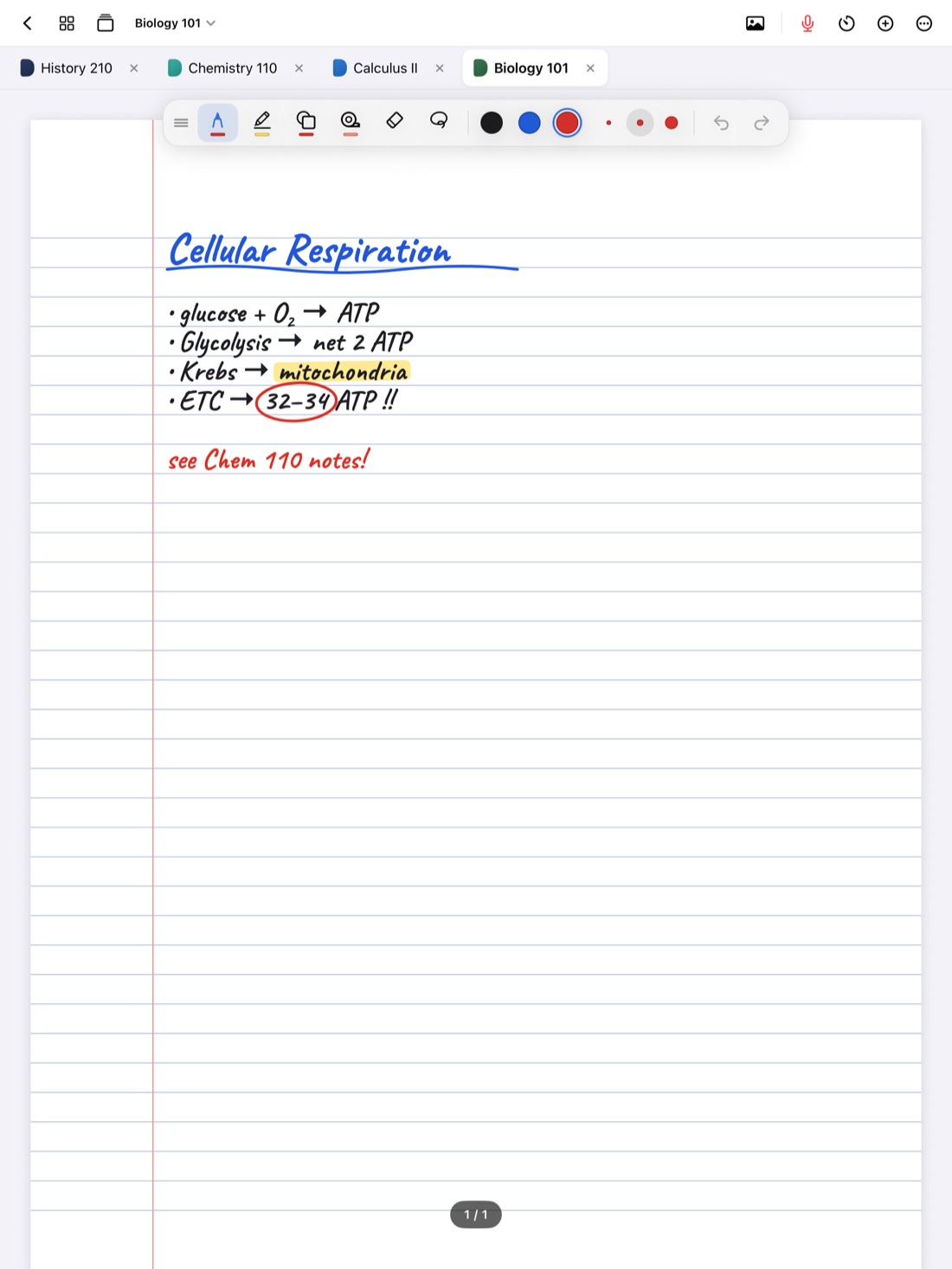
Someone in your class was out sick on Tuesday and asks for your notes. It's a small favor, and passing notes along is one of the oldest ways classmates help each other. But a few minutes of thought first makes the difference between a page they can actually use and a blurry screenshot full of your private abbreviations, and keeps both of you on the right side of your course's rules.
This guide covers what to share, how to make your notes readable to someone else, and how to send them from an iPad.
First, check what's allowed
Sharing your own lecture notes with a classmate for studying is usually fine. But academic integrity rules vary by school, and individual instructors set their own policies. Before you share, think about what kind of notes they are:
- Lecture notes for studying. Usually fine. Check your syllabus if you're not sure.
- Notes on graded work. Problem sets, lab reports, take-home exams, and essay drafts are a different matter. Sharing your work on an assignment can count as unauthorized collaboration, even if you only meant to help. Your syllabus or honor code usually says what's allowed.
- Your instructor's materials. Slides, handouts and exams belong to your instructor. Many schools restrict posting or selling course materials and lecture notes, especially publicly or for money.
- Lecture recordings. These are the most sensitive. A recording you were allowed to make for your own review isn't automatically yours to share, and other students' voices are on it too. Ask your professor first. Is it OK to record lectures? has more.
When in doubt, ask your instructor. It's a short email, and it protects you and your classmate.
Make your notes readable to someone else
Your notes make sense to you because you were there. Someone who wasn't will hit every gap. Before you send them:
- Add a header to each page: course, date and lecture topic.
- Expand your abbreviations, or add a small key at the top. Your shorthand isn't theirs.
- Fill the gaps you know about, or mark them clearly so they don't think something's complete when it isn't.
- Point them to the slides or reading that go with the lecture.
- Leave out the personal stuff: doodles, reminders, and anything unrelated to the class.
Tip: if a classmate missed class, your notes are a good start, but not a substitute. Suggest they also check the slides, the reading and office hours. Catching up after missing class covers the rest.
Pick the right format
- An image is best for a single page, like one diagram or a page of definitions. It opens on any phone and is easy to drop into a chat.
- A PDF is best for several pages or a whole lecture. It keeps pages in order, looks the same on every device, and your classmate can import it into their own notes app and write on it.
- Typed text is best when they want to copy your words into their own notes, or when your handwriting is hard to read. Expect a few recognition errors, so check it first.
Sharing from Scribba
Scribba is an iPad notes app for class, built around your own notebooks. To be plain about it: Scribba has no collaboration and no shared notebooks. You and a classmate can't edit the same notebook, and nobody can see your notebooks unless you send them a copy. Everything below is about sending copies in formats anyone can open, with or without Scribba.
Share one page as an image. Open the page sidebar and share a page as an image, then send it however you normally share files from your iPad.
Export pages or a notebook as a PDF. In the page sidebar, select the pages you want and export them as a PDF. For a whole course, export the notebook as a PDF. Your handwriting stays exactly as you wrote it. See exporting iPad notes as PDF.
Share handwriting as text. Scribba can copy or share a page's handwriting as typed text. Read it over before sending, since recognition can misread names, formulas and abbreviations.
Share flashcards through Quizlet or Anki. If you made a deck, export it to Quizlet or Anki, and your classmate can study it in either app. See exporting flashcards to Quizlet or Anki.
Lock what's private before you hand over your iPad. If you're showing notes on your own iPad instead of sending them, lock private notebooks with Face ID, Touch ID or passcode first. Locking notebooks with Face ID explains how.
Receive notes back. If a classmate sends you their notes as a PDF, import it into your class notebook, either as a new notebook or into the current one. You can write on it, and its text is searchable. Open it in Split View beside your own notes to compare them line by line, then add what you missed in your own words.
For sharing with a whole study group rather than one person, see how to study with a group when your notes are on an iPad.
Frequently asked questions
Can a classmate and I edit the same notebook in Scribba?
No. Scribba has no collaboration or shared notebooks. You can send copies of pages or notebooks as images or PDFs.
Does my classmate need Scribba to read my notes?
No. Images and PDFs open on any phone, tablet or computer.
Is it against the rules to share my notes?
Sharing lecture notes for studying is usually fine, but rules vary by school and instructor. Be careful with notes on graded assignments, and check your syllabus or ask your instructor if you're unsure.
Can I send a classmate my lecture recording?
Ask your professor first. A recording you made for your own review isn't automatically yours to share.