 Scribba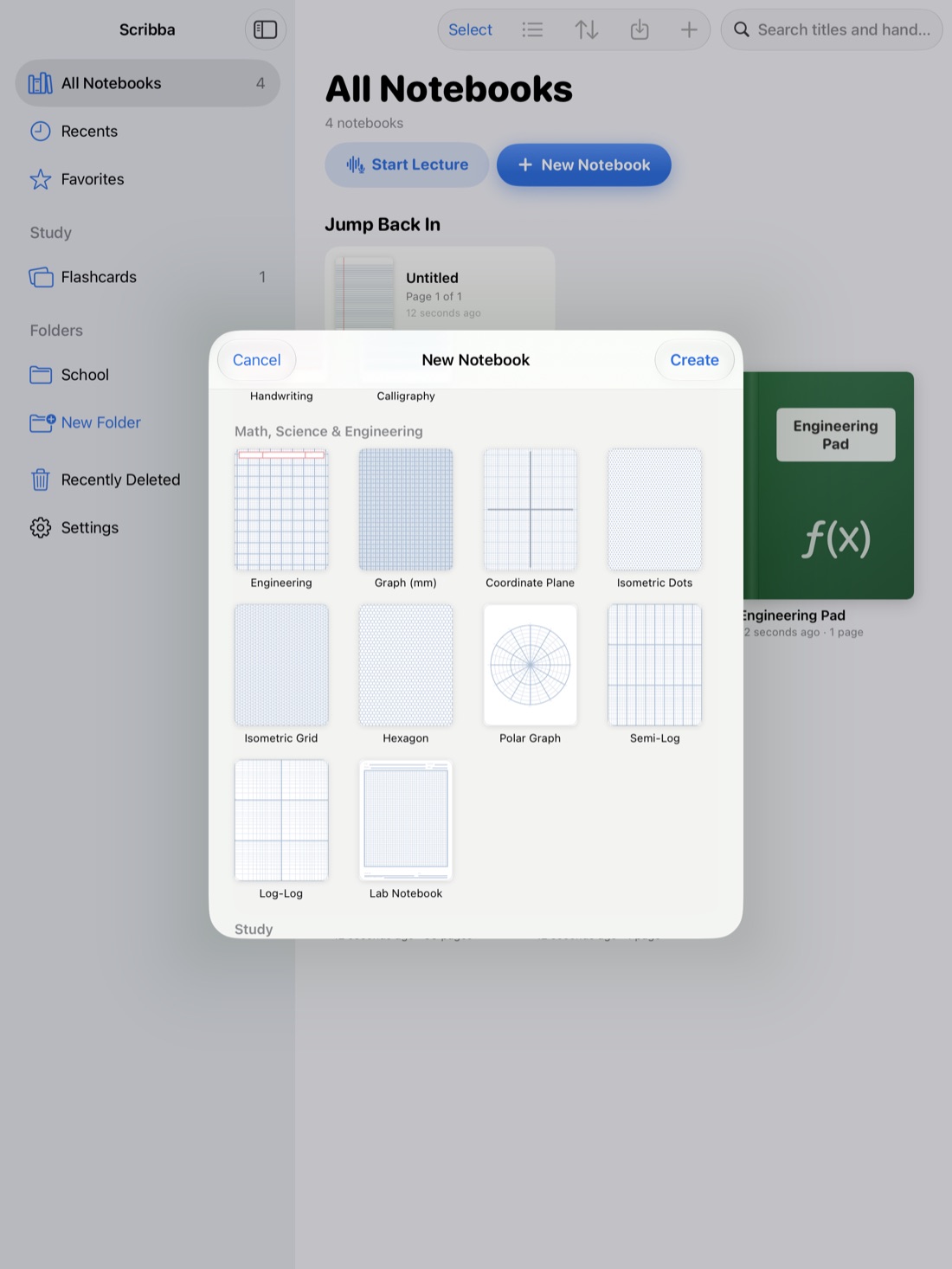
If you've taken notes on paper your whole life, switching to an iPad can feel like learning to write again. The pen slides more, the page is the wrong brightness, and for the first few lectures you may be slower than you were with a spiral notebook.
That feeling passes, usually within a couple of weeks. This guide covers what you gain, what will feel different, how to make the iPad feel more like the paper you're used to, and a simple two-week plan for switching without risking a class. We'll show how it works in Scribba, an iPad notes app for students, where it helps.
What you gain
It's worth knowing why you're switching, because the first week can be frustrating.
- Search. Handwritten notes on an iPad can be searchable. Finding "Treaty of Versailles" takes seconds instead of flipping through three notebooks.
- One thing to carry. Every class, every semester, in one device.
- No running out of pages. In Scribba, pull past the last page to add another.
- Undo. Mistakes disappear without crossing out or tearing pages.
- The right paper for every page. Ruled for lectures, graph for problem sets, in the same notebook.
- Colors without a pencil case. Every pen and highlighter is always with you.
- A copy that survives. A notebook left on a bus is gone. Notes with a backup aren't. See how to back up iPad notes.
What feels different
Better to know these going in, so they don't put you off:
- Glass is slick. A pen on paper has friction; a Pencil on glass glides. Your handwriting may look a little messier at first.
- You see less at once. You can't spread five pages across a desk. Tabs and side-by-side windows help, but it takes getting used to.
- Batteries. Paper never needs charging. Your iPad and Pencil do.
- Distractions. A notebook doesn't get notifications. Turning on a Focus or Do Not Disturb during class keeps the iPad quiet.
- Resting your hand. Writing with your palm on a sheet of glass feels different from resting it on paper. Most people stop noticing after a few lectures.
Make the iPad feel like paper
You don't have to give up the look you're used to. Start with something familiar and change later, if you want to.
Pick familiar paper
- College ruled is the closest match to the spiral notebooks most students grow up with. Scribba also has narrow and wide ruled.
- Legal pad paper is a good pick if you liked yellow pads for brainstorming and rough notes.
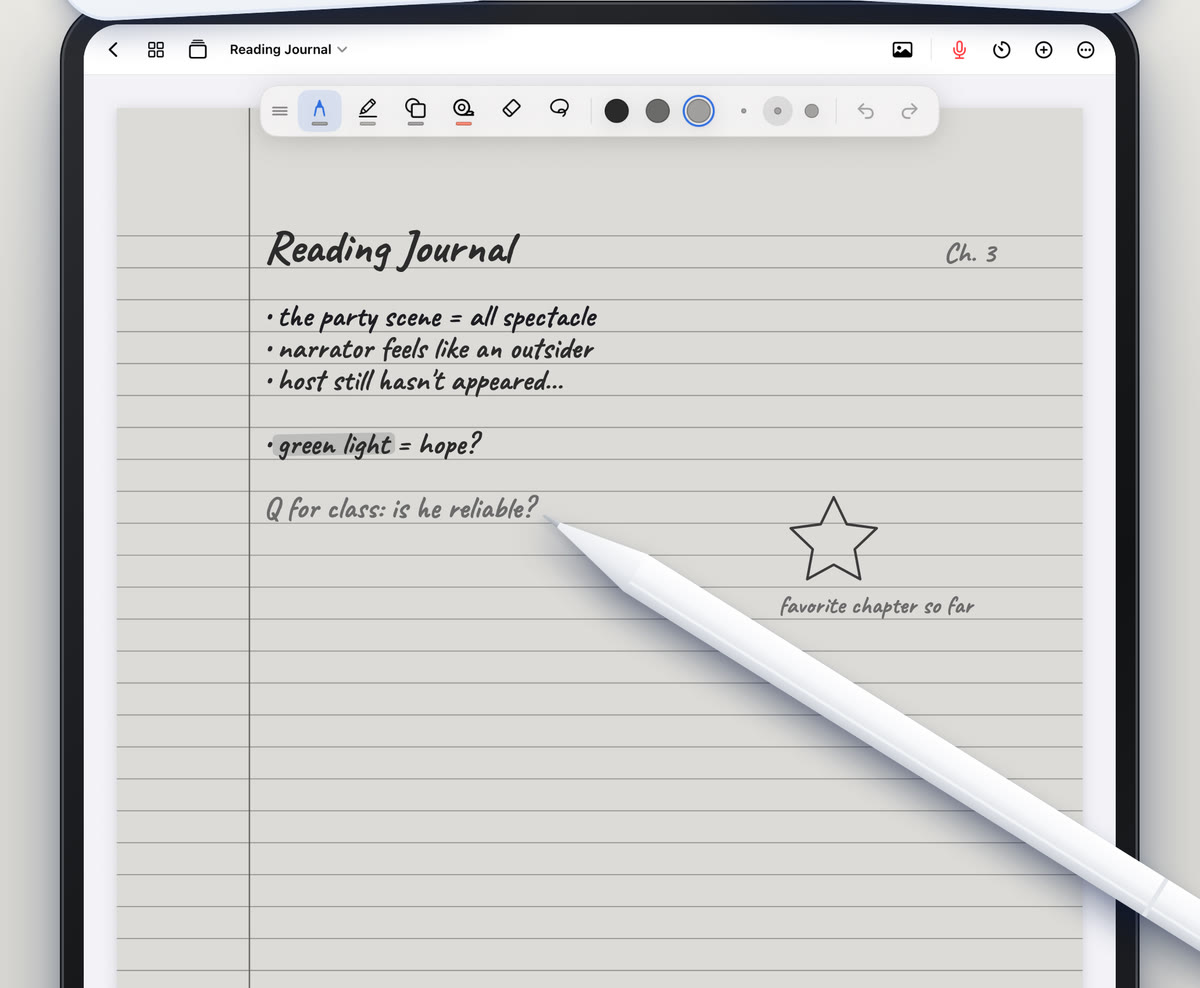
- E-Ink Books gives any template a soft gray e-ink paper, with pens and highlighters that write in e-ink grays. If the bright white screen feels like the biggest difference from paper, try this first.
Scribba has 39 paper types and 9 paper colors, and you can change the paper of any page later. iPad note paper templates walks through them.
Pick a familiar pen
If you wrote in pencil, choose a pencil. If you used a ballpoint, choose a ballpoint. Scribba has six pen types: ballpoint, fineliner, fountain, pencil, brush and crayon. Double-tap the pen tool to open pen settings, where you can change thickness, pressure sensitivity and stabilization. Stabilization smooths out shaky lines, which helps a lot in the first weeks.
Some students add a matte screen protector to get more of a paper feel. It's a matter of taste, but worth trying if the glide bothers you.
Clear the screen
Scribba hides the iPad's status bar by default, so the page gets the whole screen. If the toolbar feels busy, Customize Toolbar in the More menu lets you show or hide each button and tool.
Getting used to Apple Pencil
The Pencil is the biggest adjustment. A few tips speed it up:
- Write a little bigger than on paper at first, then shrink as your control improves.
- Learn two gestures. In Scribba, a two-finger tap undoes, and scribbling back and forth over writing erases it.
- Practice off the clock. Take notes on a textbook chapter for ten minutes a day before lectures get fast.
Apple Pencil tips for faster, neater notes has more. No Pencil yet? Turn on Settings › Draw with Finger to write with your finger.
What to do with your old paper notebooks
You don't need to digitize every notebook you've ever filled. Scan the ones you'll actually use again: intro courses that lead into next year's classes, lab notebooks, and anything you'll study from for a big exam.
- Make a notebook for each old class in Scribba.
- Scan the pages with the camera, or turn photos you've already taken into pages.
- Bookmark the sections in the page sidebar, like "Unit 3: genetics," so the notebook has a table of contents.
- Write a short title by hand on the key pages. Scribba searches your handwriting, so a handwritten title makes a scanned page easy to find.
How to scan handouts and worksheets into your iPad notes has tips for getting clean scans.
A two-week plan for switching
Switching everything on day one is how people end up back on paper. Ease in instead:
- Days 1 to 3: one class. Pick your lowest-stakes class and take its notes on the iPad. Keep paper for everything else.
- Days 4 to 7: add a second class, ideally one with diagrams or slides, so you try a different kind of page. Try searching your notes once.
- Week 2: every class. Keep one paper notebook in your bag as a backup for a dead battery or a forgotten Pencil, but reach for the iPad first.
- End of week 2: set up the habits. Charge every night, turn on a backup, and organize notebooks by class and semester. How to take notes on iPad in college covers the full setup.
By the end of the second week, writing on glass usually stops feeling strange, and the benefits start to show.
Frequently asked questions
Will my handwriting look the same on an iPad?
Probably a little messier at first, because the Pencil glides more than a pen on paper. Choosing a familiar pen, turning up stabilization and writing slightly bigger all help, and most people adjust within a couple of weeks.
Can I use my iPad for exams?
That depends on your school and professor. Many exams are still on paper, so it's worth keeping your handwriting practiced on paper too.
What paper feels most like a normal notebook?
College ruled is the closest match for most students. If the bright screen is what bothers you, try Scribba's E-Ink Books paper.