 Scribba
The boxing method is about as simple as note-taking systems get: every topic in a lecture gets its own box. That's it. But that one habit changes how a page reads. Instead of a wall of notes, you get a set of separate chunks, each one small enough to review, quiz yourself on and check off.
It suits a tablet especially well, because boxes are easy to draw, move and cover on a screen. It works on paper too.
What the boxing method is
As the lecture moves through topics, you group the notes for each topic and draw a box around them:
- One box, one topic. A box holds one idea, process or subtopic, with its details.
- A short title at the top of each box names the topic.
- Space between boxes keeps them visually separate.
- Nothing important outside a box. Loose notes either join a box or get a box of their own.
You can draw the box when a topic starts, or write first and box it when the professor moves on. Most students find the second way easier, because you don't know how big a topic will be until it ends.
Why boxing works
Boxing does a few useful things at once. It forces you to notice where one topic ends and the next begins, which is a small act of understanding in itself. It breaks a long lecture into chunks, the same idea behind the chunking study method. And it makes review modular: you can study one box, test yourself, and move on, instead of rereading a whole page.
When the boxing method fits
Boxing works best when a lecture moves through distinct topics:
- Survey lectures that cover several concepts, like market structures in economics or organelles in biology.
- Slide-based lectures, where each slide or group of slides is roughly one topic.
- Review sheets, where each box is one thing you need to know for the exam.
It's harder when a lecture is one long argument that keeps building on itself, because every box spills into the next. In that case, try an outline, or take notes normally and add boxes after class.
A worked example
Say your Intro Economics lecture covers the four market structures. Your page ends up with four boxes:
- Perfect competition. Many firms, identical products, firms are price takers, easy to enter and leave. Example: wheat farmers.
- Monopoly. One seller, high barriers to entry, the firm sets the price. Example: a local water utility.
- Oligopoly. A few large firms, each watching what the others do. Example: wireless carriers.
- Monopolistic competition. Many firms selling similar but different products, some control over price. Example: coffee shops.
After class, you add two things to each box: a one-line takeaway at the bottom ("monopoly = one seller, sets price, hard to enter") and a question in the margin beside it ("What keeps new firms out of a monopoly?"). Now each box is a complete study unit.
How to box your notes, step by step
- Leave a margin. Keep room on one side of the page for questions you'll add after class.
- Start each topic with a short title. When the professor says "next, let's talk about…," that's a new box.
- Write the notes as usual. Short phrases, examples, diagrams.
- Close the box when the topic ends. Draw the box around everything that belongs to it.
- Leave space before the next one. A line or two of blank space keeps boxes from merging.
- After class, add a takeaway and a question to each box. If you can't write the takeaway, that box is the one to review.
- Review one box at a time. Cover the contents, read the title and question, and recall what's inside. Then check.
Tip: keep a "loose ends" box at the bottom of each page for announcements, asides and things you didn't catch. It keeps the topic boxes clean.
Common mistakes
- Drawing the box first and running out of room. If you draw boxes up front, make them bigger than you think you need. Or write first and box afterward.
- Boxes that are too big. If one box covers half the lecture, it's really three topics. Split it.
- Boxes inside boxes inside boxes. One level of boxes is enough. For subtopics, use headings or indents inside the box.
- Spending the lecture on neat boxes. A rough box is fine during class. Tidy up later, if at all.
- Never testing from the boxes. The real benefit is reviewing box by box. If you only reread the page, it's just notes with lines around them.
Boxing notes on iPad with Scribba
Snap boxes into shape. Hold the Apple Pencil still at the end of a stroke and Scribba snaps it into a clean rectangle. Draw a rough box around a topic, pause, and it straightens out. If you'd rather every stroke become a shape for a while, the Shape tool snaps every stroke.
Pick paper that helps you line things up. Dot Grid paper (5 mm dots) gives you a light guide for box edges without boxing you in. Lecture Notes paper has COURSE, LECTURE #, DATE and TOPIC fields at the top and a KEY TAKEAWAYS box at the bottom, which suits a "box per topic, page summary at the end" routine. Change a page's paper from the page sidebar.
Make room when a box runs out. If a topic outgrows its box, select the box or the notes below it with the lasso and move them. Pull past the last page whenever you need a fresh one.
Color the titles, not the whole box. A highlighter stroke across each box title makes the topics easy to scan, and Scribba's highlighter strokes snap straight. See highlighting notes on iPad for keeping highlights useful.
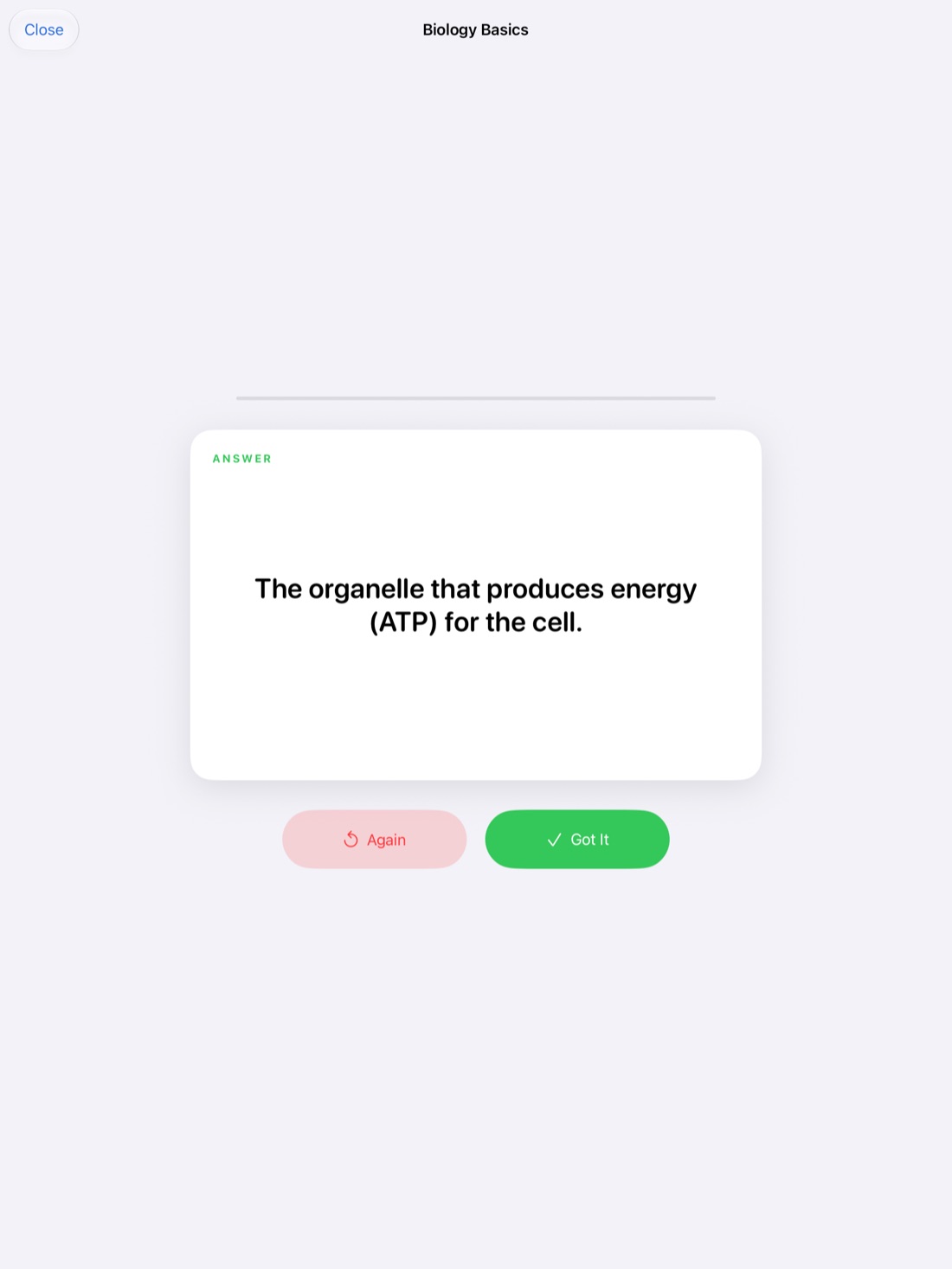
Quiz yourself box by box. Drag study tape over the inside of a box, read the title, recall the contents, and tap to peek. It's the boxing method's review step without a sheet of paper.
Hear what a box missed. If you record the lecture in Scribba, everything you write is linked to that moment in the recording. Tap a word inside a box to hear the professor explain that topic again. Ask your professor before recording; how to record a lecture on iPad covers the details.
Frequently asked questions
Should I draw the boxes during class or after?
Either works. Drawing them after each topic ends is easiest, because you know how big the box needs to be. Some students take plain notes in class and box everything during their same-day review.
How is the boxing method different from Cornell notes?
Cornell notes split every page into a notes column, a cue column and a summary. Boxing splits the notes themselves into topics. You can combine them: box topics in the notes column and write a cue beside each box.
Can I use color with the boxing method?
Yes, but keep it simple. One color for box titles, or one color per kind of box (concepts, examples, exam reminders), is plenty.