 Scribba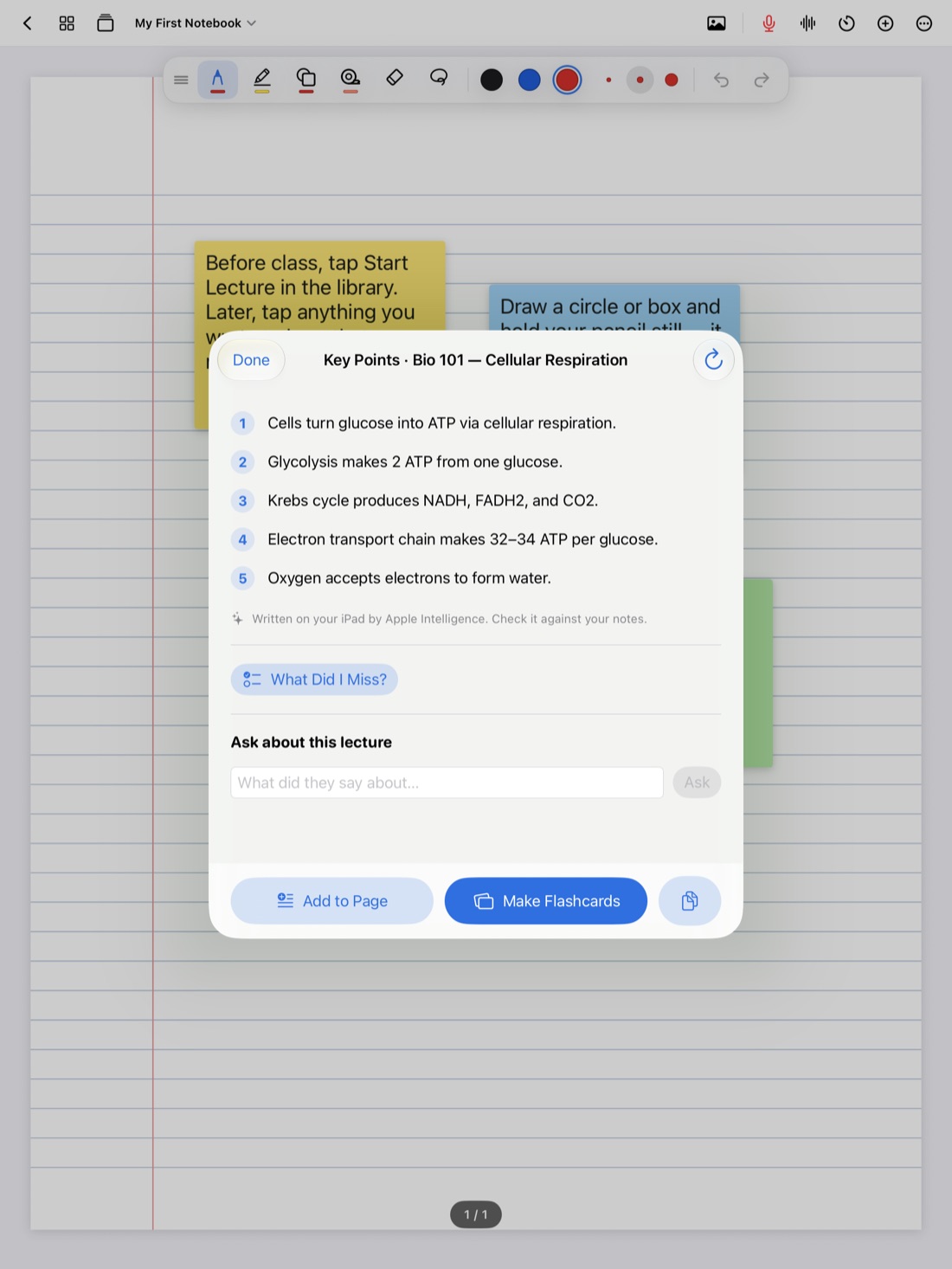
Many students close their notebook when the lecture ends and don't open it again until the week before the exam. By then, the notes look like someone else wrote them. Half the abbreviations are a mystery, and the arrow that clearly meant something at 10:50 a.m. now points at nothing.
A short review the same day fixes most of that. Not a long study session: ten focused minutes, while the lecture is still in your head. This guide explains why it works and gives you a step-by-step routine you can use with any notes. At the end, we'll show how Scribba helps with each step.
Why reviewing soon helps
Memory of a lecture fades quickly in the first day or so if you don't come back to it. A review while it's fresh does two things.
First, it repairs your notes. You still remember what that arrow meant, what the professor said about the second diagram and how the example ended. A week later, you won't.
Second, it's your first round of studying. Pulling ideas back out of memory, rather than just reading them again, is one of the most reliable ways to remember them. That's called active recall. Coming back to the same material again a few days later, and again after that, is spaced repetition. A same-day review is the first step in both, and it makes every later review faster.
When to do it
The best time is right after class, before the next thing crowds it out. Grab a seat outside the lecture hall, or spend the first ten minutes at the library on it.
If that won't work, the same evening is still good. Aim to do it before the day is over. Two habits make it stick:
- Put it on your calendar, as a ten-minute block after each class, like a tiny extra class.
- Attach it to something you already do, like your walk to lunch or the bus ride home.
The 10-minute routine
Set a timer for ten minutes. A limit keeps the review short enough that you'll actually do it every time.
1. Read it through (1 minute)
Skim the whole page from top to bottom without changing anything. You're just reminding yourself how the lecture went and spotting the rough patches.
2. Fill the gaps (3 minutes)
Go to the question marks, half-finished sentences and blank lines you left. Fill what you can from memory first, then check the slides, the textbook or a classmate's notes. Expand any shorthand you might not decode later.
If something still doesn't make sense, write it down as a question for office hours instead of spending the whole ten minutes on it. How to find and fill gaps in your lecture notes has more ways to fill them.
3. Highlight what matters (1 minute)
Highlight sparingly: definitions, the main idea of each section, and anything your professor said would be on the exam. If half the page is yellow, nothing stands out. One highlighter color is plenty.
4. Write questions in the margin (2 minutes)
Turn the main ideas into questions, and write them in the margin next to the notes that answer them. "What are the three stages of cellular respiration?" "Why did the treaty fail?"
If you use the Cornell method, these go in the cue column on the left. Later, you cover the notes and answer the questions from memory, which turns your page into a self-test. See how to take Cornell notes on iPad.
5. Summarize from memory (3 minutes)
At the bottom of the page, write two or three sentences that sum up the lecture in your own words. Try it without looking first. If you can't summarize a section, that's the part to study next.
Tip: if you only have two minutes, skip to the summary. It's the step that tells you the most about what you understood.
Using Scribba for your review
Scribba is an iPad notes app that records the lecture while you write. It can help with most of the routine.
Fill gaps from the recording. If you recorded the lecture, every stroke you wrote is linked to that moment. Tap a question mark in the margin and playback starts right where you got lost. Scribba transcribes each recording too, so you can read the professor's exact words for a definition or a date. Ask your professor before recording; is it OK to record lectures? covers what to check.
Check your notes against the lecture. On iPads that support Apple Intelligence, with it turned on, Scribba writes the key points of a lecture once it's transcribed, and What Did I Miss? lists what your notes left out, ready to add to the page. Both run on the iPad, and you'll find a Make Flashcards button under the key points.
Highlight cleanly. Scribba's highlighter snaps to straight strokes, so highlighting stays neat even when you're quick.
Turn questions into flashcards. Write your review questions on Cornell Notes or Vocabulary paper, and Scribba reads your handwriting and turns each cue or row into a flashcard. That works on any iPad, no Apple Intelligence needed. Check the recognized words, then study.
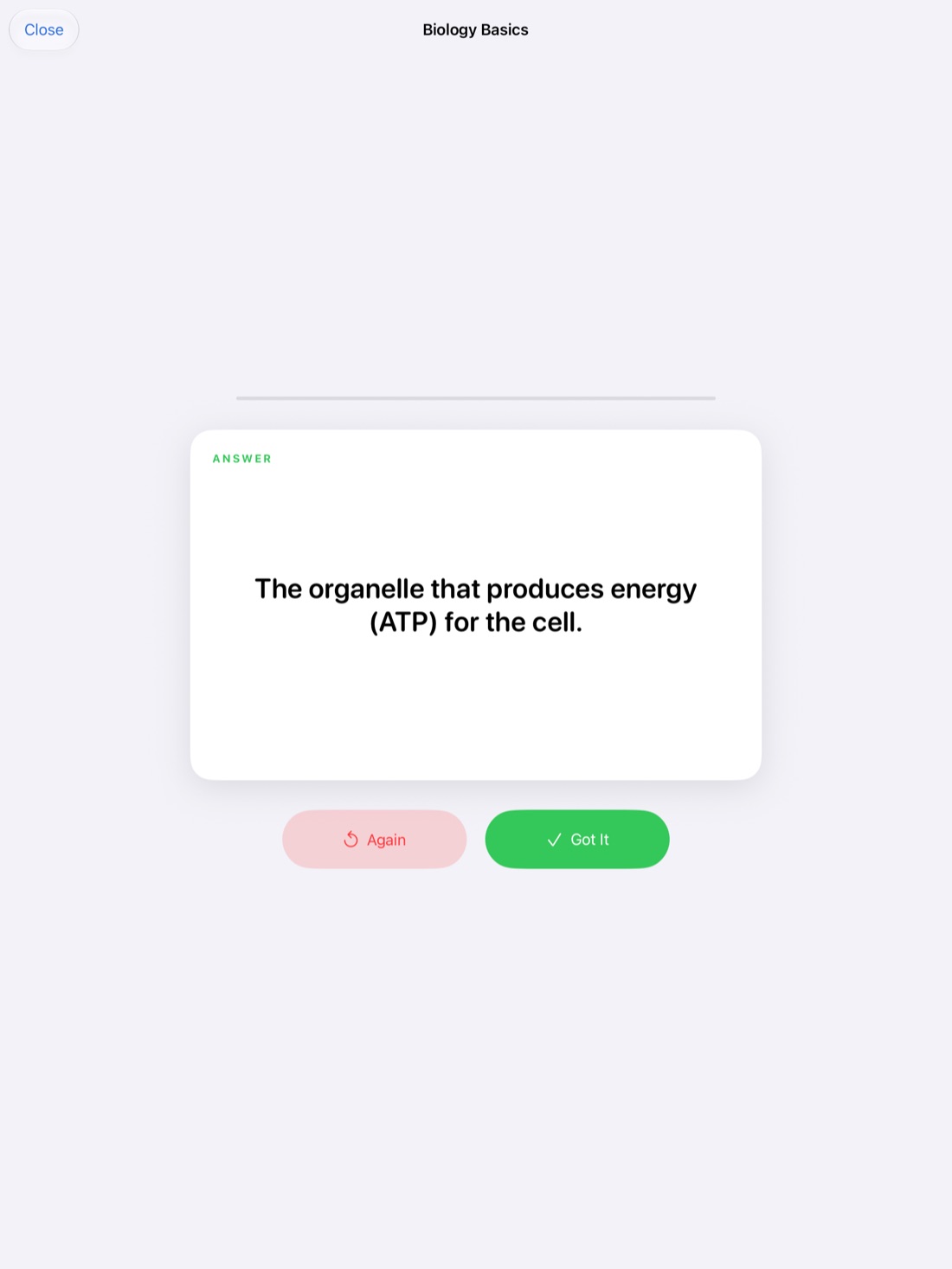
Let spaced repetition handle the rest. Scribba's flashcards come back after 1, 3, 7, 14 and 30 days, so the cards you make today return at the right times without you planning it. Spaced repetition flashcards explains the schedule.
Make it a weekly habit too
Once a week, flip back through the summaries you wrote at the bottom of each page. It takes a few minutes, it shows you how the lectures connect, and it's an easy way to spot a topic that never quite made sense. For the bigger picture of before, during and after class, see how to take notes on iPad in college.
Frequently asked questions
Is 10 minutes really enough?
For a same-day review, usually yes. The goal is to repair your notes and test yourself once while it's fresh, not to master the material. Longer study sessions come later, and they go faster because of it.
What if I can't review on the same day?
Do it as soon as you can. A review the next day is still much better than none, and the summary step alone is worth doing even a few days later.
Should I rewrite my notes neatly?
Usually not. Rewriting takes a long time and is mostly copying. Spend that time filling gaps, writing questions and testing yourself instead.