 Scribba
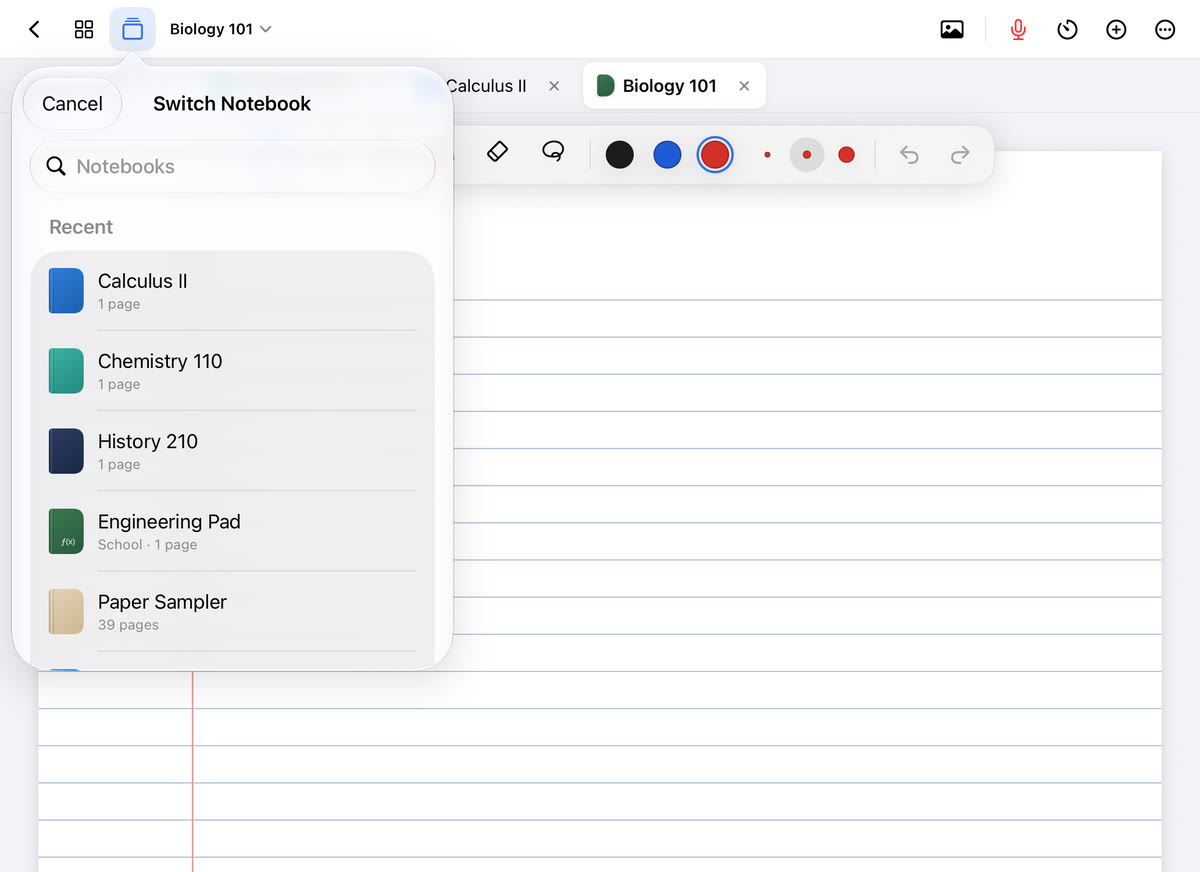
Most color-coding systems start strong in week one and fall apart by week four. There are too many colors, nobody remembers what purple meant, and by midterms the page is a rainbow that tells you nothing. Color only helps if it means the same thing every time you see it. The system below is small on purpose, so it survives a whole semester.
What color coding is good for, and what it isn't
Color does two useful things in notes:
- It sorts. If every definition is blue, you can find all the definitions on a page in a second.
- It flags. One color for "check this later" turns your notes into a to-do list.
What color doesn't do is make you learn. Highlighting a page feels productive, but rereading highlighted text is still rereading. Use color to find and sort information, then test yourself on it. Our guide to active recall covers that second step.
A three-color system that lasts
You need fewer colors than you think. Here's a system that works for almost any lecture class:
- Base color: dark ink for everything. Black or dark blue. Most of the page is this color, which is what makes the other colors stand out.
- Color two: terms to know. Key terms, names, dates and formulas you'll be tested on. Write the word in this color, then switch back to the base for the explanation.
- Color three: follow up. Questions, gaps, "ask the professor," "check the reading." Anything you need to come back to.
Then add one highlighter color for a single job: the professor said it matters. "This will be on the exam," "make sure you know this," anything repeated or written on the board.
That's three ink colors and one highlighter. Each one answers a question you'll actually ask later: What do I need to memorize? What do I still need to fix? What did the professor stress?
Rules that keep the system alive
- Colors mean jobs, not subjects. Don't make all of Biology green and all of History red. Use the same system in every class so you never have to relearn it. Tell classes apart with notebook covers instead.
- Write a key. Put a small legend on the first page of every notebook: which color means what. It takes seconds and saves you in week ten.
- Switch colors for a word, not a paragraph. Changing colors mid-sentence slows you down. Write the term in color two, then go straight back to the base.
- Clear your follow-ups. When you answer a color-three question, cross it out or write the answer beside it. A page with no open color-three marks is a page you're done with.
- Pair color with a symbol. Add a star to exam items and a question mark to follow-ups. If you print in grayscale, read on E-Ink paper, or share notes with a classmate who's colorblind, the symbols still carry the meaning.
A worked example
Here's a page of History notes on the start of the French Revolution, using the system:
- Base ink: most of the notes. The king's financial crisis, the bad harvests, the three estates and how they voted.
- Color two (terms): "Estates-General," "Third Estate," "Tennis Court Oath," "1789." Each written in color two, with the explanation after it in base ink.
- Color three (follow up): "Why did the king call the Estates-General then? Check reading." And a "?" next to a line you didn't finish.
- Highlighter: across "Tennis Court Oath," because the professor said, "You need to know why this matters."
After class, you look up the color-three question and write the answer beside it. When you study, you scan the color-two words: each one becomes a flashcard. Then you look for the highlights: those are your priority cards. The colors did the sorting for you, and you never had to reread the whole page to find what mattered.
Common mistakes
- Too many colors. Every new color is one more meaning to remember. If you have six, you'll forget three of them by October.
- Highlighting everything. If half the page is highlighted, nothing is. Save the highlighter for what the professor stressed. More in highlighting notes on iPad.
- Changing the system mid-semester. If you switch meanings in week six, your old notes stop making sense. Pick the system, write the key and keep it.
- Colors that don't show up. Yellow ink on white paper is hard to read, and pale colors can disappear on dark paper. Check your colors on the paper you actually use.
- Spending class picking colors. If choosing a color makes you miss what the professor said, write in base ink and add color during your review.
Tip: if you're not sure your system will stick, start with just two colors, base and follow-up, for the first two weeks. Add terms-to-know once the habit is automatic.
Color coding on iPad with Scribba
An iPad makes this system easier to keep, because your colors are saved where you need them.
Save your system on each tool. Each tool keeps three saved colors and three widths. Set your pen's three saved colors to your base, terms-to-know and follow-up colors, and the system is one tap away in every class. To change a saved color, tap the selected color and pick a new one. Your highlighter keeps its own saved colors, separate from the pen. Scribba's highlighter strokes snap straight, so highlights stay neat.
Switch between pen and highlighter fast. With an Apple Pencil Pro, squeeze to switch between pen and highlighter. Apple Pencil double-tap follows your iPad's system setting. On a keyboard, ⌘1 to ⌘6 switch tools.
Use notebook covers for subjects. Since ink colors mean jobs, let each class have its own cover color or subject icon. Your library, tabs and quick switcher then show you which class is which at a glance. See how to organize iPad notes by semester.
Check your colors on dark paper. Scribba has 9 paper colors, including Charcoal and Black for studying at night. If you use dark paper, make sure your base ink is light enough to read on it.
Let search do some of the sorting. Scribba searches your handwriting, so you don't need a color for everything you might want to find later. Save color for what you need to see at a glance.
Quiz yourself on colored terms. Drag study tape over the explanations next to your color-two terms, read each term, recall what it means, and tap to peek.
Frequently asked questions
How many colors should I use for notes?
Three ink colors and one highlighter is enough for almost any class: a base color, a color for terms to know, and a color for follow-ups, plus a highlighter for what the professor stressed.
Should each class have its own color?
Use color for the class on the notebook cover, not in the ink. Keeping the same ink system in every class means you never have to remember which color meant what in which notebook.
Does color coding help you remember?
It helps you find and sort information quickly. Remembering it comes from testing yourself, so use your colors to decide what to quiz yourself on.