 Scribba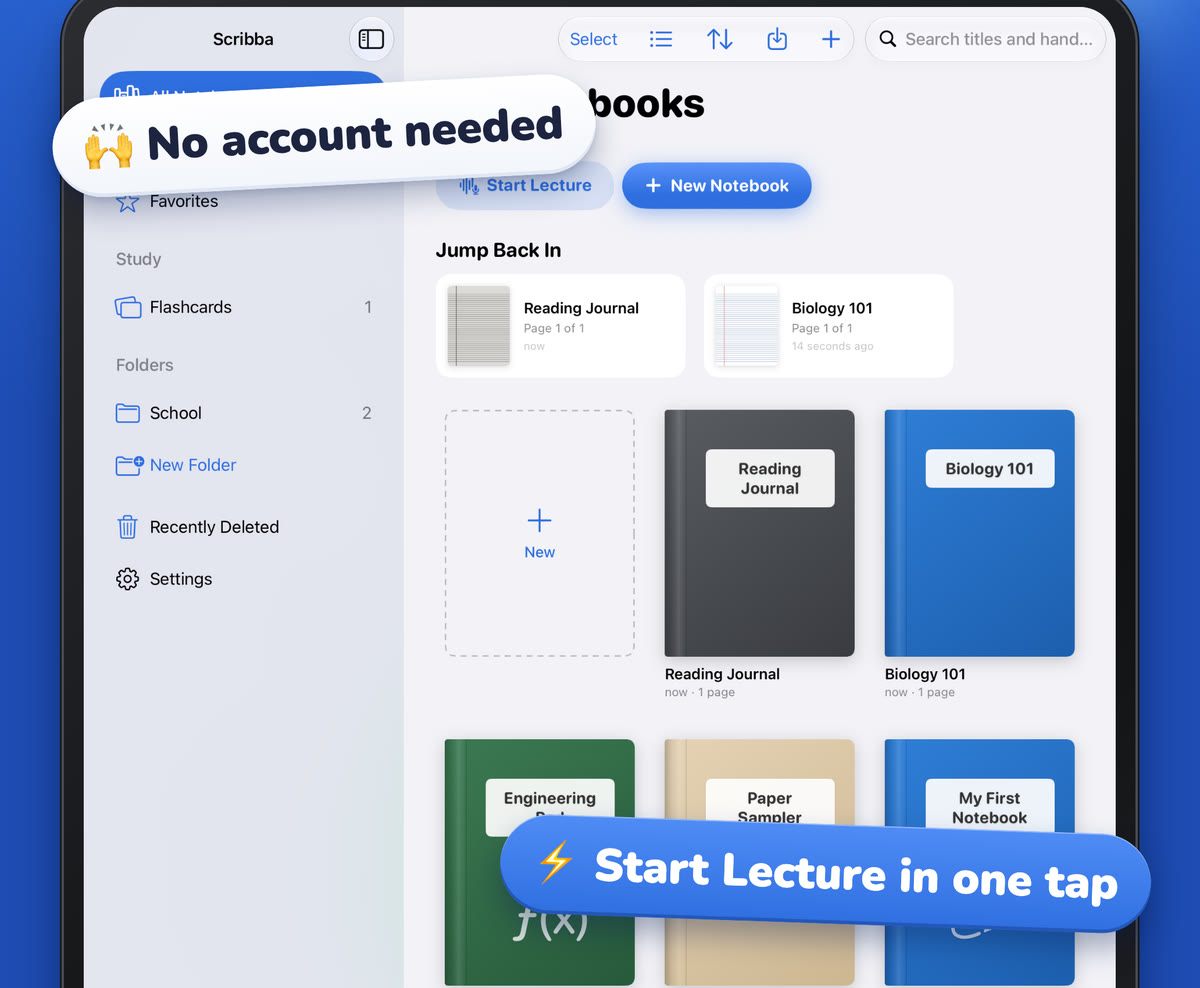
Engineering classes ask for a particular kind of neatness. Statics, circuits, thermodynamics and design courses all expect clear sketches, organized calculations and units that never go missing. Much of your grade on a problem set can depend on whether a grader can follow your work, not just on the final number.
Paper engineering notebooks have handled this for a long time, with a faint grid, a ruler and a habit of boxing answers. An iPad can keep those habits and add a few things paper can't, like changing the paper behind a page, snapping straight lines and keeping every handout in the same notebook. Here's how to set it up.
Start with the right paper
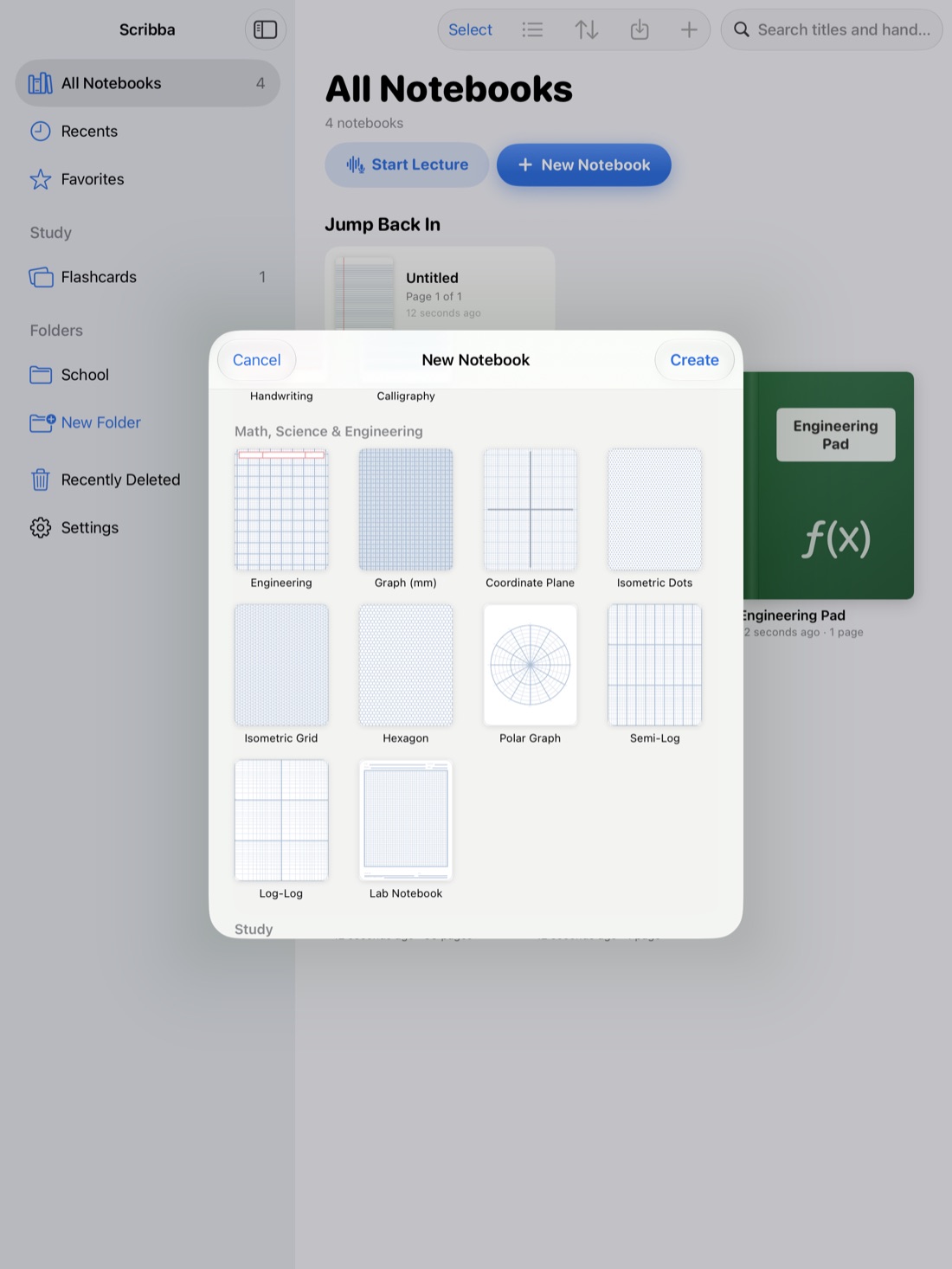
Engineering paper exists for a reason. Its light grid keeps calculations in tidy columns and sketches roughly to scale, without the visual noise of a dense graph grid. Other papers fit other parts of an engineering course:
- Engineering paper for problem sets, calculations and hand sketches.
- Problem set paper when you want each problem in its own clear space.
- Graph (mm) paper for plotting data, like stress-strain curves or circuit responses.
- Isometric grid or isometric dots for 3D sketches of parts and assemblies.
- Lab notebook paper for lab courses.
- Semi-log and log-log paper for frequency response and data that spans large ranges.
Scribba has all of these among its 39 paper types, and the graph papers run edge to edge. You can change the paper of any single page from the page sidebar, so a lecture page can switch to isometric grid the moment your professor starts sketching a part. For the full list, see iPad note paper templates.
Lay out problems the way engineers do
Many engineering programs teach a standard problem layout. If yours does, use it. If not, this order works for most courses:
- Given: every known value, with units.
- Find: what you're solving for.
- Sketch: the system, with dimensions and loads or sources labeled.
- Assumptions: steady state, rigid body, ideal gas, negligible friction. Write them down. They're part of the answer.
- Analysis: equations, worked in a column, one step per line.
- Result: boxed, with units and a sensible number of significant figures.
- Check: do the units work, and is the size reasonable?
The step students skip is assumptions. Write them anyway. When a result looks wrong, an assumption is often the reason, and graders look for them.
For tips on writing out each step clearly, see math and chemistry notes on iPad. The habits carry over.
Keep your units straight
Unit mix-ups are among the easiest engineering mistakes to make, especially in courses that mix SI and US customary units. A few habits help:
- Pick one unit system per problem and convert everything into it before you start the analysis.
- Write units on every number, all the way through. Cross out units that cancel.
- Keep a conversions page at the front of each notebook, with the conversions your course uses most. Bookmark it.
- Watch prefixes. Kilo, mega, milli and micro are easy to drop, especially in circuits.
- Check dimensions before plugging in numbers. If both sides of the equation don't have the same units, stop and find the error.
In Scribba, named bookmarks in the page sidebar act as a table of contents, so your conversions page and formula pages are one tap away. For small subscripts and exponents, the Zoom Window lets you write large in a magnified strip that lands small and neat on the page.
Draw neat sketches with snapped shapes and a ruler
Engineering sketches don't need to be art, but they need to be clear: straight edges, labeled dimensions and arrows that point the right way.
In Scribba, hold the Apple Pencil still at the end of a stroke and it snaps into a straight line, arrow, circle, ellipse, triangle, rectangle or polygon. That covers beams, supports, load arrows, circuit outlines, block diagrams and pipe runs. If you're drawing a lot, switch to the Shape tool and every stroke snaps. For lines you want to place exactly, open the ruler from the + menu in the notebook's top bar.
Some sketching habits worth keeping:
- Draw the outline first, then dimensions, with dimension lines and arrowheads off to the side of the part.
- Use one color for geometry and another for loads, currents or flows.
- Label every force, current or flow with a symbol and a direction.
Isometric sketches for 3D parts
Isometric grid paper makes 3D sketches much easier, because its lines already run at the angles you need. Draw the front corner first, then follow the grid lines for width, depth and height. Hidden edges can go in as dashed lines. On isometric paper in Scribba, snapped straight lines help keep each edge true to the grid.
Keep a lab notebook you can trust
Lab courses usually have rules for notebooks: date every entry, record data as you take it, don't erase mistakes, just strike them through. Your instructor's rules come first, so check them. Some courses require a bound paper notebook, so make sure a digital one is allowed before you rely on it.
When a digital lab notebook is allowed, Scribba's lab notebook paper gives you the familiar layout. Add a photo of your setup straight from the camera, and write your observations around it. Export the notebook or selected pages as a PDF when you need to submit it.
Bring handouts and drawings into the notebook
Engineering courses hand out a lot: data tables, property charts, drawing sets, problem statements. Keeping them in the same notebook as your notes saves hunting for them later.
In Scribba, scan paper handouts with the camera, turn photos into pages, or import PDFs as a new notebook or into the current one. You can write directly on any of them, and PDF text is searchable. For a property table you keep coming back to, open it in its own window with Split View, beside the problem you're working on. For more, see how to scan handouts with your iPad and how to annotate lecture slides on iPad.
Organize a whole engineering semester
Engineering students often carry several technical courses at once. Give each course its own notebook, with a cover color or subject icon you'll recognize. Keep up to six open as tabs, and use the quick switcher (⌘O) to jump between them. Start Lecture adds a dated, bookmarked page to a class notebook and starts recording in one tap from the library, if your professor allows recording. See how to record a lecture on iPad.
Frequently asked questions
Can Scribba do engineering calculations or check my units?
No. Scribba doesn't recognize equations or do math. It's for writing your work clearly and studying it later.
Is Scribba a CAD tool?
No. Scribba is for hand sketches in your notes. Use your course's CAD software for real drawings and models.
What's the best paper for engineering problem sets?
Engineering paper is the classic choice. Problem set paper works well if you want each problem separated, and graph paper is best for plotting data.