 Scribba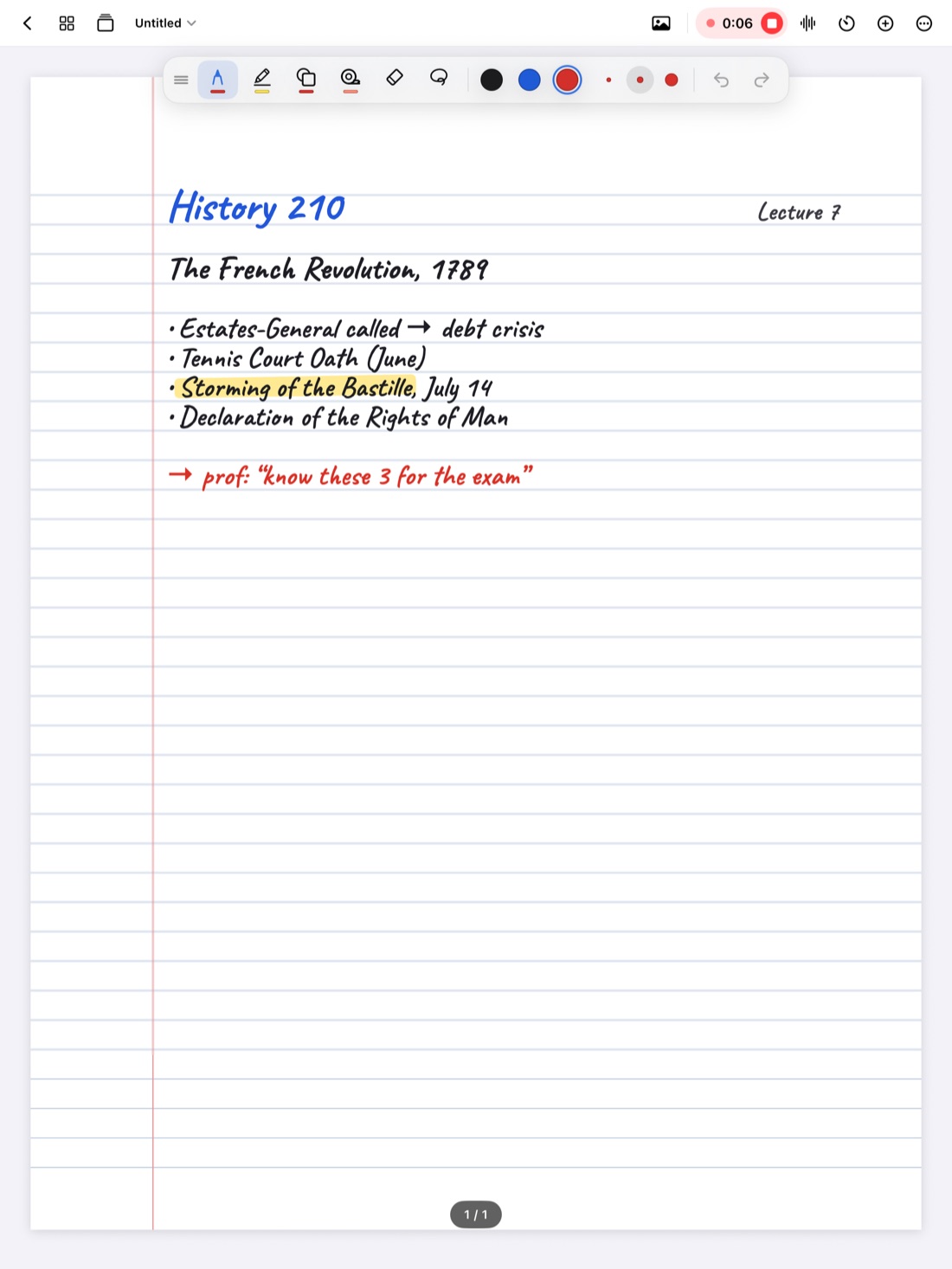
History and other humanities lectures are hard to take notes in for a simple reason: almost everything happens out loud. A chemistry professor fills the board. A history professor talks for an hour, puts a few names and dates on a slide, and builds an argument you're expected to follow, remember and write about.
That makes these classes less about copying and more about listening. Here's how to take history lecture notes that hold up when you sit down to write an essay or study for the final.
Listen for the argument, not every word
You can't write down everything a professor says, and you shouldn't try. Most history lectures have a shape: a question or claim, then evidence, then what it means. Your notes should follow that shape.
- Write the claim. When the professor says "the war was really about trade," that's the main point. Put it at the top, or mark it with a star.
- Write the evidence under it. Names, dates, events, documents. These are what you'll cite later.
- Listen for signposts. Phrases like "there were three reasons," "the turning point was," or "historians disagree about" tell you what matters.
- Use abbreviations. Short forms for names and places you'll hear all term (like "Rev." for Revolution) save a lot of time.
- Leave space. Skip a line between ideas, so you have room to fill in after class.
Record, and tap your ink to catch up
Because so much is spoken, a recording is especially useful in history, if your professor allows it (see is it OK to record lectures?).
In Scribba, you take notes as usual while the lecture records. Every stroke is linked to that moment in the recording. After class, tap any word you wrote and playback jumps to when you wrote it. So a note that just says "Treaty → ??" becomes a direct path back to the explanation you missed.
A good habit: when you lose the thread, draw a quick question mark in the margin and keep going. After class, tap each question mark and listen.
If you use Start Lecture, each class gets its own dated, bookmarked page, so your notebook's table of contents becomes a list of every lecture in the course. More in how to record a lecture on iPad.
Build a running timeline
Dates in history make more sense next to each other. A timeline shows you what happened at the same time, what came first, and how long things took.
Try keeping one timeline page per unit. If timelines are a big part of the course, a landscape notebook (you choose the orientation when you create it) gives them more room:
- Draw a long horizontal line across the page.
- Add events as they come up in lecture, above the line for one theme (like politics) and below it for another (like economics or culture).
- Keep each label short: a date and a few words.
- Before exams, redraw the timeline from memory and compare.
In Scribba, hold the Apple Pencil still at the end of a stroke and it snaps into a straight line, so your timeline stays straight even when you draw it in a hurry. Dot grid or grid paper helps you space dates evenly.
Draw cause and effect with arrows
Most history essay questions are really questions about causes: why did this happen, and what did it lead to? Arrows show that better than sentences.
- Write events in boxes or short phrases, then connect them with arrows.
- Label the arrows with a word like "led to," "because," or "in response to."
- Separate long-term causes (built up over years) from short-term triggers (the spark).
- Show effects branching out, since one event usually has several consequences.
Scribba's snapping helps here too: hold at the end of a stroke to make a clean arrow, rectangle or circle. If you're drawing a whole diagram, the Shape tool snaps every stroke.
Keep a people and dates page
History has its own vocabulary: people, places, treaties, movements and dates. Keep these on a separate page for each unit, with the name or date on one side and why it matters on the other. "Why it matters" is what exams ask for, so don't just write who someone was.
Scribba's Vocabulary paper is built for this. When the page is filled in, Scribba reads your handwriting and turns each row into a flashcard. Check and fix any misread names first, since unusual names are easy to misread. Then study the deck with spaced repetition, which brings each card back at growing intervals so you review it before you forget. This doesn't need Apple Intelligence. See flashcards from handwritten notes.
Use transcripts to find exact wording
For essays, the exact wording of something matters. Your notes say the professor called the period "an age of anxiety," but was that the phrase?
Scribba transcribes each recording after class. You can read along as it plays, tap a line to jump there, and search what was said from the library across all your lectures. When you find the line you want, write the exact wording into your notes with the date of the lecture. See how lecture transcripts work.
Tip: a professor's lecture is a good lead, but for essays, follow it back to the reading or source it came from, and cite that the way your instructor asks.
Turn a term of lectures into an essay plan or study guide
On an iPad that supports Apple Intelligence, with it turned on, Scribba can help you pull a semester together. All of this runs on the iPad itself.
- Study Guide puts the key points of every lecture in a notebook on one sheet, split at each Start Lecture page. For a history course, that's a lecture-by-lecture outline of the whole term. You can add it to the notebook as pages or turn it into flashcards.
- Ask the lecture answers a typed question, like "What did she say caused the strike?", in a sentence from the transcript, with a button that plays the moment it was said. More in ask your lecture questions.
For a full exam plan, see how to study for finals with iPad notes.
Frequently asked questions
How much should I write in a history lecture?
Less than you think. Aim for the main claim, the evidence and the key names and dates. If you're recording, you can go back for detail later.
Does Scribba show a live transcript during class?
No. Scribba transcribes the recording after you stop. During class, you write; afterwards, you can read, search and tap through the transcript.
Can I search my handwritten history notes?
Yes. Scribba searches handwriting, typed text, PDF text and lecture transcripts, from the library or inside a notebook. See search handwriting on iPad.