 Scribba
Every semester starts with good intentions. Review notes after every lecture. Go to the gym three times a week. Be in bed by midnight. By week five, most of them have quietly disappeared, and nobody can say exactly when.
A habit tracker shows you when. It's a grid with your habits down one side and the days of the month across the top. You fill in a square each day you do the habit. Over a few weeks, the page shows you what's working, what isn't, and which days of the week keep breaking your streak.
This guide covers how to pick habits that last, how to track them, and how to set up Scribba's Habit Tracker paper.
Choose habits that stick
The tracker is the easy part. Choosing the right habits is where most people go wrong.
Track fewer habits than you want to
Start with two or three. A tracker with ten rows looks impressive on the first of the month and turns into a chore by the tenth. Once a habit feels automatic, you can add another.
Make each habit small and clear
"Study more" can't be checked off. "Review today's lecture notes for 10 minutes" can. A good habit for a tracker is something you can clearly say yes or no to at the end of the day.
Start smaller than feels useful. Ten minutes of flashcards that you actually do every day beats an hour you skip. Once the habit is steady, you can make it bigger.
Track the action, not the result
You control whether you studied. You don't fully control your quiz score. Track the thing you do, like "did practice problems," rather than an outcome that depends on other things.
Tie each habit to something you already do
Habits are easier to keep when they follow a cue that's already part of your day. "After my last class, review that day's notes." "After dinner, do my due flashcards." "When I brush my teeth at night, put my phone on the charger across the room." The cue does the remembering for you.
Study habits worth tracking
A few habits that pay off across a whole semester:
- Review notes the same day. A short review after class, while the lecture is fresh, makes later studying much easier. See how to review your notes after class.
- Do your flashcards. Spaced repetition works best when you show up for due cards regularly. A daily check box is a good nudge. More in spaced repetition flashcards.
- Do the reading before class. Track it on the days you have a reading due.
- One focused study block. One distraction-free session a day, even a short one.
Health habits worth tracking
Study habits sit on top of how you feel. A few that students often track:
- Sleep: in bed by a set time, or a set number of hours.
- Movement: a walk, a workout or a sport.
- Water: a set number of glasses or bottles.
- Screen cutoff: no phone for the last half hour before bed.
- A real meal before class: easy to skip on busy days.
Pick the one or two that would make the biggest difference for you right now, not the whole list.
How to track, and what to do when you miss
Fill in the tracker at the same time every day, like right before bed. It takes less than a minute, and doing it at a set time makes the tracking itself a habit.
You will miss days. That's normal, and it's not a reason to give up on the month. A useful rule many people follow: try not to miss twice in a row. One missed day is a blip. Two in a row is the start of a new pattern.
Tip: if you keep missing on the same day of the week, the habit isn't the problem. That day is. Look at what's different about it, a late lab or a work shift, and adjust the habit for that day instead of fighting it.
Review at the end of the month
When the month ends, look at the whole page before starting a new one. Which habits are nearly full? Those are becoming automatic, and you might be ready to add a new one. Which are mostly empty? Make them smaller, give them a better cue, or drop them. A tracker is information about your real life, not a grade.
Setting up the Habit Tracker in Scribba
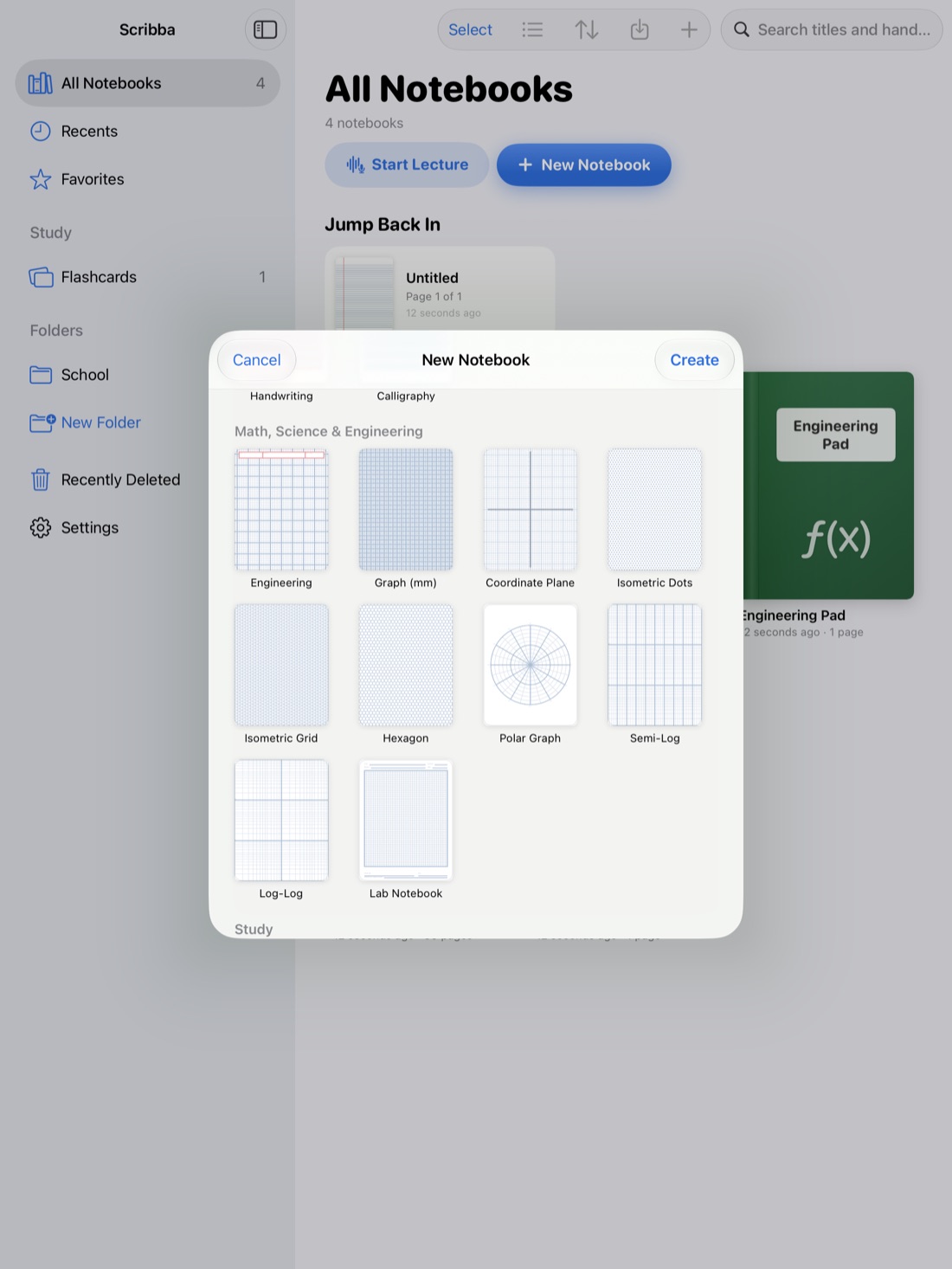
Scribba is an iPad notebook app for students, and its paper picker includes a Habit Tracker template. The page has a MONTH line at the top, a HABIT column for your habits, and 31 day columns, so one page covers a whole month. Write the month at the top and your habits in the HABIT column. For shorter months, just leave the extra columns empty.
A few ways to set it up:
- Put it where you'll see it. If you keep a planner notebook, add the Habit Tracker as a page in it. Pull past the last page to add one and change its paper from the page sidebar. If you keep the planner in a tab next to your class notebooks, the tracker is always one tap away.
- Bookmark it. Name the page with a bookmark in the page sidebar, like "Habits: October," so it shows in the notebook's table of contents.
- Give each habit a color. Scribba keeps three to six favorite colors within reach. Color-coded rows make patterns easier to spot when you look back.
- Start a new page each month, and keep the old ones. Scrolling back through a semester of trackers shows you how your habits changed.
Scribba can help with a couple of the study habits, too. Its flashcards use spaced repetition and let you study all your due cards at once, which makes "did my flashcards" an easy box to fill. Its focus timer runs Pomodoro-style study blocks, and it keeps going as you move between notebooks.
If you'd rather track water and mood on a page about your whole day, the Daily Journal paper has a MOOD row of circles and a WATER row of circles built in. See daily journal on iPad.
Frequently asked questions
How many habits should I track?
Two or three to start. Add another only when the first ones feel easy.
What should I do if I break a streak?
Fill in the next day. Try not to miss twice in a row, and if one day of the week keeps breaking it, adjust the habit for that day.
Does Scribba's habit tracker remind me?
No. It's a paper page you fill in by hand. Pair it with something you already do each day, like going to bed, so you remember to fill it in.