 Scribba
The yellow legal pad has outlasted plenty of fancier stationery. Lawyers use it, but so do writers, managers and anyone who thinks by making lists. The layout is simple: lines all the way across, a red margin on the left, a header line at the top. That simplicity is what makes it useful, and it carries over to an iPad.
This guide covers what the legal pad layout is good for, a few ways to use it for school, and how Scribba's Legal Pad paper is set up.
What makes a legal pad different
Three things set it apart from a regular ruled notebook page:
- The left margin is a real column. The double red line marks off space wide enough to write in. That column is where labels, dates, page numbers, check marks and second thoughts go.
- The header line. A line near the top gives you a place for a title or date, separate from the body.
- The yellow page. Many people read it as "working draft." It's paper for thinking, not for the final copy.
The feel matters too. A legal pad invites fast, messy writing: crossing out, arrows, lists that grow sideways. If a clean notebook makes you hesitate to write the wrong thing, a legal pad gives you permission.
Brainstorming
For brainstorming, write fast and judge later. Put the question on the header line, like "Paper topic: what could I argue about the New Deal?", and fill the page with every idea, one per line, however weak. Don't erase. Cross out instead, so you can still see what you rejected and why.
When the page is full, use the margin. Put a check next to ideas worth keeping, a star next to the best one, and numbers to put the keepers in order. The margin turns a messy list into a ranked one without rewriting anything.
First drafts and outlines
A legal pad is a good place for the draft before the draft. Outline an essay with the main points on the lines and the source or page number for each point in the margin. For a lab report, list each section on the lines and jot the data you still need beside it.
Writing a first draft by hand slows you down just enough to think about each sentence, and there's no font menu to fiddle with. When it's time to type, you're transcribing and tightening, not starting from nothing.
Quick lists
Errands, packing for a trip home, what to bring to lab, questions for an advisor meeting. One legal pad page handles them all. The margin works as a checkbox column: write the item on the line, check it off in the margin when it's done.
Law-style notes
If you're on a pre-law track or taking a constitutional law, business law or law school course, the legal pad layout fits the way legal reading is usually broken down.
- Case briefs. Put the case name and citation on the header line. Down the margin, write the parts of the brief, such as Facts, Issue, Holding and Reasoning, and fill in each one on the lines to its right. When you review, the margin works as an index to the page.
- IRAC answers. Many law and pre-law students practice answering questions with IRAC: Issue, Rule, Application, Conclusion. Write the four letters in the margin as you work through a practice question, so you can see at a glance if you skipped the application.
- Class notes. Use the margin for the case or statute being discussed, and the lines for what the professor says about it. Cold calls go better when you can find a case in seconds.
The same margin trick works in any reading-heavy class. Put the author and page in the margin and your notes on the lines. For more on reading-heavy courses, see English literature notes on iPad.
Using Legal Pad paper in Scribba
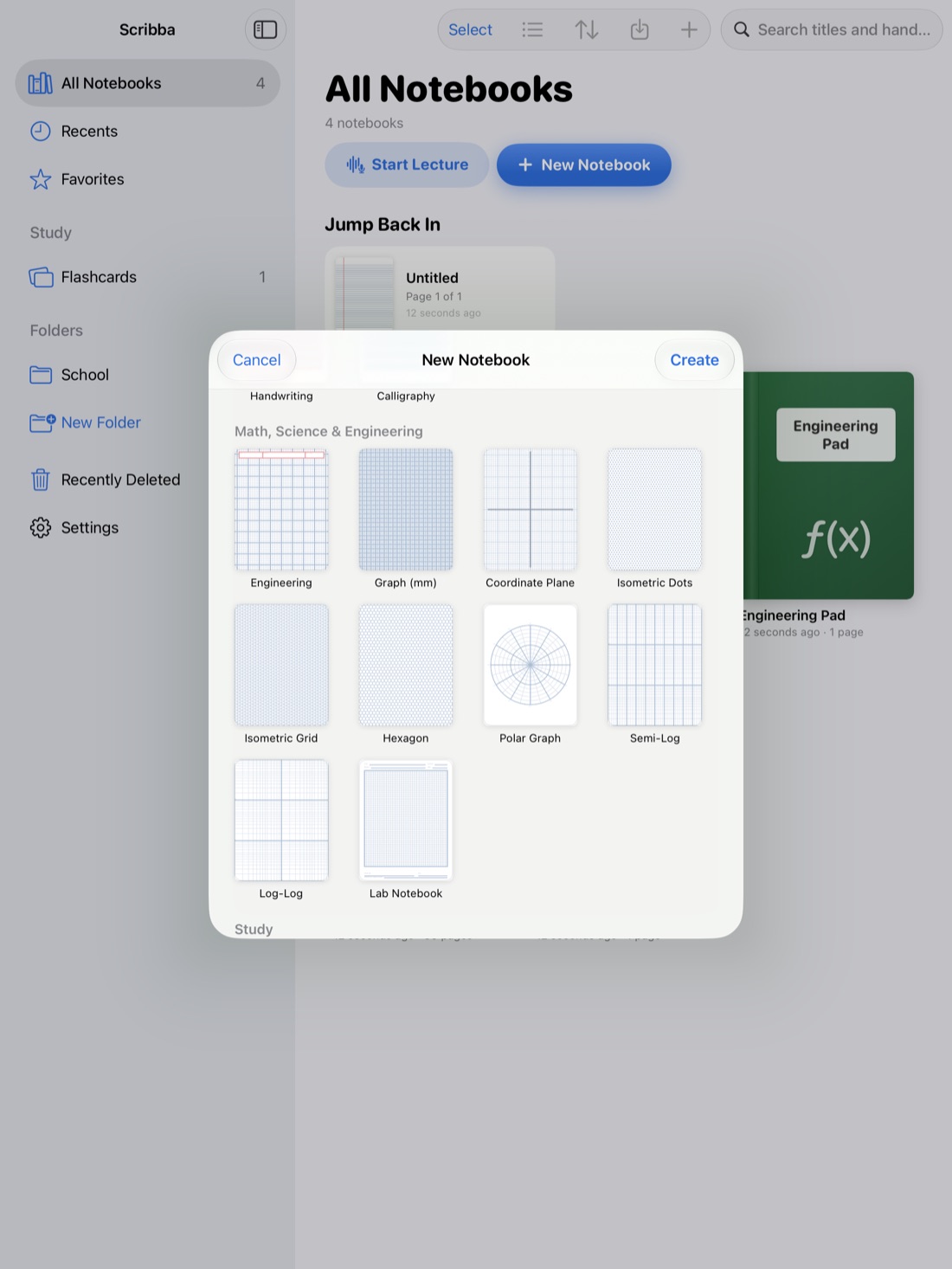
Scribba is an iPad notes app for students, and its Legal Pad paper sits in the Writing & Journaling section of the paper picker. It's yellow by default, with rules across the full width, a red double margin line on the left and a red header line: the layout described above.
- Change the color if you like. Paper color can be changed per page from the page sidebar, so you can have the legal pad layout on white or ivory, or on dark paper at night.
- Mix it into a class notebook. Paper type is also set per page, so one page in a ruled or Cornell notebook can become a legal pad for brainstorming an essay. See iPad note paper templates for the other choices.
- Rearrange a draft with the lasso. Circle a paragraph or list item with the lasso and drag it to a new spot. For outlines, this beats drawing arrows across the page.
- Highlight the keepers. Highlighter strokes snap straight, so marking the best ideas in a brainstorm stays tidy.
- Turn the draft into text. When a handwritten draft is ready, Scribba can copy, share or place a page's handwriting as typed text, so you can paste it into your essay and edit from there. More in handwriting to text on iPad.
- Find it later. Search reads your handwriting, so a case name you wrote in the margin turns up from the library.
Tip: keep one notebook of legal pad pages as a scratch pad for the whole semester. Give each page a short named bookmark in the page sidebar, like "Essay 2 ideas," and the table of contents shows every brainstorm you've done.
When not to use a legal pad
It isn't the best fit for everything. For math and science, a grid keeps equations lined up better. For lectures you'll study from, Cornell notes build the review step into the page. The legal pad is strongest for thinking on paper: lists, drafts and notes you'll sort through later.
Frequently asked questions
Why are legal pads yellow?
There are several stories and no single agreed answer. What matters in practice is that many people like the yellow page as a "draft" signal. In Scribba, Legal Pad opens yellow, and you can switch a page to any of the 9 paper colors.
What's the margin on a legal pad for?
It's a column for labels, dates, page numbers, check marks and comments, kept separate from the main text so you can scan it quickly.
Can I use legal pad paper for class notes?
Yes, especially in reading-heavy and law classes, where a margin column for case names or sources helps. For classes with a lot of review, Cornell notes may suit you better.