 Scribba
A lot of students sign up for nutrition expecting an easy science credit about food. Then week three arrives with fat-soluble vitamins, lipoprotein transport and the fate of pyruvate, and it turns out to be a real science class. Nutrition sits on top of biology and chemistry: you learn what nutrients are, how the body digests, absorbs and uses them, and how researchers study the link between food and health.
This guide is about studying that science. It isn't diet advice, and nothing here tells you what to eat. It's about how to set up notes for a class with a lot of overlapping facts, some math, and usually a project or two.
Know what kind of class you're in
Intro nutrition courses tend to mix four kinds of material, and each one wants a different kind of note:
- Nutrient facts. Each vitamin and mineral has a function, food sources, and signs of deficiency and excess. This is mostly memorization, and it's where exam points are won or lost.
- Physiology. Digestion along the GI tract, absorption, transport in the blood, storage. These are processes, so draw them.
- Calculations. Energy from macronutrients, the share of calories from each, reading a food label, comparing intake to reference values.
- Research and guidelines. How nutrition studies are designed, why observational studies can't prove cause, and how dietary reference values are set.
If you label each page with which of the four it is, you'll know how to study it later.
Turn nutrient facts into a chart
The biggest trap in nutrition is the micronutrient unit. Thiamin, riboflavin, niacin, B6, folate, B12 and the rest blur together fast when they're written as paragraphs. A chart fixes that, because it lines up the same facts for every nutrient so you can compare across rows.
Set up columns like these and fill one row per nutrient as the lecture goes:
- Nutrient and any other names it goes by.
- Main function, in a few words.
- Major food sources.
- Deficiency signs or the named deficiency disease.
- Excess or toxicity, if your course covers it.
- A hook, anything that makes it stick, like which nutrients are fat-soluble and stored versus water-soluble.
Charts like this are also how many nutrition exams are written: "Which vitamin deficiency causes..." questions are just one cell of the chart, read backward. The charting method covers this style of note in more depth.
On iPad, try Grid or Dot Grid paper, which keeps columns straight without drawing every line yourself. Orientation is chosen per notebook when you create it, so if you like wide landscape charts, give them their own notebook.
Draw digestion and metabolism as maps
Digestion is a journey, so draw it as one. Sketch the GI tract once, simply, and label where each macronutrient is broken down, which enzymes act there and where absorption happens. Then reuse that same sketch each unit, adding carbohydrates, then proteins, then fats.
Metabolism works the same way. You don't need every reaction a biochemistry course would ask for. Most nutrition courses want the big picture: glucose, fatty acids and amino acids all feeding into shared pathways, what happens in the fed state versus fasting, and where energy is made. A one-page map with arrows is easier to study than three pages of text. If you also take biology, the diagram habits in biology notes on iPad carry straight over.
In Scribba, hold the Apple Pencil still at the end of a stroke and it snaps into a straight line, arrow, circle or rectangle, which keeps pathway maps neat when you're drawing fast.
Show your work on energy math
The calculations are not hard, but they're easy to rush. Most intro courses use the standard energy values: carbohydrate and protein at about 4 kilocalories per gram, fat at about 9, and alcohol at about 7. Exam problems then ask you to find total energy from a label, or what share of energy comes from fat.
Write these out step by step, with units on every line:
- Grams of each macronutrient, from the label or the problem.
- Multiply by its energy value to get kilocalories from each.
- Add them up for the total.
- Divide each part by the total if the question asks for proportions.
- Sanity check against the label's total. Rounding on labels means it won't match exactly, but it should be close.
Problem Set paper works well for homework like this. It has NAME, COURSE, DUE and ASSIGNMENT fields over a grid split into four numbered problem areas.
Keep a vocabulary page per unit
Nutrition has a dense vocabulary, and many terms come in families that sound alike: the dietary reference values (EAR, RDA, AI, UL), the lipoproteins, the types of fiber. Pull every new term onto a vocabulary page as you go.
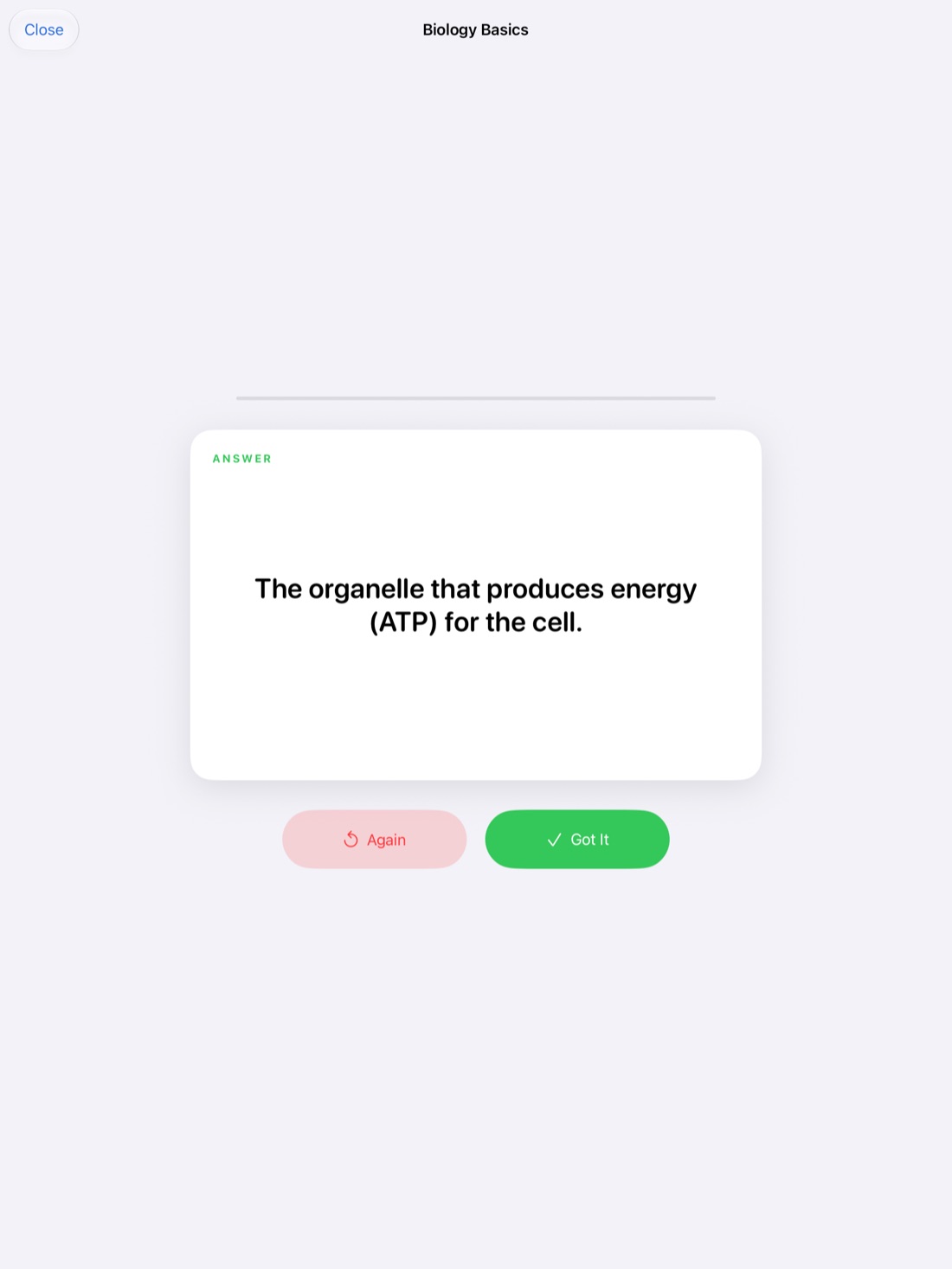
Scribba's Vocabulary paper has a two-column table, TERM and DEFINITION / EXAMPLE. Write one term per row. When the page is full, Scribba reads your handwriting and turns each row into a flashcard. Review and fix any misread words, then study. This works on any iPad that runs Scribba and doesn't need Apple Intelligence. See flashcards from handwritten notes.
Decks use spaced repetition, so cards come back after 1, 3, 7, 14 and 30 days. That suits a class where you learn twenty nutrients in a month and need them all again on the final.
Quiz yourself with the chart
Once your nutrient chart is filled in, it becomes a self-test. Cover one column and try to recall it from the others: see the deficiency, name the vitamin.
In Scribba, drag study tape over the cells you want to hide. When you study, try to answer, then tap the tape to peek. Cover a different column each time. More in study tape on iPad.
Diet analysis projects
Many nutrition courses include a project where you record food intake for a few days and compare it to reference values. Keep your records in one place, date each day, and write down portion sizes as you go rather than from memory at night. A ruled page per day is plenty, and a photo of a food label can sit right next to the entry.
Keep this as a class exercise, not a verdict on your own eating. If logging your own food doesn't feel right for you, ask your instructor; some courses offer an alternative, like analyzing a sample menu.
Record the research lectures
Lectures on study design and guidelines are full of careful distinctions that are easy to half-catch: correlation versus causation, cohort versus randomized trial, why one study rarely settles a question. If your professor allows recording, these are the lectures where it pays off. In Scribba, tap the mic and write as usual; later, tap a line to hear the explanation again. See how to record a lecture on iPad, and check your class's policy first.
Frequently asked questions
Is a nutrition class hard?
It's more memorization and more science than many students expect. Charts for nutrients, maps for metabolism and steady flashcard review make it manageable.
What paper should I use for nutrient charts?
Grid or Dot Grid paper helps you keep columns straight. The Vocabulary paper is best for term lists you want to turn into flashcards.
Does this guide give diet advice?
No. It's about taking notes for a nutrition science course. For questions about your own diet, talk to a qualified health professional.