 Scribba
A lecture is much easier to follow when it isn't your first time hearing the words. If you saw "oxidative phosphorylation" in a heading the night before, you can spend class understanding it instead of trying to spell it. A little preparation turns the lecture into your second pass at the material, and second passes stick.
You don't need to read everything in advance. This guide is a short routine, 10 to 20 minutes, that you can do the night before or in the hour before class.
Why preparing helps
When you walk into a lecture cold, most of your attention goes to keeping up: new terms, new names, the professor's pace. You write down everything because you can't tell what matters.
When you've previewed the material, you already have a rough map. New details have somewhere to attach. You can tell the main idea from the example, so you write less and understand more. And you know which parts confused you during the preview, so you're listening for them.
Step 1: check what today's class is about
Look at the syllabus or course schedule. Most list a topic or a reading for each session. Write the topic down; it's the title of today's page.
Then glance at your last page of notes for this class, especially any summary you wrote at the bottom. Lectures build on each other, and the first ten minutes often pick up right where the last class stopped.
Step 2: pre-read the fast way
If there's an assigned reading, you don't have to finish it before class to get most of the benefit. A preview is enough:
- Read the title, introduction and conclusion, or the chapter summary if there is one.
- Read every heading and subheading. Together they're an outline of the chapter.
- Look at the figures and their captions. Lecturers often teach from the same diagrams.
- Scan for bold or italic terms. Write the ones you don't know in a short list.
- Read the questions at the end of the chapter, if there are any. They tell you what the author thinks matters.
For most chapters this takes about ten minutes. If you have time for a full read, it often works well after class, once the lecture has shown you which parts matter most. For a structured way to do the full read, try the SQ3R reading method.
If your professor expects you to discuss the reading in class, as in a seminar, do the full read before.
Step 3: skim the slides
If your professor posts slides before class, flip through them once. Don't take notes on them yet. Look for:
- Dense slides with a diagram, a derivation or a long list. You'll want extra room to write there.
- Terms you didn't see in the reading. Add them to your list.
- The structure. Section title slides show how the hour is divided.
Download them before you get to class, since campus Wi-Fi in a full lecture hall can be slow. How to annotate lecture slides on iPad covers getting slides onto your iPad and making room for notes.
Step 4: write two or three questions
Based on what you previewed, write a few questions you expect the lecture to answer, or ones you're unsure about. "How is this different from glycolysis?" "Why did the first treaty fail?"
During class, listen for the answers. Questions give you a reason to pay attention, and if one goes unanswered, you have something ready to ask at the end of class or in office hours.
Step 5: set up your page
Have a page ready before the professor starts talking:
- The topic and date at the top, from Step 1.
- Your term list and questions in the margin or at the top, so you can check them off as they come up.
- Section headings with space under each, if the slides show a clear structure.
- Room for a summary at the bottom, to fill in after class.
If you take Cornell notes, write your questions in the cue column before class. They'll become part of your study questions later. See how to take Cornell notes on iPad.
Tip: if you only have five minutes, do Steps 1 and 5. Knowing the topic and walking in with a page ready gets you a long way.
Preparing in Scribba
Scribba is an iPad notes app made for class, and a few of its features fit this routine.
Lecture Notes paper. This template has COURSE, LECTURE #, DATE and TOPIC fields at the top, ruled lines for notes and a KEY TAKEAWAYS box at the bottom. Filling in the top fields is Step 1 done, and the KEY TAKEAWAYS box is your summary space for after class. Cornell Notes paper works well too, with a CUES & QUESTIONS column ready for the questions you wrote in Step 4. You can change a page's paper from the page sidebar, and lecture notes templates on iPad compares the options.
Slides in the class notebook. Import the posted PDF into the class notebook, or as a new notebook, and write right on the slides during the lecture. Text in imported PDFs is searchable, so a term from the slides is easy to find later. If you'd rather see the slides beside your notes, Split View opens a notebook in its own window.
Pre-reading notes. If your reading is a PDF, import it the same way and highlight as you preview. Scribba's highlighter snaps to straight strokes, so quick highlighting stays neat. Your handwritten term list is searchable too.
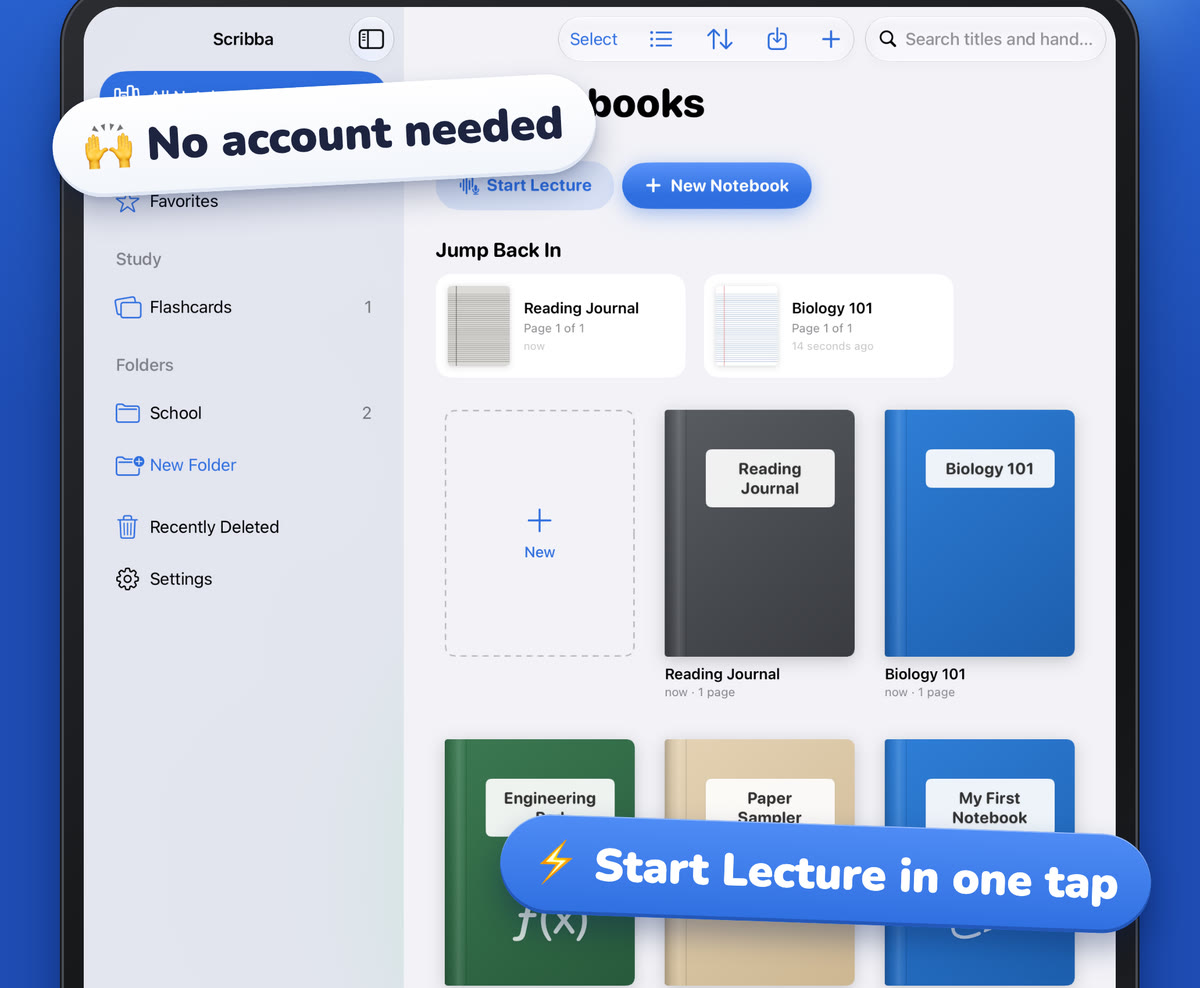
Start Lecture when class begins. One tap from the library adds a dated, bookmarked page to a class notebook and starts recording, and each lecture shows up in the notebook's table of contents. You can also say "Start a lecture in Scribba" to Siri. If you set up your page the night before, just tap the mic on that page when class starts instead. Either way, ask your professor before recording; policies vary by school and by class, and is it OK to record lectures? covers what to check.
Frequently asked questions
How long should I spend preparing for a lecture?
Ten to twenty minutes is plenty for most classes. Even five minutes, enough to know the topic and set up your page, makes the lecture easier to follow.
Should I do all the reading before class?
Not always. A quick preview before class and a full read after works well for many lecture courses. If the class discusses the reading, or the professor says to read first, do the full read beforehand.
What if my professor doesn't post slides?
Use the syllabus topic and the reading instead. Set up your page with the topic, your term list and a few questions, and leave more space, since you'll be writing more during class.