 Scribba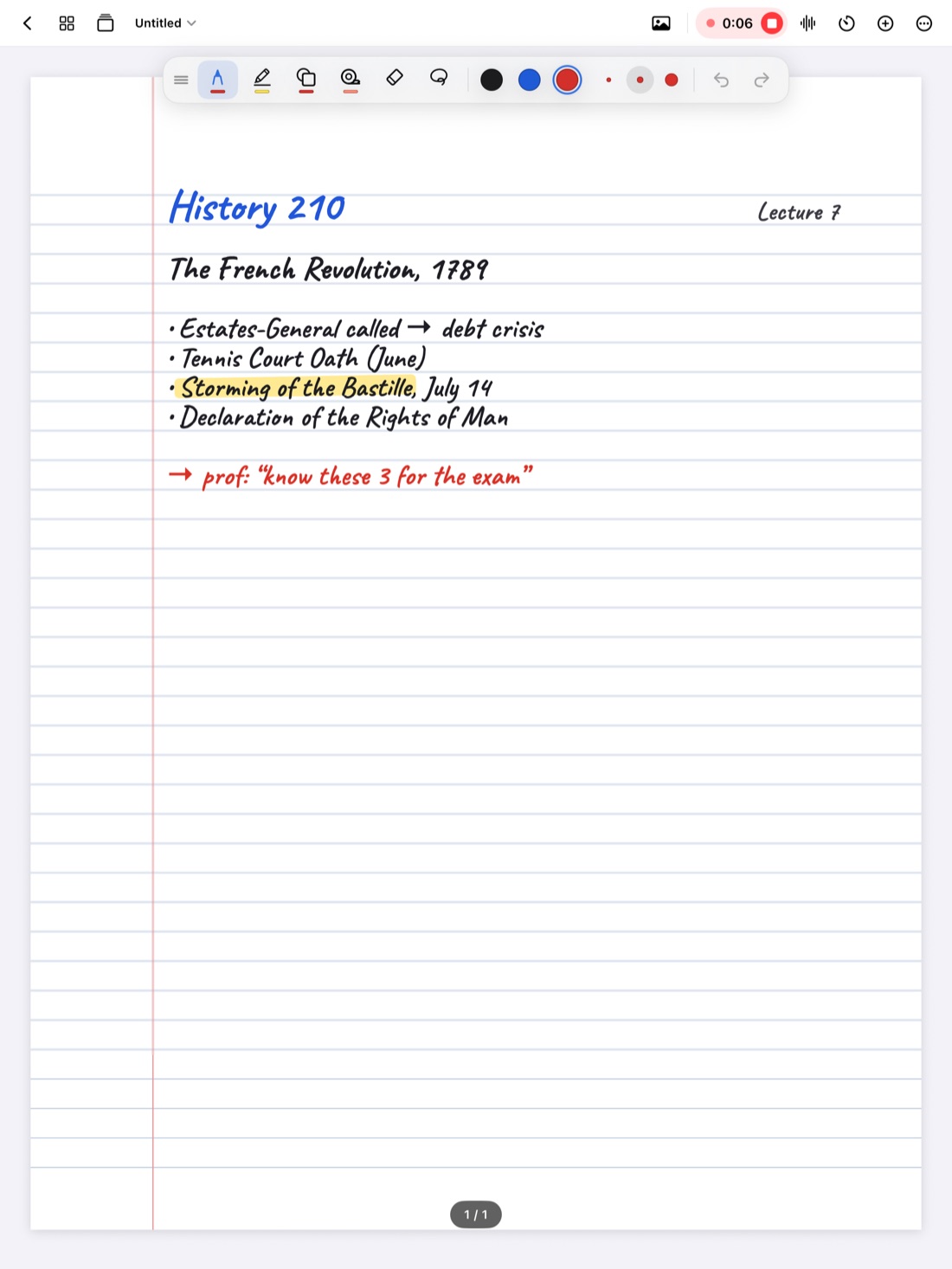
Economics is a class taught in graphs. A professor says "a tax shifts supply," draws two lines and an arrow, and expects you to read the answer off the picture. If your graph is sloppy or unlabeled, the answer is hard to find later, and so is the reasoning behind it.
Good econ notes do three things well: they get the graphs right, they keep track of the assumptions behind each model, and they pin down the vocabulary. Here's how to do all three on an iPad.
Draw graphs the same way every time
Most intro micro and macro graphs share a few rules. Follow them every time, and your graphs become easy to read and easy to redraw on an exam.
- Label both axes first. Price on the vertical axis and quantity on the horizontal, for most market graphs. Macro graphs use other pairs, like price level and real output.
- Draw and label each curve. Write S and D (or AS and AD) right at the end of each line.
- Mark the equilibrium. Put a dot where the curves cross, then draw dashed lines to each axis and label them P* and Q*.
- Show changes in a second color. Draw the new curve (say, S₂) in a different color, with a small arrow showing the direction of the shift.
- Mark the new equilibrium and its price and quantity, so you can see what went up and what went down.
- Shade areas when they matter. Consumer surplus, producer surplus, tax revenue and deadweight loss are all areas on the graph. Shade each with a light highlighter and label it.
Tip: under each graph, write one sentence that says what happened in words, like "Tax shifts supply left: price rises, quantity falls." That sentence is often what an exam answer needs.
Pick paper with axes or a grid
Graphs are easier on paper that does some of the work. Coordinate plane paper gives you axes already drawn, which suits quick market graphs. Grid or graph (mm) paper helps when you need to plot points from a table, like a production possibilities frontier or a cost schedule. Scribba has both, and its graph papers run edge to edge. You can change the paper of a single page from the page sidebar, so one notebook can hold ruled lecture pages and graph pages side by side. See iPad note paper templates for the full list.
Snap axes and lines in Scribba
In intro courses, supply and demand curves are usually drawn as straight lines, which makes them easy to snap. In Scribba, hold the Apple Pencil still at the end of a stroke and it snaps into a straight line or an arrow. Draw an axis, pause, and it's straight. Draw a demand curve, pause, and it's a clean line. If you're drawing a lot of graphs in one lecture, switch to the Shape tool and every stroke snaps.
Not every econ curve is straight. Cost curves, indifference curves and Laffer curves bend, so draw those freehand. A dot grid or graph paper helps keep the shape smooth. For lines you want to place exactly, open the ruler from the + menu in the notebook's top bar.
The highlighter snaps its strokes straight too, which keeps shaded areas and highlighted labels tidy.
Write down the model and its assumptions
Every econ model rests on assumptions: perfect competition, rational buyers, other things held constant. Exams love to change one assumption and ask what happens. If you never wrote the assumptions down, those questions feel like trick questions.
For each model, keep a short block in your notes:
- The model's name and what question it answers.
- The assumptions, as a short list.
- The graph, drawn cleanly and labeled.
- The key result, in one sentence.
- What changes if an assumption breaks. Your professor will often mention this out loud, almost in passing.
Keeping this layout consistent pays off before exams. You can flip through and compare models quickly, and you'll notice which ones share assumptions.
Link your graphs to the explanation
Econ professors often draw a graph and then talk through it for several minutes: why the curve shifted, which way, and what that means for prices. Your graph captures the end state. The explanation is what you'll forget.
If your professor allows recording, it's a good fit here. In Scribba, tap the mic (or press ⌘R) and take notes as usual. Every stroke you write is linked to that moment in the recording. Later, tap the new supply curve you drew and playback jumps to the moment you drew it, while the professor was explaining the shift. If you got lost, draw a question mark next to the graph and keep going. After class, tap it to hear what you missed.
Scribba also transcribes each recording, so you can search for a phrase like "price ceiling" from the library and find where it came up. See how to record a lecture on iPad and lecture transcripts on iPad. Check your course's recording policy first; is it OK to record lectures? covers what to ask.
Turn definitions into flashcards
Economics has precise vocabulary, and the precision matters. "Quantity demanded" and "demand" mean different things, and mixing them up costs points. Opportunity cost, elasticity, marginal revenue, comparative advantage: each one needs a definition you can say in your own words.
Keep a vocabulary page for each unit. During lecture, mark new terms with a small symbol. After class, copy each term onto the vocabulary page with a short definition, and, where it helps, a tiny example.
Scribba's Vocabulary paper is made for this. Write one term and its definition per row. When the page is filled in, Scribba reads your handwriting and turns each row into a flashcard. Review and fix any misread words, then study. This works without Apple Intelligence. More in flashcards from handwritten notes.
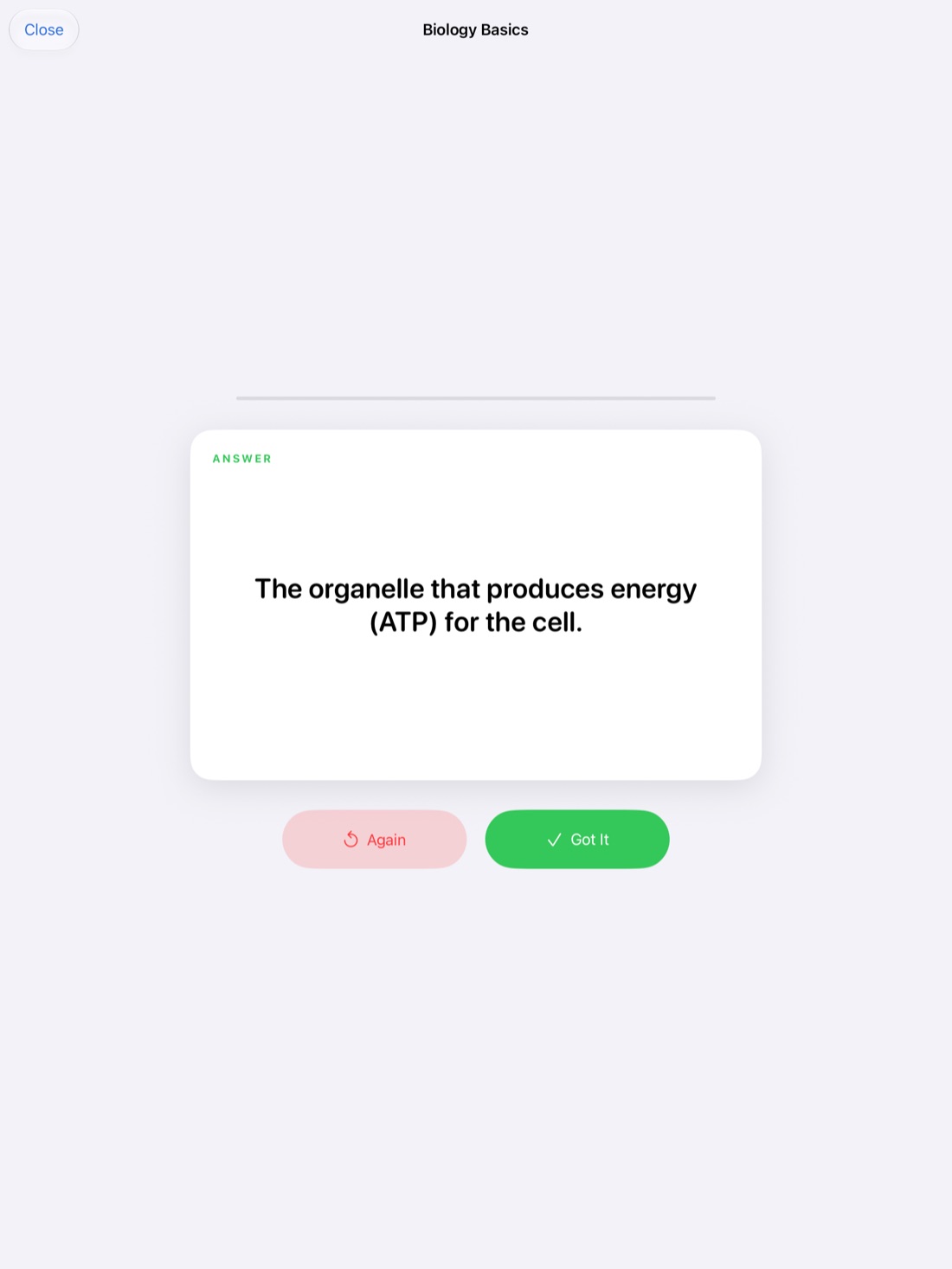
Decks use spaced repetition, so cards come back after 1, 3, 7, 14 and 30 days, and you can export a deck to Quizlet or Anki.
Practice graphs, not just terms
Definitions are only half the exam. The other half is drawing. A good practice routine:
- Read a scenario, like "a new technology lowers production costs."
- Draw the graph from a blank page, without looking.
- Write one sentence on what happened to price and quantity.
- Check against your notes.
In Scribba, you can hide the answer sentence under each graph with study tape, read the scenario, draw it fresh, then tap the tape to check. See study tape on iPad.
Frequently asked questions
What's the best paper for economics notes?
Coordinate plane paper for quick supply and demand graphs, graph paper for plotting data, and ruled or Cornell paper for lecture-heavy days.
Can Scribba draw curved lines for cost curves?
Scribba snaps straight lines, arrows and basic shapes, not freehand curves. Draw curved lines freehand; a grid helps keep them smooth.
Can Scribba calculate elasticity or solve for equilibrium?
No. Scribba doesn't recognize equations or do math. It's for writing your work clearly and studying it later.