 Scribba
Ruled paper assumes you'll write sentences. Graph paper assumes you'll draw. Most class notes do both: a definition, then a diagram, then a quick table comparing three things, then more writing. Dot grid handles all of that on one page, which is why many students try it once and keep using it.
This guide explains what makes dot grid work, how to set up a page so it stays readable, and how to use it on an iPad.
Structure without the lines
A dot grid is a grid with only the intersections printed. Your eye still connects the dots into rows and columns, so you get the alignment of a grid. But once you write or draw over it, the dots fade into the background instead of competing with your ink.
That gives you:
- Rows for writing. A row of dots works as a baseline.
- Columns for alignment. Indents, bullet lists and equations line up when you count dots.
- Anchors for drawing. Boxes, arrows, axes and flowcharts line up by eye.
- Freedom to ignore it. A sketch or concept map isn't fighting printed lines, because there aren't any.
Writing on dot grid
The most common question is how to keep handwriting straight without lines. You have two options:
- Write on every row if your handwriting is small. Each row of dots is a baseline.
- Write on every other row if your handwriting is larger, or if you want space between lines. The skipped row leaves room to add a correction or an example later.
Pick one and stick with it on a given page. Mixing spacings makes a page look messy fast.
Diagrams, tables and layouts
This is where dot grid earns its place.
Diagrams
Use the dots as anchors. Whether it's a cell, a free body diagram, a supply and demand graph or a circuit, start each shape on a dot and your lines and labels will line up. Leave a few empty dots around every diagram so the labels have room.
Tables
Tables are awkward on ruled paper and easy on dot grid. Decide how many dots wide each column should be, draw vertical lines along the dot columns, and use rows of dots for the horizontal lines. A three-column comparison, like three types of muscle tissue or three economic systems, takes a minute.
Page layouts
Dot grid makes it easy to build your own structure. Draw a margin column a few dots wide for key terms or questions, a box at the bottom for a summary, or split the page into two columns for compare-and-contrast notes. If that sounds like Cornell notes, it is: you can draw a Cornell layout on dot grid whenever you need one. If you'd rather have it printed for you, see Cornell notes on iPad.
Tip: use a consistent set of indents. Main ideas at the left edge, supporting points two dots in, details four dots in. Your notes get a visible outline without numbered headings.
When dot grid isn't the best choice
- Plotting and long calculations. If you're graphing data or lining up long derivations, a full grid or graph paper is easier to read precisely. See graph paper on iPad.
- All-text pages. If a page is nothing but sentences, like reading notes for a seminar, ruled lines keep you straight with less effort.
- Pages that need fields. Lab notebooks, problem sets and planners work better on paper with the fields already printed.
Dot grid notes in Scribba
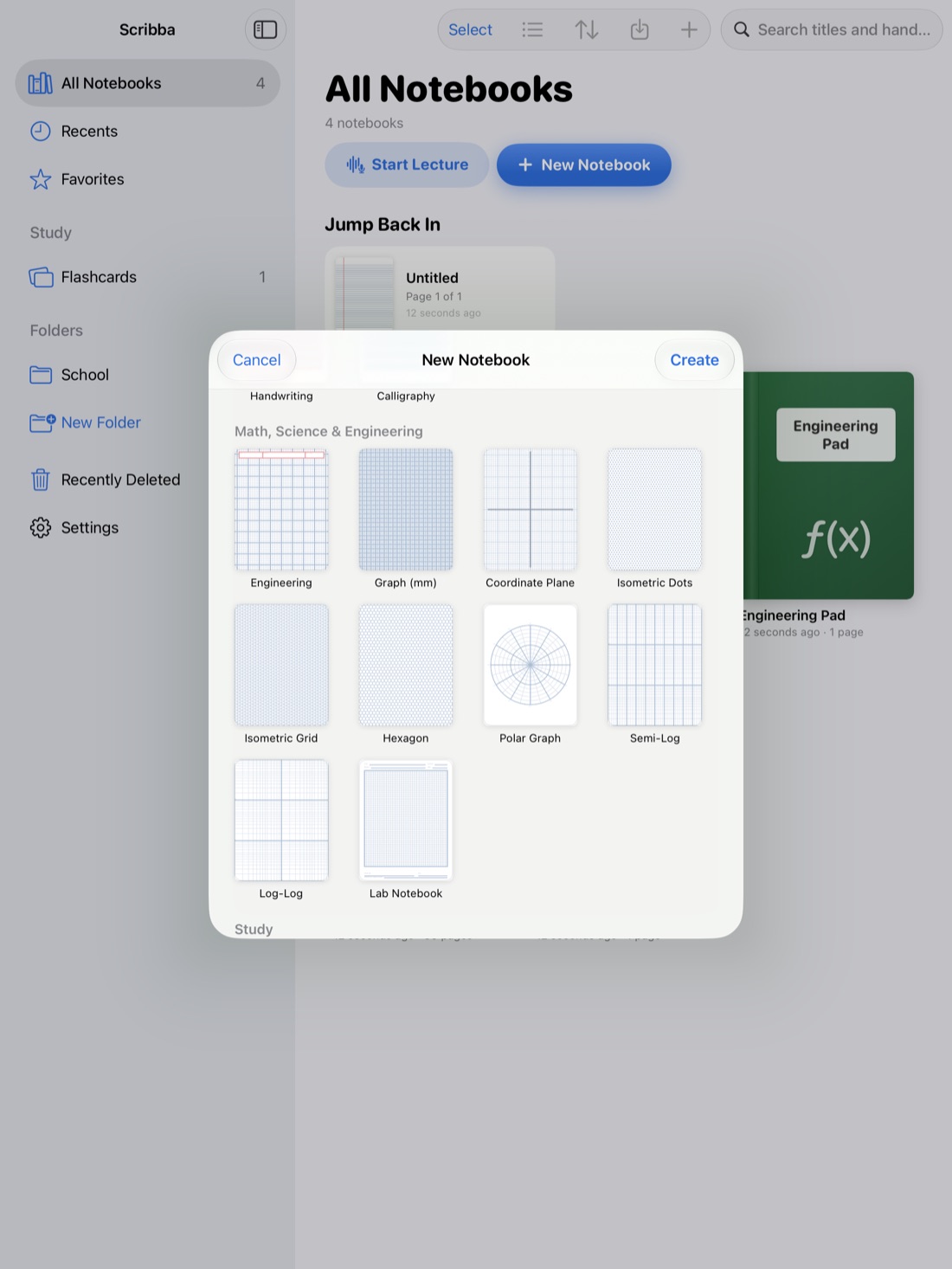
Scribba is an iPad notes app for students, and its Dot Grid paper, a 5 mm dot grid, sits in the Essentials section of the paper picker. Choose it in the paper picker, or change any page to it from the page sidebar. Because paper is set per page, one class notebook can be mostly dot grid, with a ruled page for a reading response or a Cornell page for exam review.
A few tools pair well with dot grid:
- Snap shapes. Hold the Pencil still at the end of a stroke and it snaps into a straight line, arrow, circle, ellipse, triangle, rectangle or polygon. Table borders and diagram boxes come out clean. More in how to draw straight lines and shapes on iPad.
- The ruler. For a long, exact line, like an axis or a table's outer border, use the ruler from the + menu in the notebook's top bar.
- Highlighter. Highlighter strokes snap straight, so shading a table's header row stays neat.
- Lasso. If a diagram ends up crowding your text, circle it with the lasso and move it.
- Text boxes and photos. Add a typed label or a photo of the whiteboard, then arrange your handwriting around it.
- Paper color. Dot grid works on any of the 9 paper colors, including dark paper for studying at night.
Paper stays sharp at any zoom, so you can zoom in to draw a detailed diagram and the dots stay crisp.
Dot grid is also the base of a bullet journal. Scribba's Bullet Journal paper is the same 5 mm dot grid with a DATE line at the top. See how to bullet journal on iPad.
Frequently asked questions
Is dot grid good for college notes?
Yes, especially for classes that mix writing with diagrams, tables or graphs, like biology, economics or chemistry. For classes that are almost all text, ruled paper may be easier.
How do I write straight on dot grid paper?
Use each row of dots as a baseline, or every other row if your handwriting is large. Keep the same spacing across the whole page.
What size is Scribba's dot grid?
Scribba's Dot Grid paper is a 5 mm dot grid. You'll find it in the Essentials section of the paper picker.