 Scribba
Ask ten students whether to handwrite or type notes and you'll get ten confident answers. Some swear handwriting is the only way anything sticks. Others can't imagine giving up the speed of a keyboard. Both groups are partly right, because the two methods are good at different things.
This guide lays out the honest trade-offs, without pretending either one wins every time, and then shows how to get most of the benefits of both.
What handwriting does well
- It makes you choose. You can't write as fast as a professor talks, so you're forced to decide what matters and put it in fewer words. That act of summarizing is a form of thinking about the material, and it tends to help understanding.
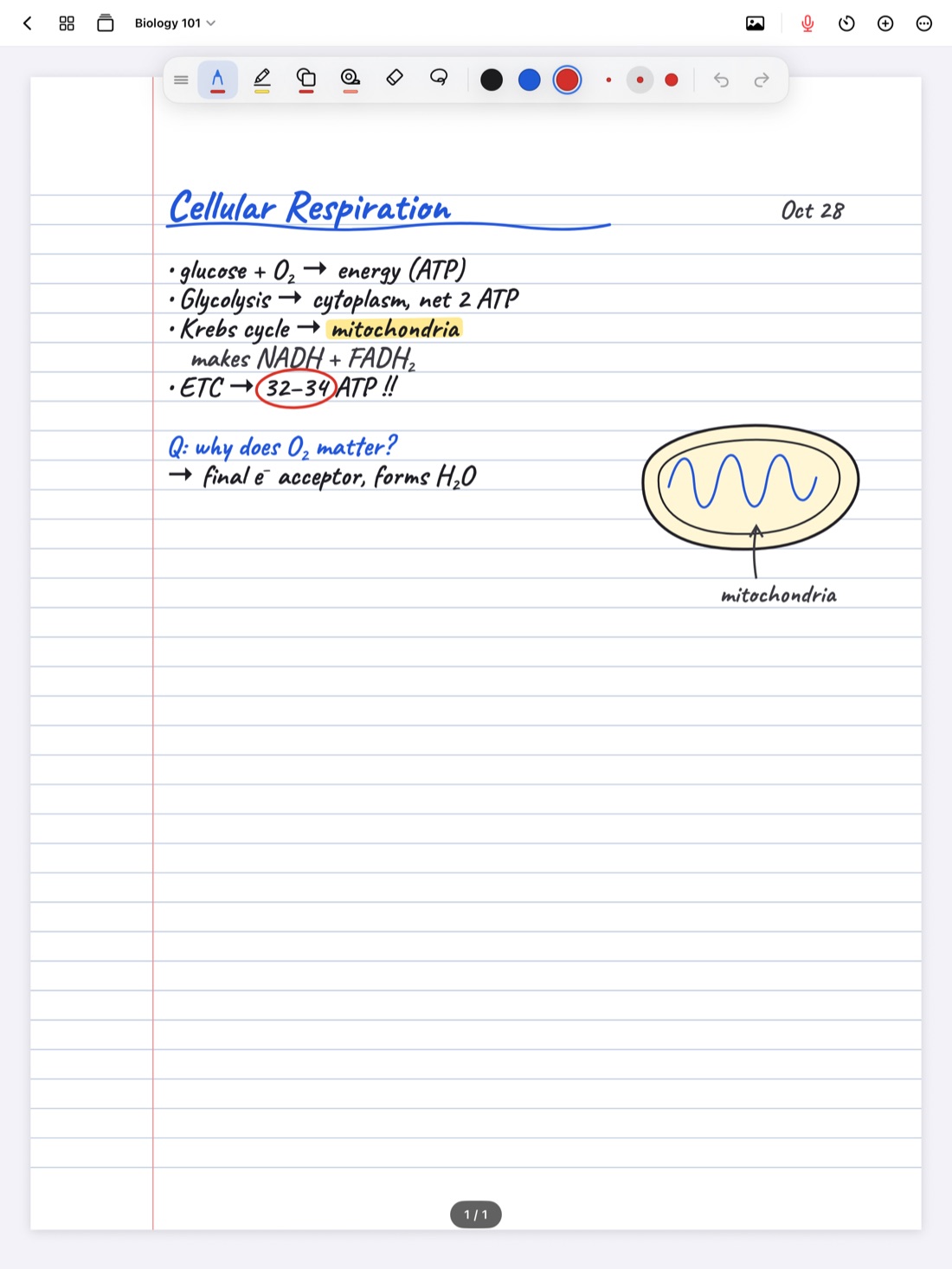
- Diagrams, equations and arrows are natural. A quick sketch of a cell, a supply and demand curve, or a chemical structure takes seconds with a pen and a lot longer with a keyboard.
- Layout is free. You can put a note in the margin, circle something, draw a line between two ideas on opposite sides of the page. That spatial memory ("it was in the top corner, next to the graph") helps some people find and recall things.
- Fewer temptations. A pen doesn't have notifications. (An iPad does, but you can manage that.)
Where handwriting falls short
- It's slower. In a fast lecture, you fall behind and miss things while you catch up.
- It's tiring. A long day of writing can wear out your hand.
- Paper is hard to search and edit. Finding one definition in a semester of paper notes means flipping pages. Moving a paragraph means rewriting it.
- Messy handwriting can become unreadable a few weeks later.
What typing does well
- Speed. Most people type faster than they write, so you capture more of what was said.
- It's always legible. No decoding your own scrawl before the exam.
- Easy to search, edit and reorganize. Cut, paste, restructure, find any word in seconds.
- Good for prose-heavy classes. In seminars, literature, history or law, where the content is arguments and quotes, typing keeps up with long sentences.
Where typing falls short
- It invites transcribing. Because you can keep up, it's tempting to type what the professor says word for word without thinking about it. Notes like that look complete but can teach you less.
- Diagrams and math are awkward. Typing an equation or describing a diagram in words is slow and error-prone.
- The rest of the computer is right there. Email, messages and a browser are a click away.
What the general finding is
Classroom research on this question has a fairly consistent theme. People who type tend to take more notes, but more of those notes are word for word. People who write by hand take fewer notes, but they rephrase more, and processing ideas into your own words is what tends to help understanding.
The useful takeaway isn't "handwriting good, typing bad." It's that how you take notes matters more than the tool. Someone who types but deliberately summarizes in their own words gets much of the benefit. Someone who handwrites but copies slides word for word misses it.
Tip: if you type, give yourself a rule: no full sentences from the professor unless it's a definition or a quote you'll need. Paraphrase everything else.
Choosing by class
Instead of picking one method for everything, pick by subject:
- Math, physics, chemistry, engineering: handwriting, since equations and diagrams are the content.
- Biology, anatomy, economics: handwriting usually wins for the diagrams, cycles and graphs.
- Literature, history, philosophy seminars: typing can work well for long arguments and quotes, though many students still prefer handwriting for the thinking it forces.
- Languages: handwriting helps with accents, characters and vocabulary practice.
- Fast lecturers with dense slides: either works if you write on the slides and only add what's new. See how to keep up with fast lecturers.
Try each for two weeks in the same class, then compare. Can you explain the material from your notes? That's the test.
Getting the benefits of both
Writing by hand on an iPad closes several of the gaps between the two. You keep the thinking, diagrams and layout of handwriting, and pick up some of what makes typed notes convenient.
In Scribba:
- Handwriting is searchable. Scribba reads your handwriting on the iPad and lets you search it, along with typed text, PDF text and lecture transcripts. Results open on the matching page. See how to search your handwritten notes.
- Handwriting can become text. Copy, share or place a page's handwriting as typed text, for an email, an essay draft or a study doc. See handwriting to text on iPad.
- Type where typing is better. Add text boxes to a page for a quote or a block of prose, right next to your handwritten diagrams. To be clear, Scribba is a handwriting notebook first: typing happens in text boxes on a page, not in a separate typed-notes editor. If a class is almost all long typed prose, a word processor may suit it better.
- Editing is easy. Select writing with the lasso to move it, erase with a scribble, and move or copy pages between notebooks from the page sidebar.
- The speed gap gets a safety net. Record the lecture while you write, and every stroke is linked to the moment in the recording. If you fall behind, mark the spot and tap it later to hear what you missed. See how to record a lecture on iPad.
- Hand fatigue. Write at whatever size is comfortable, or use the Zoom Window to write big in a magnified strip that lands small and neat on the page.
No Apple Pencil? Turn on Settings › Draw with Finger. Taking notes without an Apple Pencil has tips.
Frequently asked questions
Is handwriting really better for memory?
Handwriting tends to push you to summarize, which helps. But it's the summarizing that does the work. Typed notes in your own words can do much of the same, and either method benefits from testing yourself afterward.
Can I type and handwrite in the same notes?
Yes. In Scribba you can add text boxes to any handwritten page, so you can type a quote and draw the diagram beside it.
Can I search handwritten notes like typed ones?
In Scribba, yes. Handwriting recognition runs on the iPad, and search covers your handwriting along with typed text, PDF text and transcripts.